Password Rotation Checklist: When to Change and When to Stop
Mandatory password rotation often increases risk by encouraging users to choose weaker, predictable variations of their previous credentials.

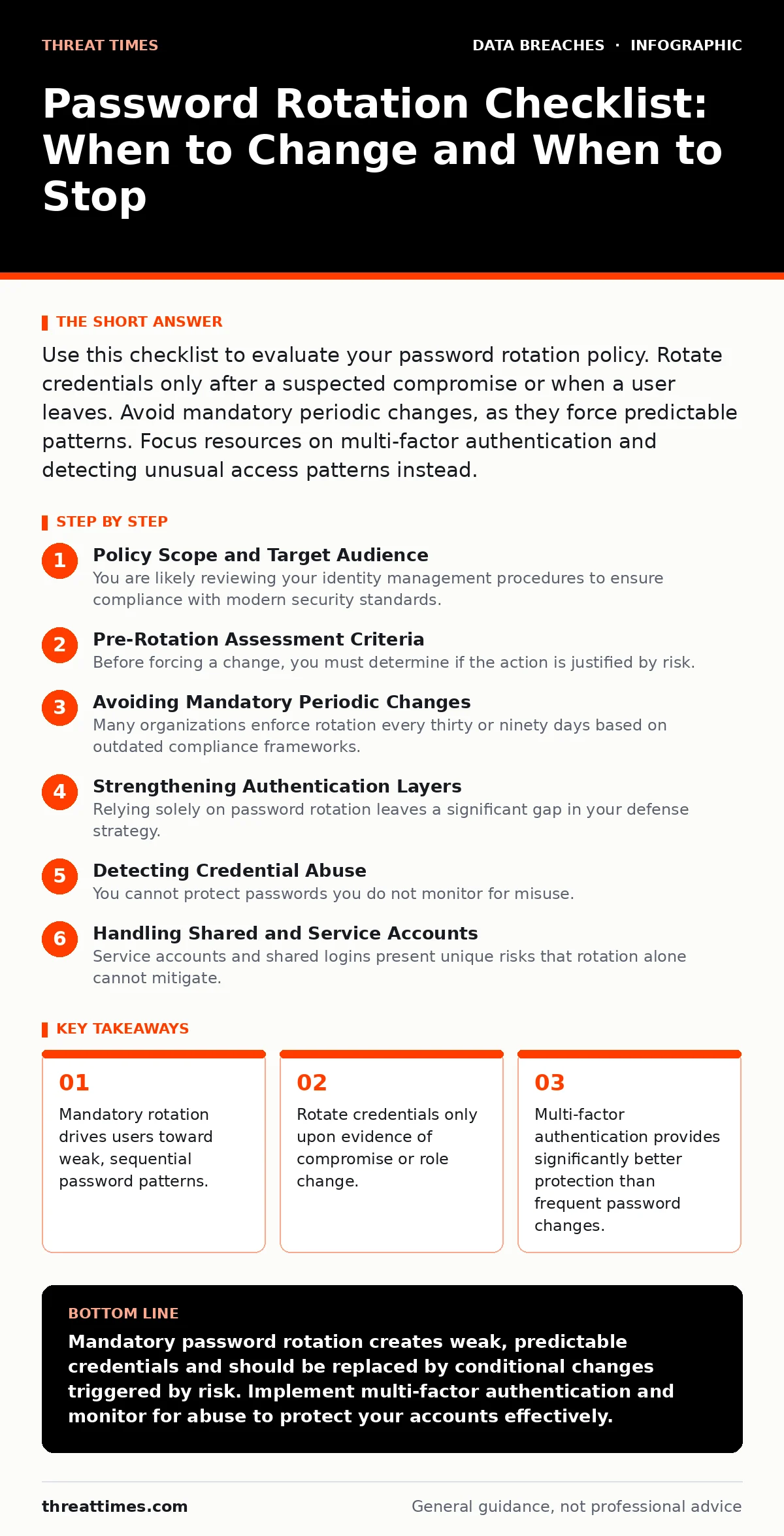
Use this checklist to evaluate your password rotation policy. Rotate credentials only after a suspected compromise or when a user leaves. Avoid mandatory periodic changes, as they force predictable patterns. Focus resources on multi-factor authentication and detecting unusual access patterns instead.
Policy Scope and Target Audience
You are likely reviewing your identity management procedures to ensure compliance with modern security standards. This checklist applies to organizations managing user accounts for internal systems, customer portals, or administrative interfaces. It helps you distinguish between necessary credential updates and harmful administrative overhead. Use this tool to audit your current rotation rules against established best practices.
Pre-Rotation Assessment Criteria
Before forcing a change, you must determine if the action is justified by risk. Unnecessary changes waste administrative time and degrade user experience without improving security. Evaluate the following conditions to see if a rotation is warranted.
- Evidence of unauthorized access: Rotate immediately if logs show successful logins from unknown locations or devices.
- Employee offboarding: Change credentials when staff leave to prevent former employees from accessing shared resources.
- Role elevation: Update passwords when a user gains access to sensitive data or higher privilege levels.
- Shared account usage: Rotate credentials if multiple individuals use a single login, as accountability is lost.
- System compromise indicators: Change passwords if the hosting infrastructure shows signs of intrusion or malware.
Avoiding Mandatory Periodic Changes
Many organizations enforce rotation every thirty or ninety days based on outdated compliance frameworks. This practice assumes that attackers hold stolen passwords for long periods, which is rarely the case. Modern attackers act quickly, often within minutes of a breach. Forcing regular changes creates a hidden cost: users adopt predictable modification strategies.
- Eliminate automatic expiration: Remove time-based rules that force changes without cause.
- Ban sequential variations: Prohibit users from simply incrementing a number or date in their password.
- Disable password history limits: Avoid forcing users to remember many past passwords, which leads to writing them down.
- Monitor for pattern reuse: Detect if users are cycling through a small set of known variations.
- Educate on breach response: Train users to change passwords only when notified of a specific incident.
Strengthening Authentication Layers
Relying solely on password rotation leaves a significant gap in your defense strategy. You must layer additional verification methods to protect accounts even if credentials are stolen. This approach reduces the impact of credential dumps and combo lists that circulate on underground forums.
- Enforce multi-factor authentication: Require a second verification step, such as a hardware token or authenticator app.
- Disable SMS verification: Avoid sending codes to mobile networks, which are vulnerable to SIM swapping attacks.
- Implement adaptive authentication: Trigger extra checks when login behavior deviates from the user's normal pattern.
- Support password managers: Encourage tools that generate and store complex, unique passwords for each site.
- Audit third-party access: Review permissions granted to external applications that use your identity provider.
Detecting Credential Abuse
You cannot protect passwords you do not monitor for misuse. Active detection is far more effective than periodic rotation. You need systems that alert you when stolen credentials are used against your infrastructure. This ties directly into your broader digital forensics capabilities and incident response plans.
- Monitor for impossible travel: Flag logins that occur in geographically distant locations in a short timeframe.
- Track failed login bursts: Identify automated attempts to guess passwords using known breach data.
- Alert on new device logins: Notify users when they access accounts from unrecognized hardware.
- Check for credential stuffing: Detect patterns where attackers try large volumes of username-password pairs.
- Review admin account activity: Ensure privileged actions are logged and reviewed for anomalies.
Handling Shared and Service Accounts
Service accounts and shared logins present unique risks that rotation alone cannot mitigate. These accounts often have persistent access to critical systems. If you must use them, you need stricter controls than those applied to individual user accounts. Proper user access provisioning ensures these accounts are tightly scoped.
- Limit service account privileges: Grant only the minimum permissions required for the specific task.
- Use managed identities: Prefer cloud-native identity services over static passwords for application connections.
- Audit shared account usage: Log who accesses shared resources and when, to maintain accountability.
- Rotate service credentials securely: Use automated, secure methods to update passwords without manual intervention.
- Avoid personal use: Ensure service accounts are never used by individuals for direct login.
Post-Rotation Verification
Changing a password is not the end of the process. You must verify that the change was successful and that no lingering sessions or tokens remain active. Failure to invalidate existing sessions can allow an attacker to maintain access even after the password is updated. This step is critical for data controllers and data processors handling sensitive information.
- Invalidate active sessions: Force re-authentication for all devices currently logged in with the old credentials.
- Revoke API tokens: Cancel any application programming interface tokens linked to the changed account.
- Verify new access: Confirm the user can log in with the new credentials before closing the ticket.
- Update documentation: Record the change in your access control logs for future auditing.
- Monitor for follow-up attacks: Watch for immediate attempts to reset the password again or access sensitive files.
Integrating with Broader Security
Password management does not exist in isolation. It interacts with other security measures like full disk encryption and encrypted messaging apps. If a device is lost, a strong password protects the data at rest, but it does not stop remote attacks. You must consider the entire attack surface. Similarly, smart home security often relies on weak default credentials that are never changed, creating an entry point for broader network intrusion.
- Align with device security: Ensure endpoint protection complements your identity management strategy.
- Review vendor access: Check how third-party providers manage credentials for their support staff.
- Test incident response: Simulate a credential leak to see how quickly your team can rotate and verify.
- Update compliance docs: Reflect current practices in your security policies and audit reports.
- Plan for key rotation: If you use encryption keys, ensure they are rotated independently of user passwords.
Key takeaways
- Mandatory rotation drives users toward weak, sequential password patterns.
- Rotate credentials only upon evidence of compromise or role change.
- Multi-factor authentication provides significantly better protection than frequent password changes.
Mandatory password rotation creates weak, predictable credentials and should be replaced by conditional changes triggered by risk. Implement multi-factor authentication and monitor for abuse to protect your accounts effectively.
Frequently asked questions
How often should I change my password if not periodically?
Change it only if you suspect a breach, notice unusual activity, or when an employee leaves the organization.
Is it safe to reuse passwords across different sites?
No, reusing passwords allows attackers to access multiple accounts if one site is compromised. Use unique passwords for each service.
Does multi-factor authentication replace the need for passwords?
No, passwords remain the primary identity proof, but multi-factor authentication adds a critical layer that protects against stolen credentials.
What should I do if I find my password in a credential dump?
Immediately change the password on all affected services and enable multi-factor authentication if it is not already active.
How this guide was produced: written by the Threat Times editorial team with AI assistance, checked against the public references listed below, and reviewed when the facts change. See our editorial policy or report an error.