Implement Encrypted Messaging: Verification, Keys and Rollout Steps
Most teams fail because they verify encryption at the application layer while ignoring the metadata that reveals who spoke to whom and when.

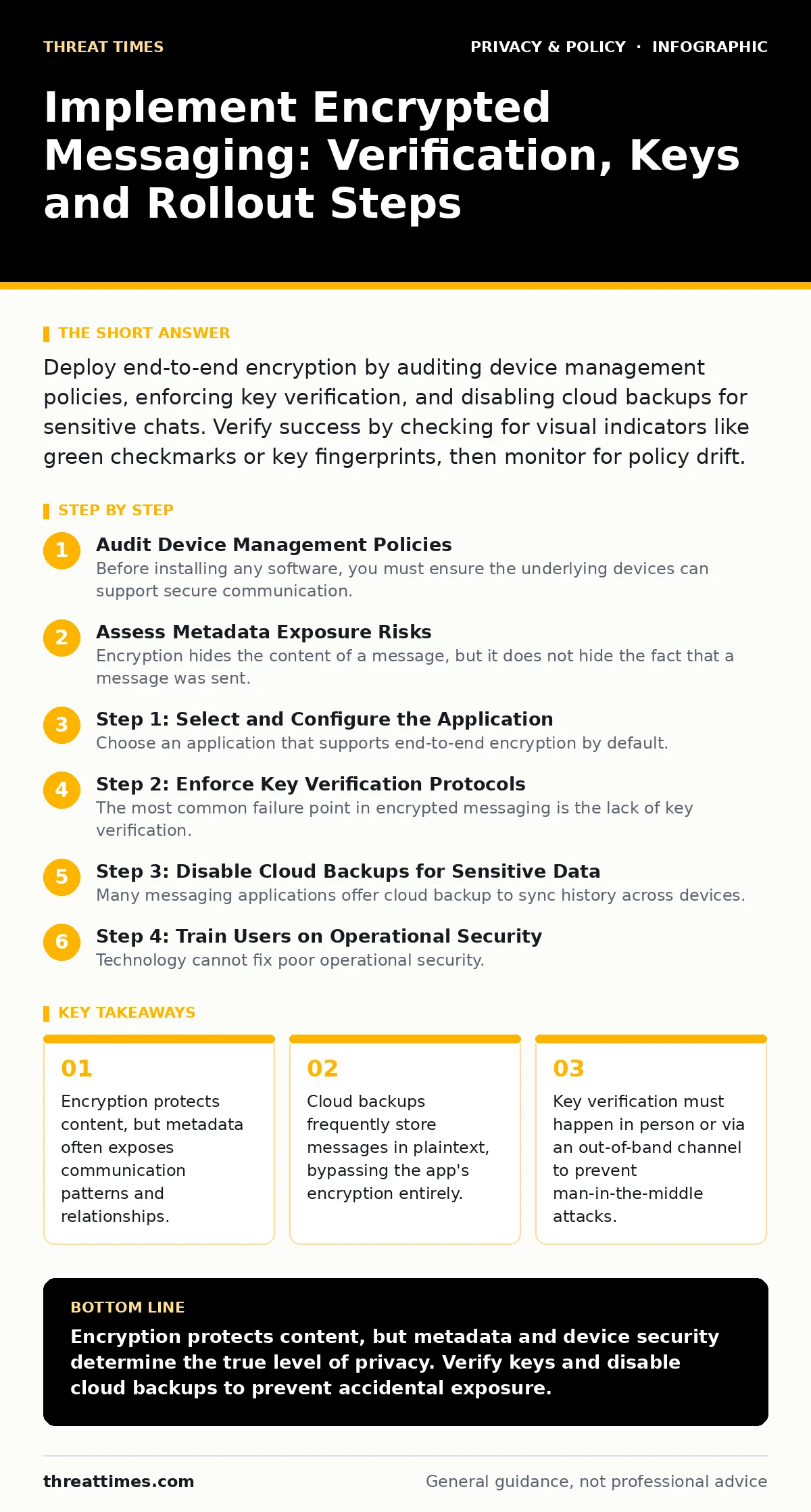
Deploy end-to-end encryption by auditing device management policies, enforcing key verification, and disabling cloud backups for sensitive chats. Verify success by checking for visual indicators like green checkmarks or key fingerprints, then monitor for policy drift.
Audit Device Management Policies
Before installing any software, you must ensure the underlying devices can support secure communication. If an employee uses a personal device that lacks a screen lock, no amount of encryption will protect the data if the device is lost or stolen. You need to enforce minimum security standards through Mobile Device Management (MDM) tools. These tools allow you to push configuration profiles that require passcodes, remote wipe capabilities, and jailbreak detection.
Without these controls, the endpoint becomes the weakest link in the chain. An attacker with physical access to an unlocked device can often extract decrypted messages from the local database. This is why device hygiene precedes application deployment. You are building a vault; do not leave the door unlocked while reinforcing the walls.
Assess Metadata Exposure Risks
Encryption hides the content of a message, but it does not hide the fact that a message was sent. Metadata includes sender identity, recipient identity, timestamp, and message size. Many organizations assume that because the content is unreadable, the communication is private. This is a dangerous misconception. Network observers can still map relationships and infer sensitive activities based on communication patterns alone.
Imagine a scenario where two employees message each other at unusual hours. Even if the content is encrypted, the timing and frequency may signal insider trading or unauthorized coordination. To mitigate this, select applications that minimize metadata retention. Some providers route traffic through multiple servers to obscure the origin, while others offer features that delay message delivery to break the link between send time and receive time.
Step 1: Select and Configure the Application
Choose an application that supports end-to-end encryption by default. This means only the communicating users can read the messages, not the service provider. Verify that the protocol is open source and has undergone independent cryptographic review. Proprietary algorithms are less trustworthy because they cannot be audited by the broader security community.
Once selected, configure the application to disable optional features that increase risk. This includes turning off read receipts if they provide unnecessary operational intelligence to adversaries. Disable typing indicators if they reveal user presence. Ensure that the application does not automatically sync contacts to the cloud, as this can expose your organization's internal directory structure.
Step 2: Enforce Key Verification Protocols
The most common failure point in encrypted messaging is the lack of key verification. When users first connect, they exchange cryptographic keys. If an attacker intercepts this exchange, they can decrypt all future communications without either party knowing. This is known as a man-in-the-middle attack.
You must establish a process for users to verify these keys. This usually involves comparing a visual fingerprint or scanning a QR code when users are physically in the same room. For remote teams, use an out-of-band channel, such as a phone call, to verify the key hash. Document this procedure in your security policy. Without verification, encryption provides only plausible deniability against passive eavesdroppers, not active adversaries.
Step 3: Disable Cloud Backups for Sensitive Data
Many messaging applications offer cloud backup to sync history across devices. By default, these backups are often not end-to-end encrypted. They may be encrypted at rest on the provider's servers, but the provider holds the keys. This means the provider, or anyone who compromises the provider's infrastructure, can read your message history.
For sensitive communications, disable cloud backups entirely. Instead, rely on local device backups that are encrypted by the operating system. If you must use cloud backups, ensure the application supports encrypting the backup file with a user-defined key. You must manage this key securely, as losing it means losing the backup forever.
Step 4: Train Users on Operational Security
Technology cannot fix poor operational security. Users must understand how to handle sensitive information within the application. This includes avoiding the use of real names in group chats if anonymity is required. They should also be trained to recognize phishing attempts that try to trick them into sharing verification codes.
Users must know that forwarding messages can break the encryption chain if the recipient uses a different application or lacks proper security settings. They should also be aware that taking screenshots can expose sensitive data if the device is compromised. Training should be ongoing, not a one-time event.
Verification Checklist
After deployment, you must verify that the system is working as intended. Do not assume configuration is correct. Perform the following checks:
- Confirm that all devices meet minimum security standards via MDM reports.
- Verify that end-to-end encryption is active for all test conversations.
- Check that cloud backups are disabled or encrypted with user-held keys.
- Ensure that key verification has been performed for all critical communications.
- Review metadata policies to ensure minimal data retention.
Maintain and Monitor Configuration
Security is not a one-time setup. You must regularly review your configuration against new threats. Applications update frequently, and new features may introduce vulnerabilities. Monitor for changes in the application's privacy policy that might affect data retention or sharing.
Conduct periodic audits to ensure users are following the established procedures. Check for unauthorized installations of alternative messaging apps that may not meet your security standards. Address any deviations immediately. Consistency is key to maintaining a secure environment.
Key takeaways
- Encryption protects content, but metadata often exposes communication patterns and relationships.
- Cloud backups frequently store messages in plaintext, bypassing the app's encryption entirely.
- Key verification must happen in person or via an out-of-band channel to prevent man-in-the-middle attacks.
Encryption protects content, but metadata and device security determine the true level of privacy. Verify keys and disable cloud backups to prevent accidental exposure.
Frequently asked questions
Does end-to-end encryption protect against government subpoenas?
It protects the content from the service provider, but the provider may still be compelled to hand over metadata or device keys if they are stored.
Can I use encrypted messaging on shared devices?
No, shared devices pose a significant risk as other users may access the application or view notifications containing sensitive content.
How do I handle lost devices?
Use Mobile Device Management tools to remotely wipe the device, ensuring that local message databases are destroyed and cannot be recovered.
Are group chats as secure as one-on-one conversations?
They are generally secure, but the risk increases with the number of participants, as any single compromised device can expose the conversation history.
How this guide was produced: written by the Threat Times editorial team with AI assistance, checked against the public references listed below, and reviewed when the facts change. See our editorial policy or report an error.