User Access Provisioning for Small Teams: Secure Identity at Scale
Unmanaged user access creates hidden data exposure that grows faster than revenue, requiring automated identity controls rather than manual oversight.

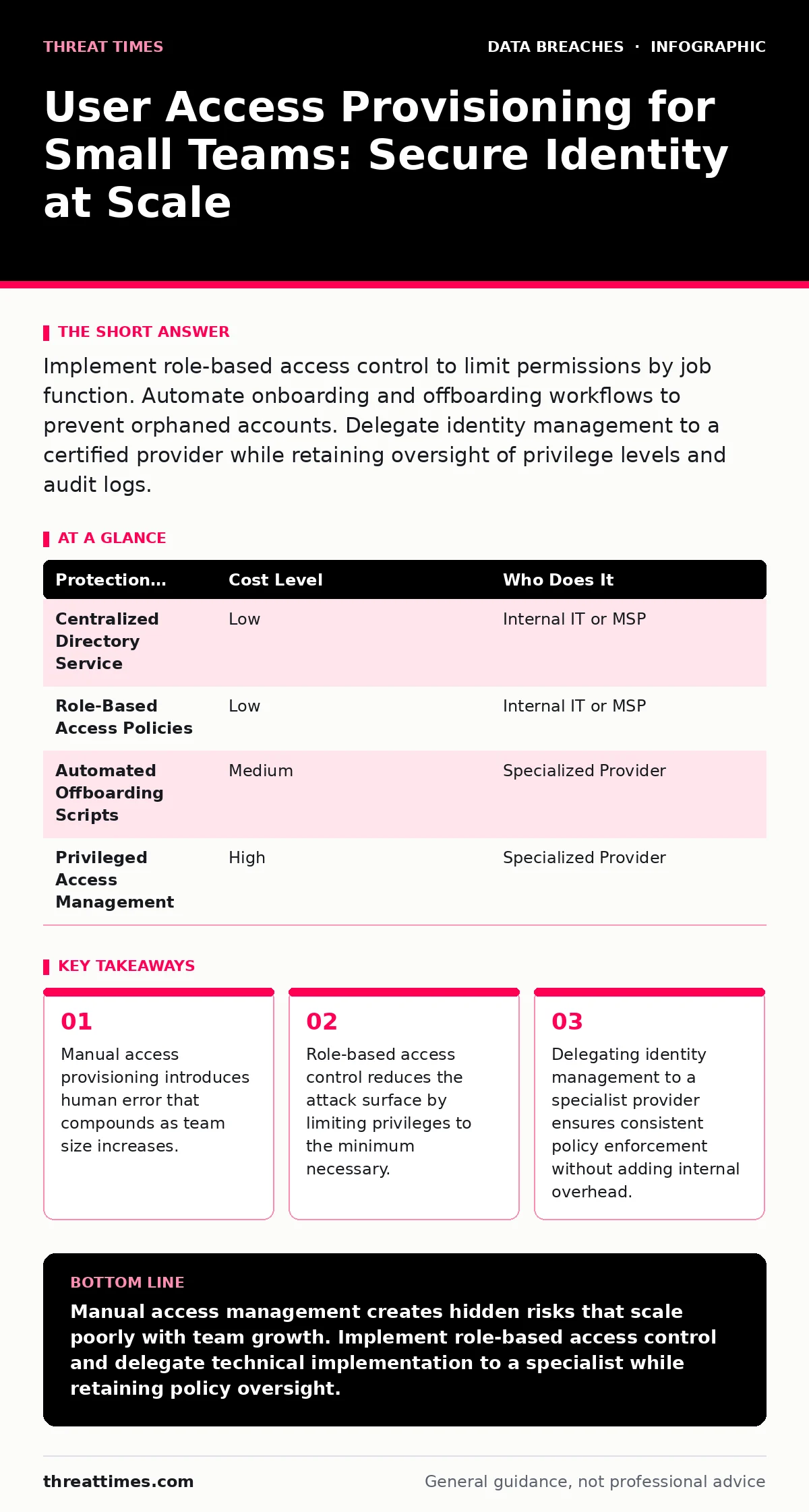
Implement role-based access control to limit permissions by job function. Automate onboarding and offboarding workflows to prevent orphaned accounts. Delegate identity management to a certified provider while retaining oversight of privilege levels and audit logs.
Small organizations often overlook identity management because the team feels small enough to know everyone. This intuition fails when access rights are tied to individuals rather than roles. When an employee changes departments or leaves, their permissions rarely update in real time. This lag creates a persistent vulnerability window where former employees retain access to sensitive systems.
The core issue is not the number of users but the lack of structured permission boundaries. Without defined roles, administrators grant access based on immediate needs rather than long-term security posture. This ad-hoc approach leads to privilege creep, where users accumulate permissions they no longer require. Over time, every user holds excessive access, making the entire network vulnerable to a single compromised account.
The Hidden Cost of Manual Provisioning
Manual access management appears free because it requires no software license. However, the administrative burden grows linearly with headcount. Each new hire requires creating accounts, assigning groups, and documenting access. Each departure requires revoking those same privileges across multiple systems.
Human error is the primary failure mode in manual processes. An administrator might forget to disable a cloud storage account while deactivating email. Or they might grant temporary administrative rights that never expire. These oversights are difficult to detect until an incident occurs. By that point, the damage is often irreversible.
Furthermore, manual processes lack an audit trail. You cannot easily prove who granted access, when, and why. This absence of accountability complicates compliance efforts and hinders incident response. When you cannot reconstruct access history, you cannot determine the scope of a breach.
Implementing Role-Based Access Control
Role-based access control (RBAC) assigns permissions to job functions rather than individuals. You define roles such as "Marketing Analyst" or "Finance Manager" and bundle the necessary permissions for each. Users inherit permissions by being assigned to a role.
This structure simplifies management. When an employee changes roles, you simply update their assignment. You do not need to manually adjust dozens of individual permissions. When an employee leaves, you remove their assignment, revoking all associated access instantly.
RBAC also enforces the principle of least privilege. Users receive only the access required for their current duties. This limitation reduces the impact of credential theft. If an attacker compromises a standard user account, they gain limited access rather than full administrative control.
Affordable Automation Strategies
You do not need enterprise-grade identity platforms to automate provisioning. Many cloud service providers offer built-in directory services that support group-based permissions. These services allow you to manage access through a single console.
Integrate these directory services with your other applications using standard protocols. Open standards like Security Assertion Markup Language (SAML) allow applications to trust your central identity provider. This integration ensures that permission changes propagate automatically across all connected systems.
Automation scripts can handle repetitive tasks such as creating user accounts or resetting passwords. These scripts reduce the workload on IT staff and eliminate manual errors. They also ensure that every action follows a consistent, documented process.
| Protection Measure | Cost Level | Who Does It |
|---|---|---|
| Centralized Directory Service | Low | Internal IT or MSP |
| Role-Based Access Policies | Low | Internal IT or MSP |
| Automated Offboarding Scripts | Medium | Specialized Provider |
| Privileged Access Management | High | Specialized Provider |
What to Delegate to Providers
Small teams often lack the expertise to manage complex identity configurations. Delegating identity management to a managed service provider (MSP) or specialized consultant ensures proper implementation. These providers have experience with various platforms and security frameworks.
You should delegate the technical configuration of directory services and integration with applications. The provider sets up the infrastructure, defines the roles, and tests the workflows. They also monitor for anomalies and respond to identity-related alerts.
However, you must retain control over policy decisions. Define who belongs in each role and what permissions each role requires. Do not outsource the business logic of access rights. Your provider executes the technical tasks, but you determine the security boundaries.
Questions for IT Providers
Before engaging a provider, verify their capability to manage identity effectively. Ask specific questions about their processes and tools. Do not accept vague assurances about security.
- How do you handle offboarding to ensure all access is revoked immediately?
- What standards do you use for integrating applications with the identity provider?
- How do you audit and review access rights on a regular basis?
- What is your process for responding to compromised credentials?
- How do you document and report on identity management activities?
Integrating with Broader Security
Identity management does not operate in isolation. It intersects with other security controls to form a cohesive defense. For instance, strong identity controls reduce the risk posed by credential dumps, where attackers harvest leaked username and password combinations.
When users have minimal permissions, the value of stolen credentials decreases. This limitation mitigates the impact of attacks described in our guide on combo lists, which combine stolen usernames and passwords from multiple breaches.
Additionally, proper access provisioning supports data protection strategies. By limiting who can access encrypted data, you enhance the effectiveness of full disk encryption. This layered approach ensures that even if physical devices are stolen, the data remains protected.
Maintaining Continuous Oversight
Provisioning is not a one-time task. It requires ongoing maintenance and review. Regularly audit access rights to ensure they remain appropriate. Remove unnecessary permissions and update roles as business functions evolve.
Monitor identity logs for suspicious activity. Look for patterns such as access from unusual locations or times. These indicators may suggest a compromised account or insider threat. Prompt investigation can prevent further damage.
Document all changes to access policies. This documentation serves as a reference for future audits and incident response. It also helps new team members understand the security framework. Consistent documentation builds a culture of accountability and transparency.
Key takeaways
- Manual access provisioning introduces human error that compounds as team size increases.
- Role-based access control reduces the attack surface by limiting privileges to the minimum necessary.
- Delegating identity management to a specialist provider ensures consistent policy enforcement without adding internal overhead.
Manual access management creates hidden risks that scale poorly with team growth. Implement role-based access control and delegate technical implementation to a specialist while retaining policy oversight.
Frequently asked questions
What is the cheapest way to start managing user access?
Use the built-in directory services of your primary cloud provider. These tools often support basic group-based permissions and are included in standard subscriptions.
How often should I review user access rights?
Conduct formal reviews at least quarterly. Trigger immediate reviews whenever an employee changes roles or leaves the organization.
Can I manage access if I have no IT staff?
Yes, by delegating to a managed service provider. Ensure the provider offers identity management as part of their service package and retains detailed logs.
What happens if I forget to revoke access after an employee leaves?
The former employee retains access to all systems they previously used. This exposure can lead to data theft, sabotage, or unauthorized changes to critical infrastructure.
How this guide was produced: written by the Threat Times editorial team with AI assistance, checked against the public references listed below, and reviewed when the facts change. See our editorial policy or report an error.