Firmware Malware: How to Detect and Remove Persistent Threats
Firmware malware resides below the operating system, allowing it to survive disk wipes, OS reinstalls, and even hardware swaps by persisting in the device's read-only memory layers.

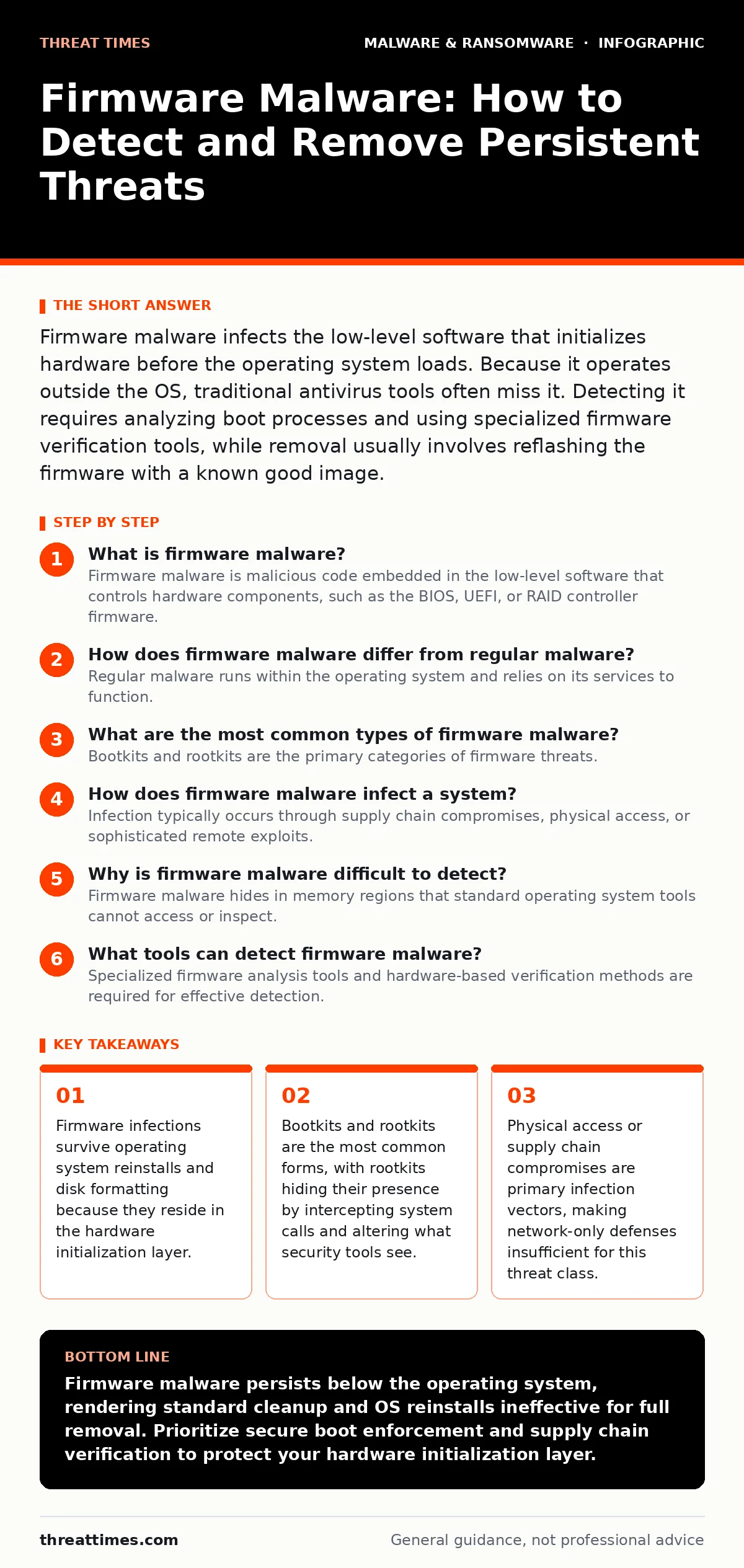
Firmware malware infects the low-level software that initializes hardware before the operating system loads. Because it operates outside the OS, traditional antivirus tools often miss it. Detecting it requires analyzing boot processes and using specialized firmware verification tools, while removal usually involves reflashing the firmware with a known good image.
What is firmware malware?
Firmware malware is malicious code embedded in the low-level software that controls hardware components, such as the BIOS, UEFI, or RAID controller firmware. This software runs before the operating system loads, giving the malware early access to system resources. It allows attackers to maintain persistence even if you replace the hard drive or reinstall the operating system.
How does firmware malware differ from regular malware?
Regular malware runs within the operating system and relies on its services to function. Firmware malware operates at a lower level, directly interacting with hardware and interrupting the boot process before the OS starts. This architectural difference means standard security software, which runs inside the OS, cannot always see or stop the malicious activity. The malware effectively sits beneath the tools designed to catch it.
What are the most common types of firmware malware?
Bootkits and rootkits are the primary categories of firmware threats. A bootkit infects the boot sector or firmware to load malicious code before the operating system starts. A rootkit modifies system files and hooks to hide its presence, making it difficult to detect through standard file inspection. Some advanced variants combine both techniques, infecting the firmware to drop a rootkit into the OS every time the system boots. This layered approach creates a highly resilient infection that is hard to fully eradicate.
| Malware Type | Execution Stage | Primary Goal | Detection Difficulty |
|---|---|---|---|
| Bootkit | Pre-OS Boot | Load malware before OS starts | High |
| Rootkit | Post-OS Boot | Hide malicious processes and files | Very High |
| UEFI Payload | Firmware Initialization | Modify boot process logic | Extreme |
How does firmware malware infect a system?
Infection typically occurs through supply chain compromises, physical access, or sophisticated remote exploits. Attackers may compromise a vendor's update server to push infected firmware updates to many victims at once. Physical access allows an attacker to use hardware tools to rewrite the firmware chip directly. Remote exploitation is rarer but possible if a vulnerability exists in the firmware's update mechanism or network interfaces. Supply chain risks are a significant vector, which is why understanding the ransomware attack chain is relevant, as attackers often seek these high-value footholds to maximize disruption.
Why is firmware malware difficult to detect?
Firmware malware hides in memory regions that standard operating system tools cannot access or inspect. It can intercept system calls to lie about what processes are running or what files exist on disk. Many endpoint detection and response solutions run within the OS and rely on the very system calls the malware can manipulate. Additionally, firmware storage is often encrypted or checksummed in ways that make tamper detection difficult without specialized hardware tools. The malware effectively controls the lens through which the OS views itself.
What tools can detect firmware malware?
Specialized firmware analysis tools and hardware-based verification methods are required for effective detection. Tools that perform out-of-band scanning can analyze the firmware image without relying on the running OS. Hardware Security Modules and Trusted Platform Modules can help verify the integrity of the boot process by measuring cryptographic hashes of the firmware against known good values. Network monitoring for unusual firmware update traffic can also signal an active infection. Standard antivirus software is rarely sufficient for this task.
How do you remove firmware malware?
Removal usually requires reflashing the firmware with a clean, verified image from the hardware vendor. This process must be done carefully to avoid bricking the device, which renders it unusable. In some cases, removing the firmware chip and reprogramming it with external hardware is the only reliable method. You should also check all connected devices, such as network cards and storage controllers, as they may have separate firmware that could also be infected. Simply wiping the hard drive or reinstalling the OS will not remove the threat.
Can firmware malware survive a factory reset?
Yes, firmware malware typically survives a factory reset because that process only affects the operating system and user data on the storage drive. The firmware resides in separate non-volatile memory chips on the motherboard or peripheral devices. Unless the reset procedure explicitly includes a firmware reset or reflash to factory defaults, the malicious code remains intact and will reinfect the system upon the next boot. This persistence is why understanding your recovery point objective is critical, as standard recovery procedures may fail to restore true security.
What are the prevention strategies for firmware malware?
Prevention focuses on securing the supply chain, limiting physical access, and enforcing strict firmware update policies. Disable unnecessary firmware interfaces, such as network access for BIOS updates, to reduce the attack surface. Implement secure boot features, which verify the digital signature of each boot component, ensuring only trusted code runs. Regularly audit firmware versions against vendor databases to identify outdated or vulnerable components. Additionally, monitor for anomalies in boot times or hardware behavior that could indicate tampering.
What happens if firmware malware remains undetected?
Undetected firmware malware provides attackers with persistent, hidden access to your systems. They can exfiltrate data, install additional payloads, or disrupt operations at will, even after you believe the system is clean. This level of access can compromise entire networks if the malware has the ability to pivot to other systems. The hidden nature of the threat means that breach detection times are significantly extended, increasing the potential damage. For context, while polymorphic malware changes its code to avoid signature detection, firmware malware avoids detection by operating outside the standard security tooling entirely.
Is firmware malware a threat to Macs?
Yes, macOS devices are vulnerable to firmware malware, particularly in the EFI (Extensible Firmware Interface) and SMC (System Management Controller). Although Apple has implemented strong hardware security features, no system is immune to sophisticated supply chain or physical attacks. The principles of detection and removal are similar to those for Windows systems, requiring specialized tools and potentially hardware intervention. If you suspect an infection, refer to guides on removing malware from a Mac for OS-level steps, but be aware that firmware-level issues require deeper intervention than standard cleanup utilities provide.
Key takeaways
- Firmware infections survive operating system reinstalls and disk formatting because they reside in the hardware initialization layer.
- Bootkits and rootkits are the most common forms, with rootkits hiding their presence by intercepting system calls and altering what security tools see.
- Physical access or supply chain compromises are primary infection vectors, making network-only defenses insufficient for this threat class.
Firmware malware persists below the operating system, rendering standard cleanup and OS reinstalls ineffective for full removal. Prioritize secure boot enforcement and supply chain verification to protect your hardware initialization layer.
Frequently asked questions
Can antivirus software detect firmware malware?
Most traditional antivirus software cannot detect firmware malware because it runs within the operating system, while the malware operates at a lower level in the firmware. Specialized firmware security tools are required for effective detection.
Does wiping my hard drive remove firmware malware?
No, wiping the hard drive or reinstalling the operating system does not remove firmware malware. The malicious code resides in the device's firmware chips, which are separate from the storage drive and are not affected by OS-level formatting.
How can I tell if my firmware is infected?
Look for unusual boot times, hardware behavior anomalies, or firmware versions that do not match official vendor releases. Use specialized firmware verification tools to check the cryptographic integrity of your firmware against known good hashes.
Is disabling BIOS network access enough to prevent infection?
Disabling network access for BIOS or UEFI updates reduces the risk of remote exploitation, but it does not prevent physical attacks or supply chain compromises. A multi-layered approach including secure boot and physical security is necessary for comprehensive protection.
How this guide was produced: written by the Threat Times editorial team with AI assistance, checked against the public references listed below, and reviewed when the facts change. See our editorial policy or report an error.