What Is SOAR in Cyber Security: Automating Incident Response
SOAR platforms reduce mean time to respond by automating repetitive tasks, allowing analysts to focus on complex threats that require human judgment.

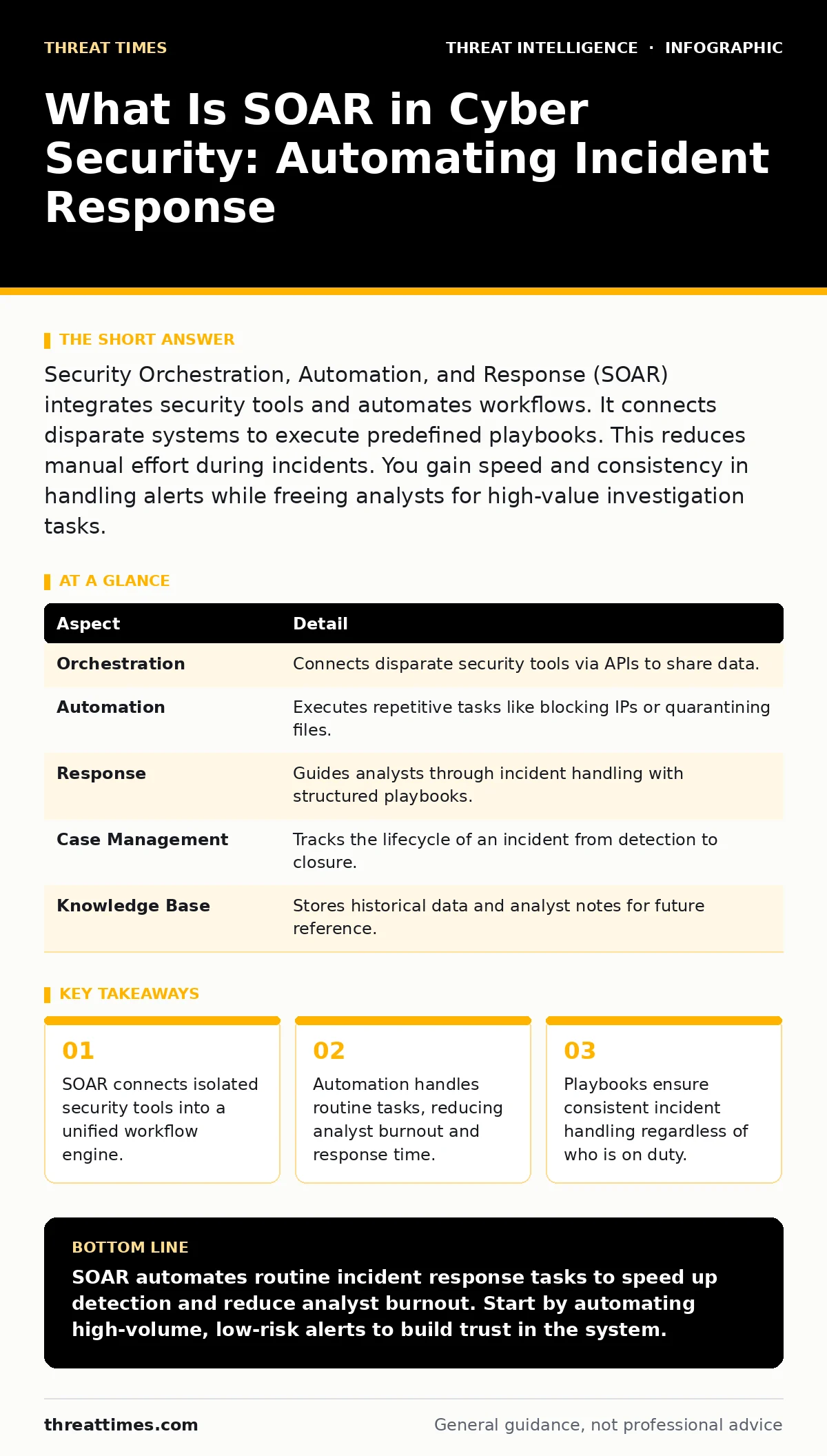
Security Orchestration, Automation, and Response (SOAR) integrates security tools and automates workflows. It connects disparate systems to execute predefined playbooks. This reduces manual effort during incidents. You gain speed and consistency in handling alerts while freeing analysts for high-value investigation tasks.
Start with the Traffic Control Analogy
Imagine a busy airport tower. Air traffic controllers receive hundreds of radar blips, radio calls, and weather updates every minute. They cannot manually track every single plane. Instead, they rely on automated systems to sort data, prioritize emergencies, and suggest routes. The controllers still make the final decisions, but the system handles the noise.
SOAR works similarly in cybersecurity. Your security operations center receives thousands of alerts from firewalls, endpoint detection systems, and email gateways. Most are false positives or routine events. SOAR platforms act as the tower, sorting the noise, prioritizing real threats, and executing standard responses automatically.
What Is SOAR in Cyber Security
SOAR stands for Security Orchestration, Automation, and Response. It is a combination of software products and tools that help security organizations automate three broad security capabilities. These capabilities are security intelligence, security automation, and security response.
The platform sits between your existing security tools. It pulls data from them, analyzes it against predefined rules, and pushes actions back to them. This creates a closed loop. You do not need to log into five different consoles to investigate one alert. The SOAR platform does the heavy lifting of data gathering and initial triage.
At a Glance: SOAR Components
| Aspect | Detail |
|---|---|
| Orchestration | Connects disparate security tools via APIs to share data. |
| Automation | Executes repetitive tasks like blocking IPs or quarantining files. |
| Response | Guides analysts through incident handling with structured playbooks. |
| Case Management | Tracks the lifecycle of an incident from detection to closure. |
| Knowledge Base | Stores historical data and analyst notes for future reference. |
How SOAR Works in Practice
The mechanism relies on integrations and playbooks. An integration is a connector that allows the SOAR platform to communicate with another tool, such as a firewall or a ticketing system. A playbook is a step-by-step workflow that defines what actions to take when a specific alert triggers.
When an endpoint detection tool flags a suspicious process, it sends an alert to the SOAR platform. The platform checks its playbook for that alert type. The playbook might instruct the system to isolate the affected endpoint from the network. It then pulls process details from the endpoint and checks them against a threat intelligence platform. If the threat intelligence platform confirms the file is malicious, the SOAR platform blocks the file hash across all endpoints.
This sequence happens in seconds. Without SOAR, an analyst would manually copy the hash, log into the threat intelligence platform, check the reputation, and then manually update firewall rules. The automation eliminates the manual steps, reducing the window of exposure.
Who SOAR Affects
SOAR primarily affects security analysts and incident responders. It reduces the cognitive load required to triage alerts. Analysts spend less time clicking through interfaces and more time making decisions. This reduces burnout, a common issue in security operations centers where staff face alert fatigue.
It also affects the organization’s risk posture. Faster response times limit the damage from incidents. Consistent execution of playbooks ensures that steps are not skipped due to human error or fatigue. However, it also shifts the skill requirement. Analysts must understand the logic behind the automation to override it when necessary.
For security leaders, SOAR provides visibility into operational efficiency. You can measure how many incidents were handled automatically versus manually. This data helps justify staffing levels and tool investments. It also standardizes processes, making it easier to onboard new staff or audit compliance.
See also: Build a Cyber Intelligence Program That Cuts Noise and Finds Threats · 7 Common Incident Response Runbook Errors And How To Fix Them
What People Usually Get Wrong
Many organizations believe SOAR is a silver bullet that eliminates the need for skilled analysts. This is incorrect. SOAR automates routine tasks, but it cannot handle novel attacks or complex investigations that require creative thinking. If you automate the wrong processes, you may exacerbate an incident.
Another common mistake is over-automating. Automating a response without proper validation can lead to outages. Suppose a playbook blocks an IP address based on a false positive. If that IP is critical for business operations, the automation causes immediate harm. You must build safeguards and human approval steps into high-impact actions.
Finally, teams often underestimate the integration effort. SOAR is only as good as the data it receives. If your underlying tools are poorly configured or generate noisy data, the SOAR platform will amplify that noise. You must clean your data sources before relying on automation.
Common Pitfalls to Avoid
One major pitfall is building playbooks in isolation. Playbooks should be developed by the team that will use them. If engineers build workflows without analyst input, the workflows may not match the real-world investigation process. This leads to low adoption and workarounds.
Another issue is neglecting maintenance. Security tools change, APIs update, and threats evolve. Playbooks that worked last year may break today. You must regularly test and update your playbooks. Treat them as living documents, not one-time projects.
Consider the relationship between SOAR and detection engineering. Detection engineering focuses on creating high-quality alerts. SOAR focuses on responding to them. If your detection signals are weak, SOAR will automate poor decisions. You must invest in both areas simultaneously.
What To Do About It
Start by identifying high-volume, low-complexity tasks. Look for alerts that analysts handle repetitively with the same steps. These are ideal candidates for automation. Do not start with complex, high-stakes incidents. Build trust in the system with simple wins first.
Ensure your security tools have robust APIs. If a tool lacks an API, you cannot integrate it effectively into a SOAR workflow. You may need to replace tools that are not automation-friendly. This is a hidden cost of adopting SOAR.
Train your analysts on the logic of the playbooks. They need to understand why the system takes certain actions. This knowledge allows them to troubleshoot failures and improve the workflows over time. Regularly review automation metrics to identify areas for improvement.
Key takeaways
- SOAR connects isolated security tools into a unified workflow engine.
- Automation handles routine tasks, reducing analyst burnout and response time.
- Playbooks ensure consistent incident handling regardless of who is on duty.
- Integration complexity often outweighs the benefits if not managed carefully.
SOAR automates routine incident response tasks to speed up detection and reduce analyst burnout. Start by automating high-volume, low-risk alerts to build trust in the system.
Frequently asked questions
Is SOAR the same as SIEM?
No, SIEM collects and analyzes log data to detect threats, while SOAR automates the response to those threats. They often work together, with SIEM feeding alerts into SOAR.
Do I need SOAR if I have a SOC?
A SOC can operate without SOAR, but it will rely heavily on manual processes. SOAR enhances SOC efficiency by automating repetitive tasks and standardizing responses.
How long does it take to implement SOAR?
Implementation time varies based on complexity. Basic integrations may take weeks, while full playbook development and testing can take months. Start small and iterate.
Can SOAR prevent cyber attacks?
SOAR does not prevent
How this guide was produced: written by the Threat Times editorial team with AI assistance, checked against the public references listed below, and reviewed when the facts change. See our editorial policy or report an error.