Virtual Private Cloud Checklist for Secure Isolation
Default security groups often allow unrestricted ingress, turning your virtual private cloud into an open door for lateral movement if you skip explicit deny rules.

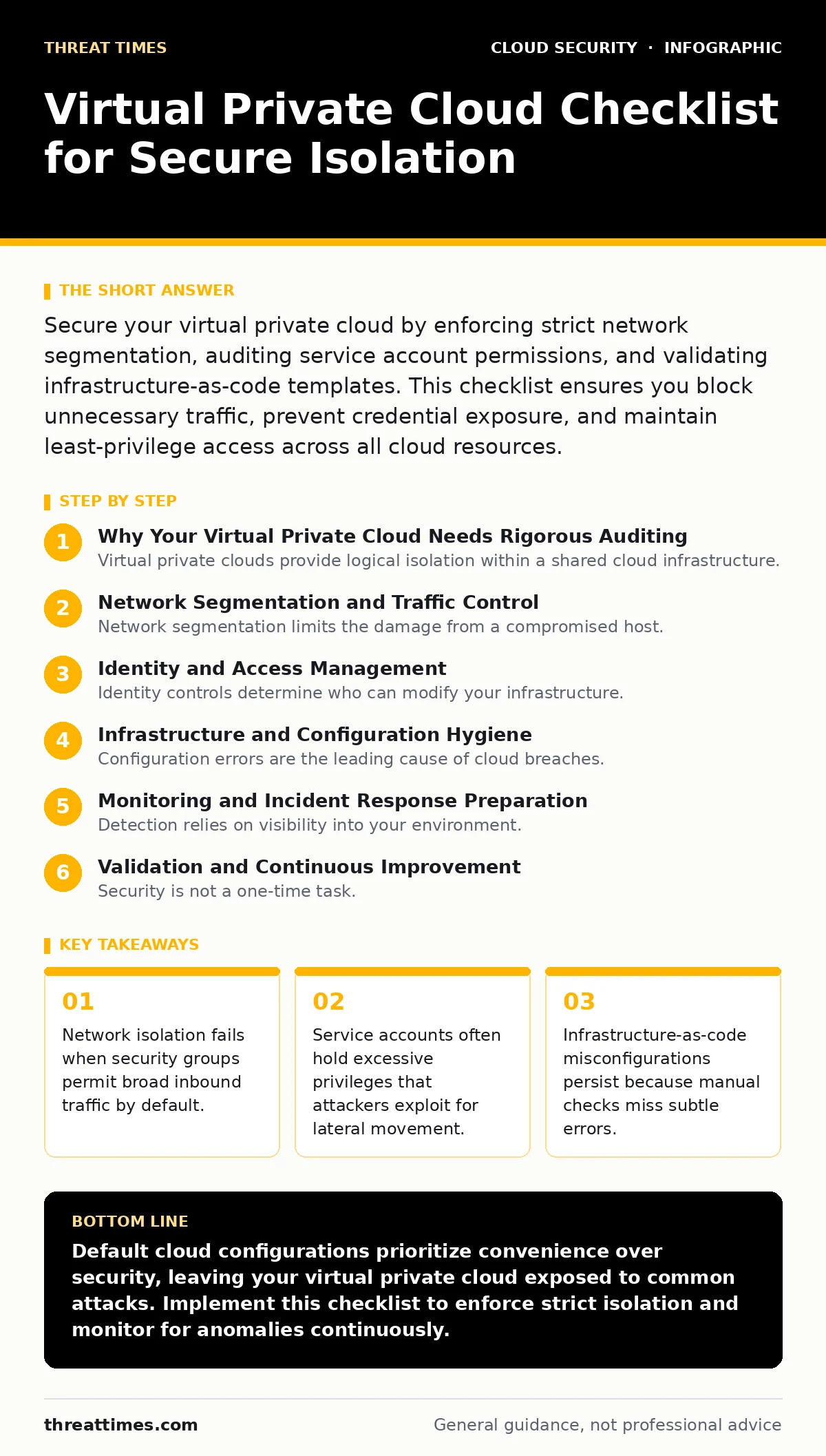
Secure your virtual private cloud by enforcing strict network segmentation, auditing service account permissions, and validating infrastructure-as-code templates. This checklist ensures you block unnecessary traffic, prevent credential exposure, and maintain least-privilege access across all cloud resources.
Why Your Virtual Private Cloud Needs Rigorous Auditing
Virtual private clouds provide logical isolation within a shared cloud infrastructure. They mimic traditional data centers but rely on software-defined networking rather than physical cables. You must treat every virtual network as a potential breach point. The checklist below targets specific weaknesses that standard cloud configurations often leave open. Use this list before deploying new workloads or after any significant infrastructure change. It helps you verify that your isolation mechanisms actually function as intended.
Network Segmentation and Traffic Control
Network segmentation limits the damage from a compromised host. If an attacker breaches one server, they cannot easily reach others. You must define strict boundaries between public-facing resources and internal databases. Review your rules to ensure only necessary ports remain open.
- Enforce default-deny inbound rules: Most cloud platforms allow all outbound traffic by default, but inbound rules often default to allow, creating accidental exposure.
- Separate public and private subnets: Public subnets host load balancers, while private subnets hold application servers, preventing direct internet access to sensitive data.
- Validate cloud security groups: Security groups act as virtual firewalls; verify they restrict traffic to specific IP ranges rather than allowing 0.0.0.0/0 broadly.
- Implement microsegmentation: Granular segmentation isolates workloads at the instance level, reducing the attack surface even if a subnet is breached.
Identity and Access Management
Identity controls determine who can modify your infrastructure. Weak identity management allows attackers to take over resources once they gain initial access. You must ensure that every user and service has only the permissions required for their specific task.
- Audit service account security: Service accounts often retain elevated privileges long after their original purpose expires, providing a persistent backdoor for attackers.
- Enable multi-factor authentication for admin roles: Multi-factor authentication adds a second verification step, protecting accounts even if passwords are stolen.
- Review cloud identity governance: Regularly assess role assignments to ensure users do not hold unnecessary administrative rights across multiple projects.
- Rotate credentials automatically: Automatic rotation limits the window of opportunity for an attacker who has stolen static credentials.
Infrastructure and Configuration Hygiene
Configuration errors are the leading cause of cloud breaches. Manual setups are prone to human error, and these errors often go unnoticed until an exploit occurs. You must validate every configuration before it reaches production.
- Scan for infrastructure-as-code misconfigurations: Automated tools catch errors in template files, such as open storage buckets or unencrypted databases, before deployment.
- Encrypt data at rest and in transit: Encryption protects data even if storage media are stolen or network traffic is intercepted, ensuring confidentiality.
- Disable default administrative interfaces: Default interfaces, such as exposed Kubernetes dashboards, often lack strong authentication and are prime targets for scanners.
- Log all API calls: Comprehensive logging allows you to reconstruct events after an incident, helping you identify the scope and origin of unauthorized access.
Monitoring and Incident Response Preparation
Detection relies on visibility into your environment. Without proper monitoring, you may remain unaware of an intrusion for weeks or months. You must establish baselines for normal behavior and alert on deviations.
- Configure alerts for anomalous traffic spikes: Sudden increases in data transfer may indicate data exfiltration or a denial-of-service attack.
- Monitor for privilege escalation attempts: Alerts for sudden permission changes help you catch attackers trying to gain deeper access to your systems.
- Test incident response playbooks: Regular testing ensures your team knows how to isolate compromised resources and restore services quickly during a real breach.
- Review SaaS account takeover risks: SaaS applications often share identity providers; a breach in one service can compromise access to your virtual private cloud.
Validation and Continuous Improvement
Security is not a one-time task. Threats evolve, and new vulnerabilities emerge regularly. You must treat security as a continuous cycle of assessment and improvement. Regular reviews ensure that your defenses remain effective against current tactics.
- Conduct periodic penetration tests: External testing reveals weaknesses that automated tools may miss, such as complex logic flaws or chained vulnerabilities.
- Update dependencies regularly: Outdated libraries contain known vulnerabilities; keeping them updated reduces the risk of exploitation by automated scanners.
- Review service mesh security policies: Service meshes manage east-west traffic; verify that mutual TLS is enforced to prevent man-in-the-middle attacks between microservices.
- Document all configuration changes: Maintaining a change log helps you track who modified what and when, simplifying root cause analysis after incidents.
Key takeaways
- Network isolation fails when security groups permit broad inbound traffic by default.
- Service accounts often hold excessive privileges that attackers exploit for lateral movement.
- Infrastructure-as-code misconfigurations persist because manual checks miss subtle errors.
Default cloud configurations prioritize convenience over security, leaving your virtual private cloud exposed to common attacks. Implement this checklist to enforce strict isolation and monitor for anomalies continuously.
Frequently asked questions
How often should I review my virtual private cloud settings?
Review settings after every major infrastructure change and at least quarterly. Continuous monitoring tools should alert you to drift from your baseline configuration in real time.
Can I use the same checklist for hybrid cloud environments?
Yes, but you must adapt network segmentation rules to account for on-premises connectivity. Ensure that software-defined perimeters align with physical network boundaries to prevent bypass.
What is the biggest risk in virtual private cloud setups?
Misconfigured security groups are the most common risk. Allowing unrestricted inbound traffic exposes internal services to the internet, enabling immediate exploitation by automated scanners.
Do I need separate checklists for each cloud provider?
The principles are identical across providers, but the implementation details differ. Adjust specific control names and default behaviors to match your chosen cloud platform.
How this guide was produced: written by the Threat Times editorial team with AI assistance, checked against the public references listed below, and reviewed when the facts change. See our editorial policy or report an error.