Exposed Kubernetes Dashboards: Response and Recovery Steps
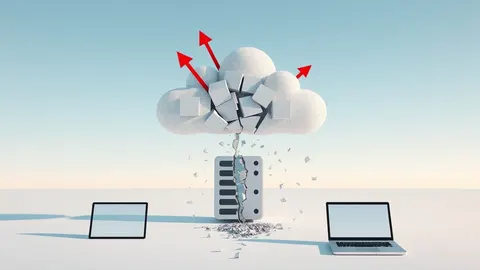
An exposed dashboard often grants immediate cluster-admin privileges, allowing attackers to pivot into your entire cloud infrastructure within minutes.

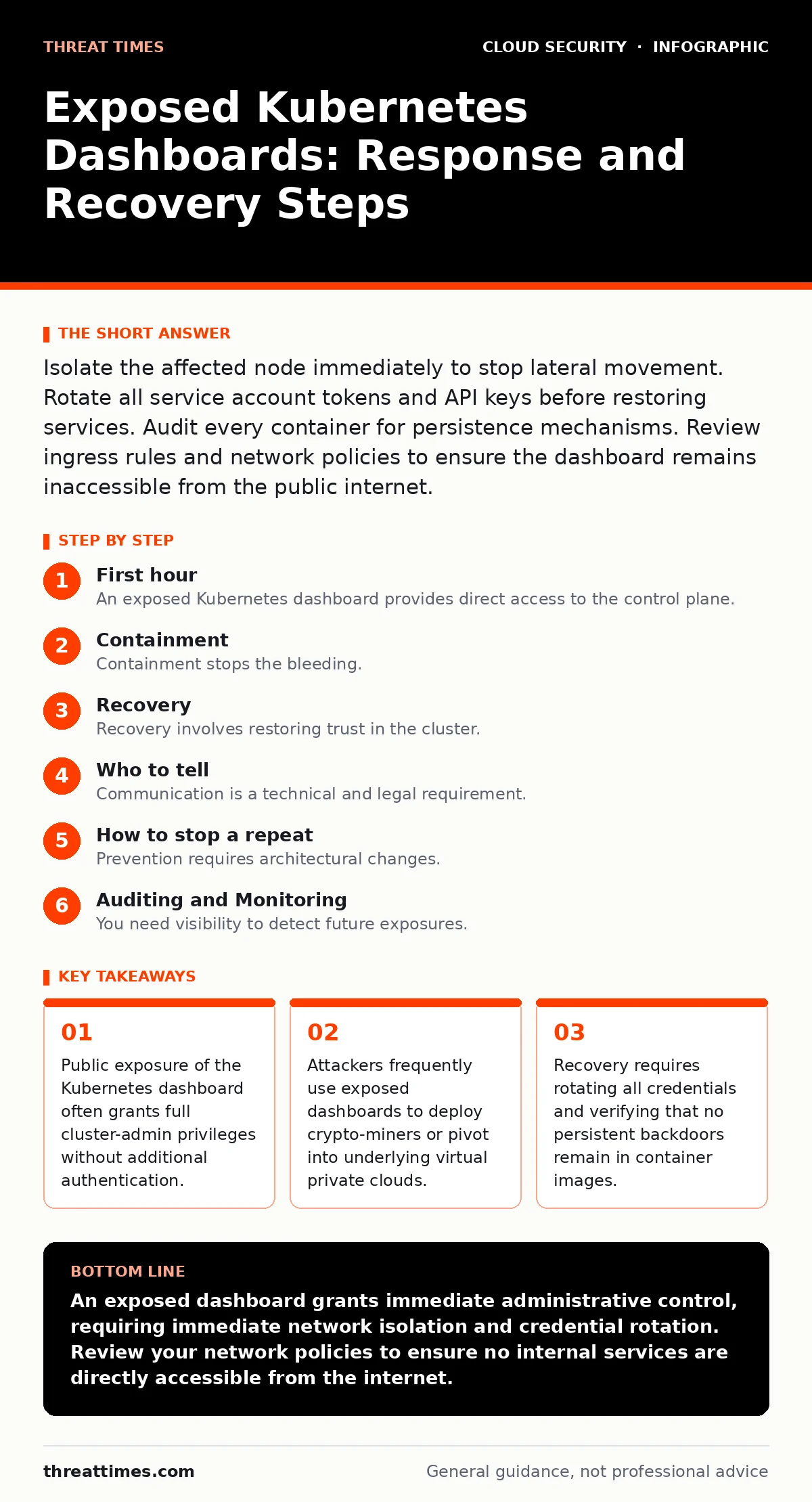
Isolate the affected node immediately to stop lateral movement. Rotate all service account tokens and API keys before restoring services. Audit every container for persistence mechanisms. Review ingress rules and network policies to ensure the dashboard remains inaccessible from the public internet.
First hour
An exposed Kubernetes dashboard provides direct access to the control plane. The dashboard runs as a pod within the cluster. If the network rules allow public traffic, any user can reach the interface. The immediate threat is not data exfiltration. The immediate threat is privilege escalation. An attacker can create new admin users, modify network policies, and deploy malicious workloads. You must assume the environment is compromised. Do not attempt to debug the exposure while the dashboard remains reachable.
First hour checklist
- Identify the exact IP address and port hosting the dashboard.
- Block inbound traffic to the dashboard port at the cloud security groups level.
- Verify if the dashboard is using token-based or certificate-based authentication.
- Check the audit logs for recent user creation or role binding changes.
- Isolate the master node if the dashboard runs on the control plane.
- Notify the incident response team and legal counsel.
Containment
Containment stops the bleeding. You must sever the connection between the attacker and the cluster. The most effective method is network segmentation. Update your cloud security groups to deny all inbound traffic to the Kubernetes API server port and the dashboard port. If the dashboard is exposed via a load balancer, remove the listener. If it is exposed via a node port, block that port on the firewall.
Attackers often use the dashboard to create a new service account with cluster-admin privileges. This account persists even if you restart the dashboard pod. You must revoke these permissions immediately. List all service accounts in the kube-system namespace. Identify any accounts created in the last 24 hours. Revoke their tokens and delete the accounts. Check for any new ClusterRoleBindings that grant elevated permissions.
Imagine an attacker deploys a reverse shell container. This container maintains a connection to their command and control server. Blocking inbound traffic does not stop this outbound connection. You must monitor outbound traffic from the cluster. Look for connections to unknown IP addresses or high ports. Block these connections at the perimeter firewall. This step prevents data exfiltration and further instructions from the attacker.
Recovery
Recovery involves restoring trust in the cluster. You cannot simply restart the dashboard. You must verify that the cluster state is clean. Start by rotating all secrets. This includes Docker registry credentials, database passwords, and API keys. Kubernetes stores secrets in etcd. If etcd was compromised, you must assume all stored secrets are leaked. Rotate them externally and update the Kubernetes secrets objects.
Next, inspect the container images. Attackers often modify images to include backdoors. Compare the current image hashes against the known good hashes from your registry. If you cannot verify the integrity of an image, rebuild it from source. Deploy the rebuilt images to the cluster. Do not use the compromised images.
Check for persistence mechanisms. Attackers may install cron jobs, systemd services, or init containers. These mechanisms run before your application starts. They maintain access even if you remove the malicious pods. Review the manifest files for all deployments. Look for unexpected volume mounts or environment variables. Verify that no new users were added to the sudo group on the underlying nodes.
Who to tell
Communication is a technical and legal requirement. You must inform internal stakeholders immediately. The CISO needs to know the scope of the breach. The legal team needs to assess regulatory obligations. If customer data was potentially accessed, you may need to notify customers. Delaying notification can worsen the legal consequences.
External communication requires precision. Do not share technical details publicly. Share only what is necessary for partners and customers to secure their own environments. If the exposure affected shared infrastructure, notify the other tenants. Provide them with the timeline of the exposure. Allow them to verify their own workloads.
Imagine a scenario where the dashboard exposure led to a SaaS account takeover. The attacker used the cluster to scrape API keys for external services. You must coordinate with those service providers. They can help revoke the stolen keys and monitor for suspicious activity. This collaboration is critical for full recovery.
How to stop a repeat
Prevention requires architectural changes. The Kubernetes dashboard is rarely needed in production. If you do not need it, delete it. If you need it, restrict access. Use a VPN or a bastion host to access the dashboard. Never expose it directly to the internet. Implement microsegmentation to limit traffic between pods and nodes.
Enforce the principle of least privilege. Do not grant cluster-admin permissions to any user or service account. Use Role-Based Access Control to assign specific permissions. Regularly audit these permissions. Remove any permissions that are no longer required. This reduces the impact of any future compromise.
Integrate cloud identity governance into your workflow. Ensure that human users and service accounts follow strict lifecycle management. Automate the rotation of credentials. Use a service mesh security solution to encrypt traffic between services. This prevents attackers from sniffing credentials even if they compromise a pod.
Auditing and Monitoring
You need visibility to detect future exposures. Enable Kubernetes audit logging. Configure the audit policy to record all requests to the API server. Send these logs to a secure, immutable storage system. Use a SIEM to analyze the logs. Set up alerts for unusual activities. For example, alert if a new service account is created with cluster-admin privileges. Alert if a pod is deployed with hostNetwork enabled.
Regularly scan your cluster for misconfigurations. Use automated tools to check for exposed ports, missing network policies, and weak authentication settings. Integrate these scans into your CI/CD pipeline. Block deployments that fail the security checks. This ensures that new vulnerabilities are caught before they reach production.
Long-term Resilience
Building resilience means accepting that breaches will happen. Your goal is to minimize the blast radius. Use service account security best practices. Bind each service account to a specific namespace. Limit the permissions of each account. This ensures that a compromised account cannot affect the entire cluster.
Regularly test your incident response plan. Simulate an exposed dashboard scenario. Measure how long it takes to detect and contain the breach. Identify gaps in your process. Update your playbooks based on the lessons learned. Continuous improvement is the key to long-term security.
Key takeaways
- Public exposure of the Kubernetes dashboard often grants full cluster-admin privileges without additional authentication.
- Attackers frequently use exposed dashboards to deploy crypto-miners or pivot into underlying virtual private clouds.
- Recovery requires rotating all credentials and verifying that no persistent backdoors remain in container images.
An exposed dashboard grants immediate administrative control, requiring immediate network isolation and credential rotation. Review your network policies to ensure no internal services are directly accessible from the internet.
Frequently asked questions
How do I know if my Kubernetes dashboard is exposed?
Check your cloud provider's console for any public IPs associated with the dashboard service. Use network scanning tools to verify if the port is reachable from the internet.
Can I restore from a backup after an exposure?
Restoring from a backup is risky if the backup contains the compromised state. Verify the integrity of the backup before restoring. Prefer rebuilding from known good configurations.
Should I disable the Kubernetes dashboard entirely?
Yes, if you do not use it for daily operations. The dashboard is a high-value target. Disabling it removes a significant attack vector. Use kubectl for administrative tasks instead.
How often should I rotate Kubernetes secrets?
Rotate secrets immediately after any suspected compromise. Establish a regular rotation schedule, such as every 90 days, for all non-critical secrets. Critical secrets should be rotated more frequently.
How this guide was produced: written by the Threat Times editorial team with AI assistance, checked against the public references listed below, and reviewed when the facts change. See our editorial policy or report an error.