Detecting GraphQL Vulnerabilities: Logs, Tools and Hidden Risks
GraphQL hides attack surface in single endpoints, requiring detection of logic errors and introspection abuse rather than traditional input injection patterns.

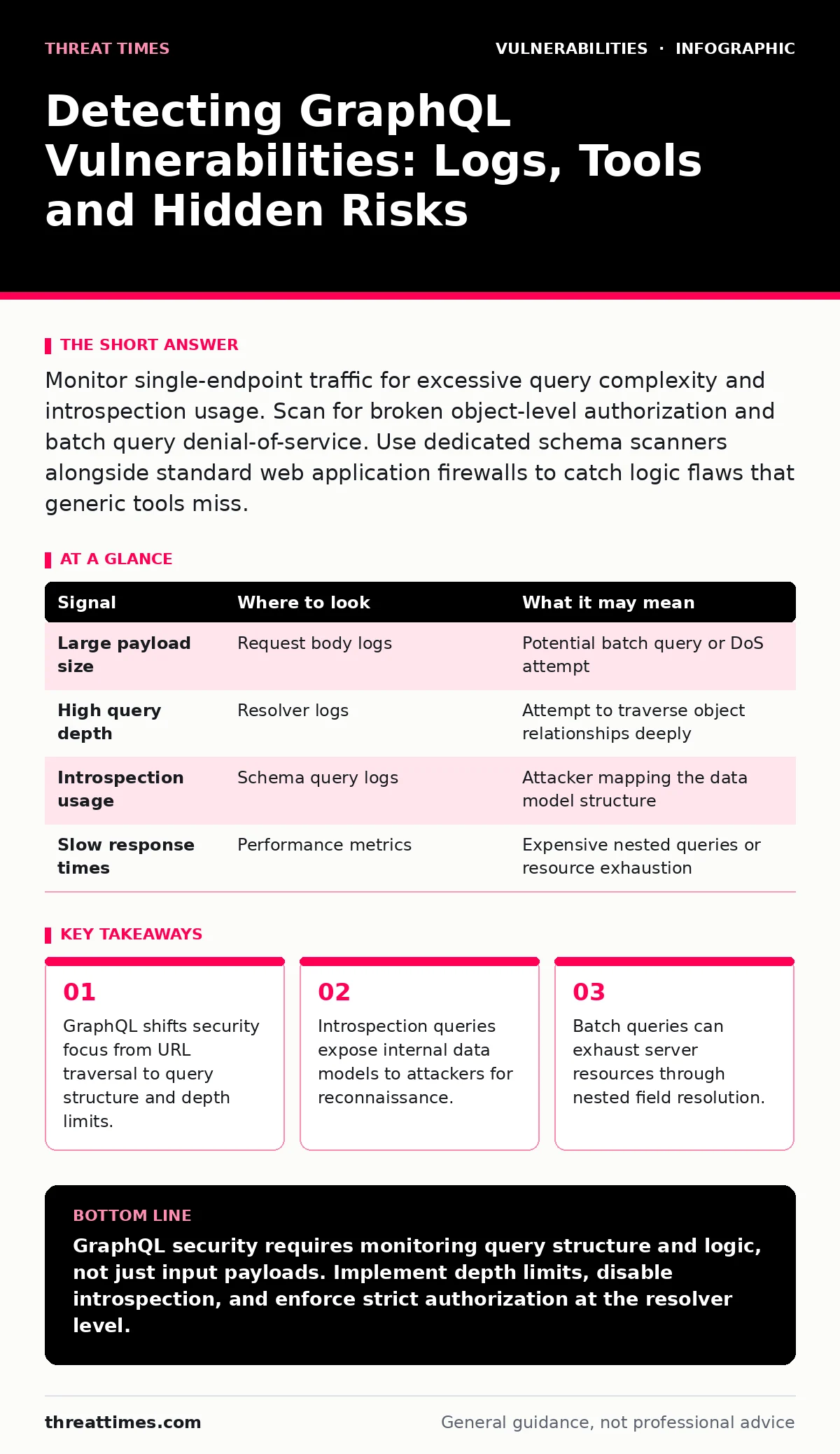
Monitor single-endpoint traffic for excessive query complexity and introspection usage. Scan for broken object-level authorization and batch query denial-of-service. Use dedicated schema scanners alongside standard web application firewalls to catch logic flaws that generic tools miss.
Why Standard WAFs Miss GraphQL Attacks
Traditional web application firewalls inspect HTTP requests for known malicious patterns. GraphQL operates differently by sending complex queries to a single endpoint. This single-entry model breaks the assumption that different URLs handle different functions. You must adjust your detection strategy to analyze the payload content rather than the request path. The server interprets the query structure, which means standard signature-based rules often fail to see the intent behind the request.
Signals in Application Logs
Your application logs are the primary source of truth for GraphQL behavior. Look for requests that contain unusually large JSON payloads. These often indicate batch queries or deeply nested field requests. Check for rapid sequences of similar queries from a single IP address. This pattern suggests an attacker is automating data extraction or testing query variations. Monitor the execution time of each request. Queries that take significantly longer than average may be triggering expensive database operations or complex resolvers.
| Signal | Where to look | What it may mean |
|---|---|---|
| Large payload size | Request body logs | Potential batch query or DoS attempt |
| High query depth | Resolver logs | Attempt to traverse object relationships deeply |
| Introspection usage | Schema query logs | Attacker mapping the data model structure |
| Slow response times | Performance metrics | Expensive nested queries or resource exhaustion |
Identifying Introspection Abuse
Introspection is a feature that allows clients to query the schema itself. It helps developers understand available fields and types. Attackers use this feature to map your entire data model before launching targeted attacks. If you see queries requesting __schema or __type, someone is scanning your API structure. You should disable introspection in production environments. This prevents attackers from seeing hidden fields or internal data types. Without this visibility, they must guess field names, which reduces their success rate significantly.
Detecting Broken Object Level Authorization
GraphQL resolvers determine how data is fetched and returned. Broken object-level authorization occurs when a resolver does not verify the user's permission to access a specific object. You will not see this in standard SQL injection logs. Instead, look for successful queries that return data the user should not own. Compare the requested object ID with the user's session context. If a user queries an object they do not own and receives data, the resolver lacks proper authorization checks. This is a logic flaw, not an injection flaw.
Monitoring for Batch Query Denial of Service
GraphQL allows multiple queries in a single request. This is called batching. Attackers can send hundreds of queries in one request to exhaust server resources. Your logs will show a single HTTP request with a massive payload. The server must resolve each query individually. This can spike CPU usage and memory consumption. Set limits on the number of queries allowed in a batch. Also, limit the complexity of each query by counting field depth and breadth. These limits protect your infrastructure from resource exhaustion attacks.
See also: Detect CI/CD Pipeline Vulnerabilities: Signals, Blind Spots and Tools
Schema Traversal and Nested Queries
Nested queries allow clients to request related data in a single call. For example, a user might request their posts, and each post might request its comments. If you do not limit the depth, an attacker can create a query that traverses many levels of relationships. This causes the server to perform many database lookups. Monitor the depth of incoming queries. Reject queries that exceed a reasonable depth limit. This prevents the server from executing excessively complex operations that degrade performance for all users.
Common Blind Spots in Detection
Many teams focus only on input validation. This misses logic-based vulnerabilities in GraphQL. Introspection often remains enabled in production because it is useful for debugging. Batch queries are rarely limited by default in many frameworks. Authorization checks are frequently missing at the field level, relying instead on route-level checks. These blind spots allow attackers to bypass standard security controls. You must configure your GraphQL server to disable introspection, limit query complexity, and enforce strict authorization at every resolver.
Integrating with Asset and Vulnerability Management
Effective detection requires knowing what you are protecting. An accurate IT asset inventory ensures you monitor all GraphQL endpoints. You should correlate detection data with your CVE monitoring processes to identify known framework vulnerabilities. Consider how these findings fit into your broader coordinated vulnerability disclosure program. This integration helps you prioritize fixes based on actual exploit potential rather than theoretical risk.
Key takeaways
- GraphQL shifts security focus from URL traversal to query structure and depth limits.
- Introspection queries expose internal data models to attackers for reconnaissance.
- Batch queries can exhaust server resources through nested field resolution.
GraphQL security requires monitoring query structure and logic, not just input payloads. Implement depth limits, disable introspection, and enforce strict authorization at the resolver level.
Frequently asked questions
Can standard web application firewalls detect GraphQL vulnerabilities?
Standard WAFs struggle with GraphQL because they analyze URLs and simple payloads. They often miss logic flaws like broken authorization or complex query depth issues. Dedicated GraphQL security tools are needed for deeper inspection.
How do I limit query complexity in GraphQL?
You can limit complexity by setting a maximum depth for nested queries. You can also count the number of fields in a query and reject those that exceed a threshold. This prevents attackers from sending excessively complex requests that exhaust server resources.
Should I disable introspection in production environments?
Yes, you should disable introspection in production. It exposes your entire data schema to anyone who can access the API. Attackers use this information to map your data model and identify potential targets for further exploitation.
What is broken object-level authorization in GraphQL?
This occurs when a resolver does not verify if the user has permission to access the specific object they are requesting. The server returns data based on the object ID provided, without checking ownership. This allows attackers to access data belonging to other users.
How this guide was produced: written by the Threat Times editorial team with AI assistance, checked against the public references listed below, and reviewed when the facts change. See our editorial policy or report an error.