Microsoft Reveals Windows 11 26H2 Tweak Boosts PC Speed on Hard Drives
Microsoft has disclosed a specific configuration adjustment in Windows 11 26H2 that significantly improves system performance, particularly for users relying on traditional hard disk drives.
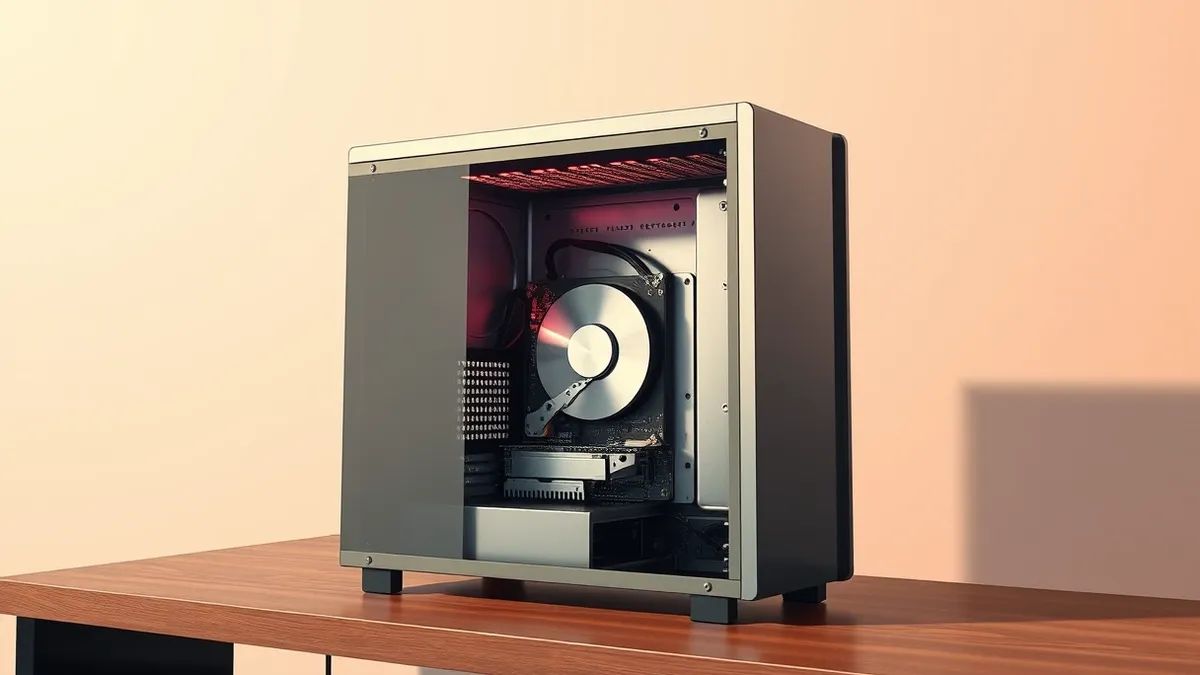
Key points
- Microsoft has identified a performance-enhancing tweak within the Windows 11 26H2 operating system update.
- The adjustment provides noticeable speed improvements for computers equipped with mechanical hard drives.
- This development follows earlier reports of broader responsiveness gains and interface redesigns for Windows 11.
Microsoft has disclosed a specific performance optimization within the Windows 11 26H2 update cycle that accelerates system responsiveness. According to a report by Neowin, this adjustment is particularly beneficial for devices that still utilize traditional mechanical hard disk drives rather than solid-state storage units.
The company revealed that this specific tweak makes PCs noticeably faster, especially for users with hard drives. The source material does not specify the technical mechanism behind this speed increase, only that the result is a noticeable improvement in performance for these specific hardware configurations.
Context and Background
This revelation comes shortly after Microsoft announced broader improvements to the Windows 11 ecosystem. As Threat Times reported on 2026-10-15, the company rolled out updates claiming up to 20% better responsiveness through improved memory management. That report highlighted general gains for all users, whereas the 26H2 tweak specifically targets hard drive users.
Additionally, Microsoft unveiled a completely reworked Photos application for Windows 11 on the same date. That update featured a new interface, improved performance, and additional AI capabilities. The combination of interface modernization, memory management improvements, and storage-specific tweaks suggests a comprehensive effort to revitalize the Windows 11 experience.
Who Is Affected
Users of Windows 11 version 26H2 are the primary beneficiaries of this specific performance adjustment. The impact is most significant for individuals and organizations operating computers with mechanical hard drives. Systems equipped with modern solid-state drives may experience less noticeable changes, as the report highlights the benefit specifically for hard disk users.
The announcement indicates that Microsoft has implemented a special tweak in Windows 11 26H2. This adjustment is designed to make PCs faster, with a specific emphasis on those using hard disks. No further details regarding the scope of affected users or specific hardware models were provided in the source material.
What should you do?
Users should verify their current Windows 11 version to determine if they are eligible for the 26H2 update. If a computer utilizes a mechanical hard drive, applying this update may provide the noticeable speed improvements described by Microsoft. Organizations should monitor official channels for further technical details regarding this specific optimization.
What to do and how to stay safe: Microsoft
- Check the current Windows version in system settings to confirm eligibility for the 26H2 update.
- Review hardware specifications to identify whether the system uses a mechanical hard drive.
- Monitor official Microsoft channels for detailed technical documentation regarding the specific storage optimizations.
- Test the update on a single non-critical machine to assess performance changes before rolling it out to other devices.
Step-by-step guide: Mobile Device Security: How to Protect Data Beyond Passwords
General security guidance from the Threat Times newsroom. It is not confirmed advice from the organisations named in this story.
Frequently asked questions
Does this tweak affect computers with solid-state drives?
The report states the tweak makes PCs faster especially on hard disks, implying SSD users may see less impact.
When was this performance tweak revealed?
The source material does not provide a specific date for the revelation of this specific tweak.
Is this part of a larger Windows 11 update cycle?
Yes, it is associated with the Windows 11 26H2 update, following other recent improvements to responsiveness and apps.