Mobile Device Security: How to Protect Data Beyond Passwords
Mobile device security relies on hardware-enforced isolation and continuous context awareness, not just static access controls that fail when devices move.

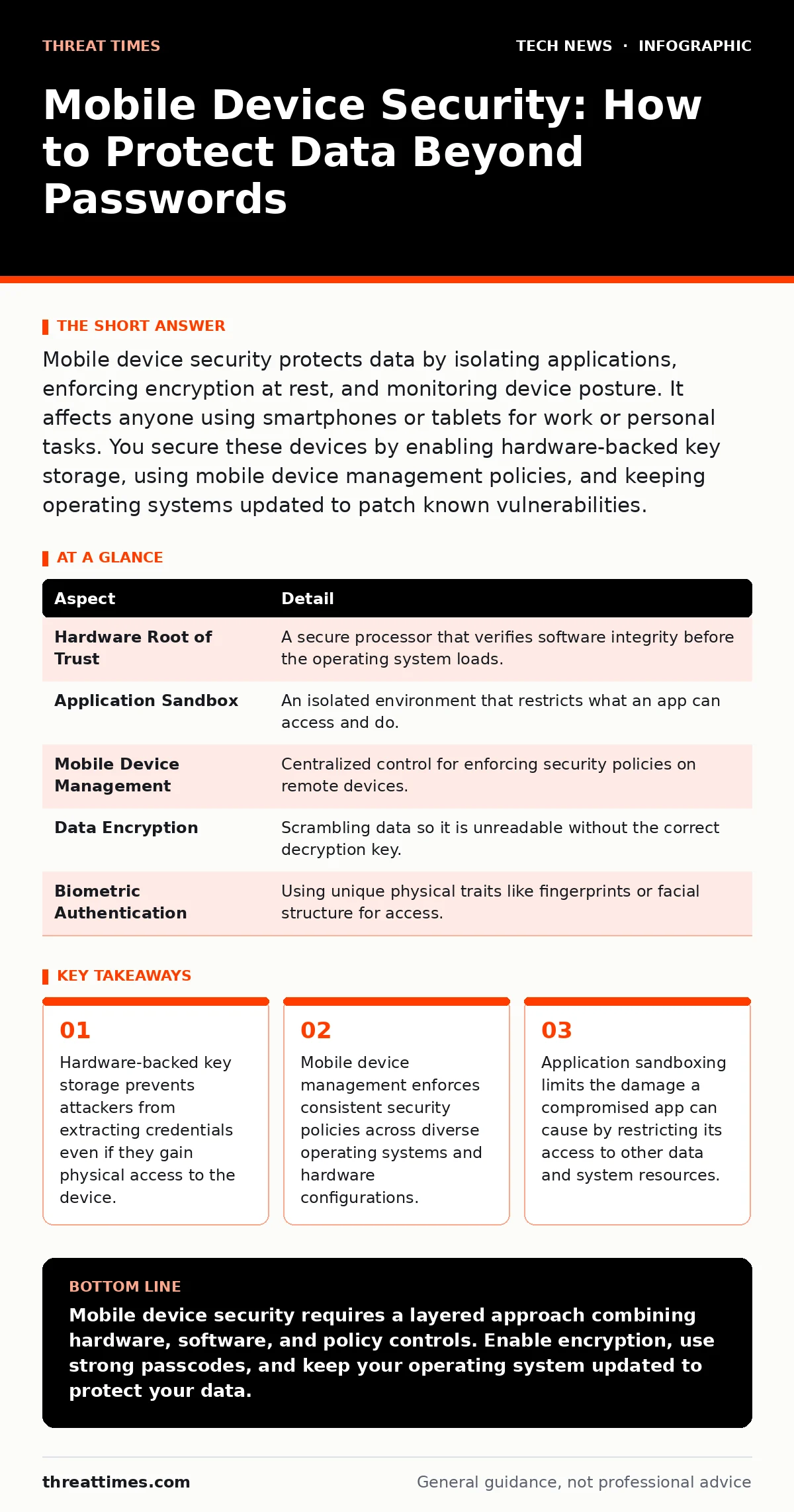
Mobile device security protects data by isolating applications, enforcing encryption at rest, and monitoring device posture. It affects anyone using smartphones or tablets for work or personal tasks. You secure these devices by enabling hardware-backed key storage, using mobile device management policies, and keeping operating systems updated to patch known vulnerabilities.
Everyday Analogy for Mobile Security
Imagine a high-security bank vault that travels with you. The vault does not just rely on a single lock. It has multiple layers of protection. The outer shell resists physical force. The inner door requires a unique biometric key that changes every time you use it. Even if a thief breaks the outer shell, they cannot open the inner door without the current key. The vault also knows where it is. If it moves to an unauthorized location, it locks itself automatically. Mobile device security works on this same principle of layered, context-aware protection rather than a single point of failure.
At a Glance: Core Components
| Aspect | Detail |
|---|---|
| Hardware Root of Trust | A secure processor that verifies software integrity before the operating system loads. |
| Application Sandbox | An isolated environment that restricts what an app can access and do. |
| Mobile Device Management | Centralized control for enforcing security policies on remote devices. |
| Data Encryption | Scrambling data so it is unreadable without the correct decryption key. |
| Biometric Authentication | Using unique physical traits like fingerprints or facial structure for access. |
What Is Mobile Device Security?
Mobile device security is the practice of protecting smartphones, tablets, and other handheld computers from unauthorized access, data loss, and malicious activity. It differs from traditional computer security because the device is always connected, often lost or stolen, and used in untrusted networks. The goal is to ensure that sensitive data remains confidential and intact regardless of the device's physical location or network environment. This field combines cryptography, operating system design, and policy enforcement to create a defense-in-depth strategy. You must treat the device itself as a potential threat vector, not just the network it connects to.
How Mobile Device Security Works
The foundation of modern mobile security is the hardware root of trust. This is a dedicated chip or processor region that cannot be tampered with by the main operating system. When you power on the device, this chip verifies that the bootloader and operating system have not been altered. If the verification fails, the device will not start. This prevents attackers from installing malicious firmware. Next, the operating system uses application sandboxing.
Each app runs in its own isolated space. One app cannot read the data of another app unless explicit permission is granted. This limits the blast radius of a compromised application. Encryption protects data at rest. The encryption keys are stored in the secure hardware, not in the general memory. This means that even if an attacker copies the data from the storage chip, they cannot decrypt it without the secure hardware present.
Who Mobile Device Security Affects
Every person who carries a smartphone is affected by mobile device security. For individuals, it protects personal photos, financial records, and communication logs from theft and identity fraud. For organizations, it protects corporate intellectual property, customer data, and internal communications. Employees who use personal devices for work create a complex security boundary.
The organization must protect its data without violating the employee's privacy. This tension requires careful policy design. Third-party app developers also play a role. They must write code that respects security boundaries and does not leak sensitive data. If an app has a vulnerability, it can become an entry point for attackers to access the entire device.
What to Do About Mobile Device Security
You start by enabling full-disk encryption. Most modern devices do this by default, but you must verify it is active. Next, use a strong passcode. A simple 4-digit PIN is easy to guess or bypass. Use a longer alphanumeric passcode. Enable biometric authentication for convenience, but understand that biometrics can sometimes be forced or spoofed. The passcode remains the primary defense. Install updates immediately. Operating system updates often contain critical security patches.
Delaying updates leaves known vulnerabilities exposed. Use mobile device management if you work for an organization. This allows IT to enforce password complexity, remote wipe capabilities, and application whitelisting. Review app permissions regularly. Revoke access for apps that do not need it. For example, a flashlight app does not need access to your contacts. This reduces the attack surface. See our guide on operating system hardening for deeper technical details on reducing vulnerabilities.
Common Misconceptions About Mobile Security
Many people believe that a password is sufficient protection. This is incorrect. A password only protects against casual access. Determined attackers can use hardware tools to bypass software locks. Hardware-backed key storage is necessary to resist these attacks. Another misconception is that jailbreaking or rooting a device is safe if you know what you are doing. Removing these restrictions disables the security boundaries that protect the system.
It exposes the device to malware that can escalate privileges. Some users think that using a virtual private network provides complete privacy. A VPN encrypts traffic in transit, but it does not protect data on the device or prevent malware from stealing credentials. It also does not hide your identity from the VPN provider itself. Security is a combination of many controls, not a single solution.
Integration with Broader Security Strategies
Mobile devices do not exist in isolation. They connect to Wi-Fi networks, use APIs to access cloud services, and interact with other devices. You must consider these connections when securing the device. Weak Wi-Fi security can expose mobile traffic to interception. Ensure that your Wi-Fi networks use strong encryption standards. See our guide on Wi-Fi security for best practices on securing wireless access points. Mobile apps often communicate with backend services through APIs.
If these APIs are not properly secured, attackers can manipulate them to steal data. Implement strict authentication and authorization checks on the server side. See our guide on APIs for details on securing these interfaces. Mobile devices also rely on certificates to verify the identity of servers and apps. Proper certificate management prevents man-in-the-middle attacks. See our guide on certificate management to understand how to validate these digital identities.
Future Considerations for Device Protection
As technology evolves, mobile security challenges change. New hardware capabilities introduce new attack surfaces. For example, sensors like cameras and microphones can be abused by malicious apps to spy on users. Operating systems are adding more granular controls for these sensors. You must enable these controls to protect your privacy. The rise of edge computing means more processing happens on the device itself. This increases the value of the data stored locally.
See our guide on edge computing to understand the security implications of decentralized data processing. Quantum computing poses a long-term threat to current encryption methods. While not an immediate danger, organizations should begin planning for post-quantum cryptography. See our guide on quantum computing and encryption for an overview of these future requirements. Staying informed about these trends helps you prepare for emerging threats.
Key takeaways
- Hardware-backed key storage prevents attackers from extracting credentials even if they gain physical access to the device.
- Mobile device management enforces consistent security policies across diverse operating systems and hardware configurations.
- Application sandboxing limits the damage a compromised app can cause by restricting its access to other data and system resources.
Mobile device security requires a layered approach combining hardware, software, and policy controls. Enable encryption, use strong passcodes, and keep your operating system updated to protect your data.
Frequently asked questions
Is mobile device management invasive?
Mobile device management can be configured to respect privacy. It can separate work and personal data, allowing the organization to manage only the corporate information while leaving personal apps untouched.
Do I need mobile device security for personal devices?
Yes. Personal devices store sensitive financial and private data. Protecting these devices prevents identity theft and unauthorized access to your personal life.
How does mobile security differ from laptop security?
Mobile devices are always connected and have different hardware security features. See our guide on **laptop security** to understand the distinct challenges of securing traditional computers.
Can malware really affect my mobile device?
Yes. Malware can steal credentials, spy on activity, and encrypt data for ransom. Keeping the operating system updated and downloading apps only from trusted sources reduces this risk.
How this guide was produced: written by the Threat Times editorial team with AI assistance, checked against the public references listed below, and reviewed when the facts change. See our editorial policy or report an error.