AI-Generated Phishing: How to Spot Synthetic Social Engineering
Automated text generation removes human error from scam messages, making them indistinguishable from legitimate corporate communications.

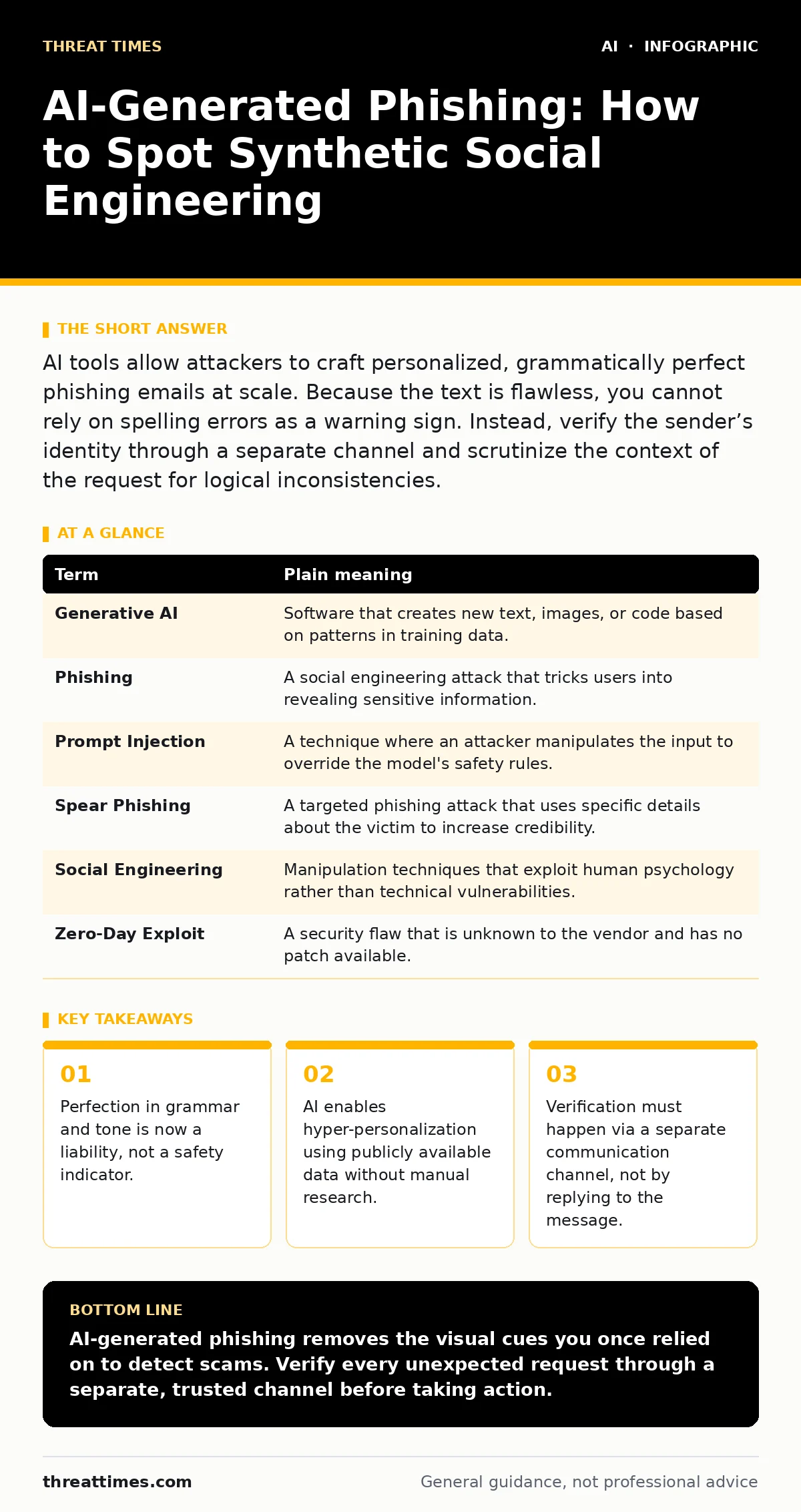
AI tools allow attackers to craft personalized, grammatically perfect phishing emails at scale. Because the text is flawless, you cannot rely on spelling errors as a warning sign. Instead, verify the sender’s identity through a separate channel and scrutinize the context of the request for logical inconsistencies.
The Counterfeit Letterpress
Imagine a skilled forger who previously spent hours hand-copying documents to match your neighbor’s handwriting. Now, that forger has access to a machine that prints perfect replicas in seconds. The quality is identical to the original, but the intent is malicious. This shift defines the current threat of AI-generated phishing. Attackers no longer need manual effort to craft convincing messages. They use generative models to produce text that mimics trusted brands and colleagues with alarming accuracy.
The old advice was to look for typos. That advice is obsolete. Modern language models correct grammar and adjust tone automatically. The result is a message that feels natural and professional. This creates a false sense of security for the recipient. You must change how you evaluate incoming communications.
Why Grammar No Longer Signals Safety
Traditional phishing attempts often contained awkward phrasing or spelling mistakes. These errors served as heuristic signals for users. Generative AI eliminates these signals entirely. The output is syntactically correct and contextually appropriate. This raises the baseline quality of all malicious communications.
Consider the trade-off. The attacker gains speed and scale. You lose a primary detection method. The cognitive load shifts from spotting errors to verifying intent. You must assume that any unsolicited request for action is potentially synthetic until proven otherwise. This requires a fundamental change in your verification habits.
The Mechanics of Synthetic Persuasion
The technology behind this threat relies on large language models. These systems analyze vast amounts of text to predict the next likely word in a sequence. They do not understand truth. They only understand probability. An attacker provides a prompt describing the desired outcome. The model generates a response that matches the requested style and content.
This process allows for rapid iteration. An attacker can generate hundreds of unique email variations in minutes. Each variation targets a different recipient with personalized details. This is known as spear phishing, but it is now automated. The personalization comes from scraping public data, not deep undercover work. The threat is not the technology itself, but its democratization.
| Term | Plain meaning |
|---|---|
| Generative AI | Software that creates new text, images, or code based on patterns in training data. |
| Phishing | A social engineering attack that tricks users into revealing sensitive information. |
| Prompt Injection | A technique where an attacker manipulates the input to override the model's safety rules. |
| Spear Phishing | A targeted phishing attack that uses specific details about the victim to increase credibility. |
| Social Engineering | Manipulation techniques that exploit human psychology rather than technical vulnerabilities. |
| Zero-Day Exploit | A security flaw that is unknown to the vendor and has no patch available. |
The Hidden Cost of Trust
The primary risk is not just data theft. It is the erosion of trust in digital communication. When every email looks legitimate, you become skeptical of all communication. This leads to decision paralysis. You may delay legitimate business transactions or ignore urgent alerts.
This fatigue makes you vulnerable to time-sensitive scams. Attackers know that urgency bypasses critical thinking. They use AI to craft messages that create a false sense of immediacy. The message might claim a security breach or a payroll error. You feel pressured to act quickly. This pressure is the real weapon, not the text itself.
Contextual Verification Strategies
You must verify the sender through a separate channel. If an email claims to be from your IT department, call the IT help desk using a number from the company website. Do not use the contact information in the email. This breaks the chain of deception.
Look for logical inconsistencies in the request. AI is good at language, but it struggles with complex logic. It may reference a project that does not exist or a policy that was never implemented. These hallucinations are clues. If the context feels slightly off, pause. Verify the details before taking any action.
Simple Safety Habits
Implementing these habits reduces your exposure. They do not require special software. They require a change in behavior.
- Pause and Verify: Treat every unsolicited request for money, data, or credentials as suspicious. Verify the request through a known, trusted channel.
- Inspect Links Manually: Hover over links without clicking them. Look at the actual URL in the status bar. If the domain does not match the expected organization, do not click.
- Check the Sender Address: Look closely at the email address. Attackers often use domains that look similar to legitimate ones. A single character difference can indicate a fake sender.
The Role of Automated Defenses
While user habits are primary, technical controls provide a layer of defense. Email authentication protocols like SPF, DKIM, and DMARC help verify that an email actually came from the claimed domain. These protocols prevent simple spoofing.
However, they do not stop sophisticated attacks. If an attacker compromises a legitimate account, these protocols will pass. The email is technically valid. This is why user awareness remains critical. No technical control can fully replace human judgment in complex social engineering scenarios.
Moving Beyond Basic Awareness
Understanding AI-generated phishing is the first step. You must also understand the broader ecosystem. For instance, AI hallucinations can create plausible but false information that attackers use in their prompts. Similarly, prompt injection attacks can manipulate AI tools to bypass safety filters.
Exploring AI security testing can help organizations identify weaknesses in their own AI implementations. Understanding neural networks provides insight into how these models learn and behave. Knowledge of LLM guardrails explains how developers attempt to restrict harmful outputs.
These topics are interconnected. The threat evolves as the technology evolves. Your defenses must evolve with it. Stay informed about new techniques. Update your verification habits regularly.
Key takeaways
- Perfection in grammar and tone is now a liability, not a safety indicator.
- AI enables hyper-personalization using publicly available data without manual research.
- Verification must happen via a separate communication channel, not by replying to the message.
AI-generated phishing removes the visual cues you once relied on to detect scams. Verify every unexpected request through a separate, trusted channel before taking action.
Frequently asked questions
Can AI detect AI-generated phishing emails?
Yes, some security tools use machine learning to analyze patterns, but they are not perfect. Attackers constantly adapt their prompts to evade detection, so human verification remains necessary.
Is it safe to use AI tools for writing emails?
Using AI for drafting is generally safe if you review the output carefully. Ensure you do not feed sensitive personal or corporate data into public AI models, as this can lead to data poisoning attacks.
How do I know if an email is from a real colleague?
Check the email address domain carefully. If in doubt, contact the colleague via a different method, such as an instant messaging platform or a phone call, using a number you already have saved.
Does encryption stop AI phishing?
No. Encryption protects data in transit. It does not verify the intent of the sender. A phishing email can be encrypted and still contain malicious instructions.
How this guide was produced: written by the Threat Times editorial team with AI assistance, checked against the public references listed below, and reviewed when the facts change. See our editorial policy or report an error.