Microsoft rolls out preview of redesigned Windows 11 Search experience
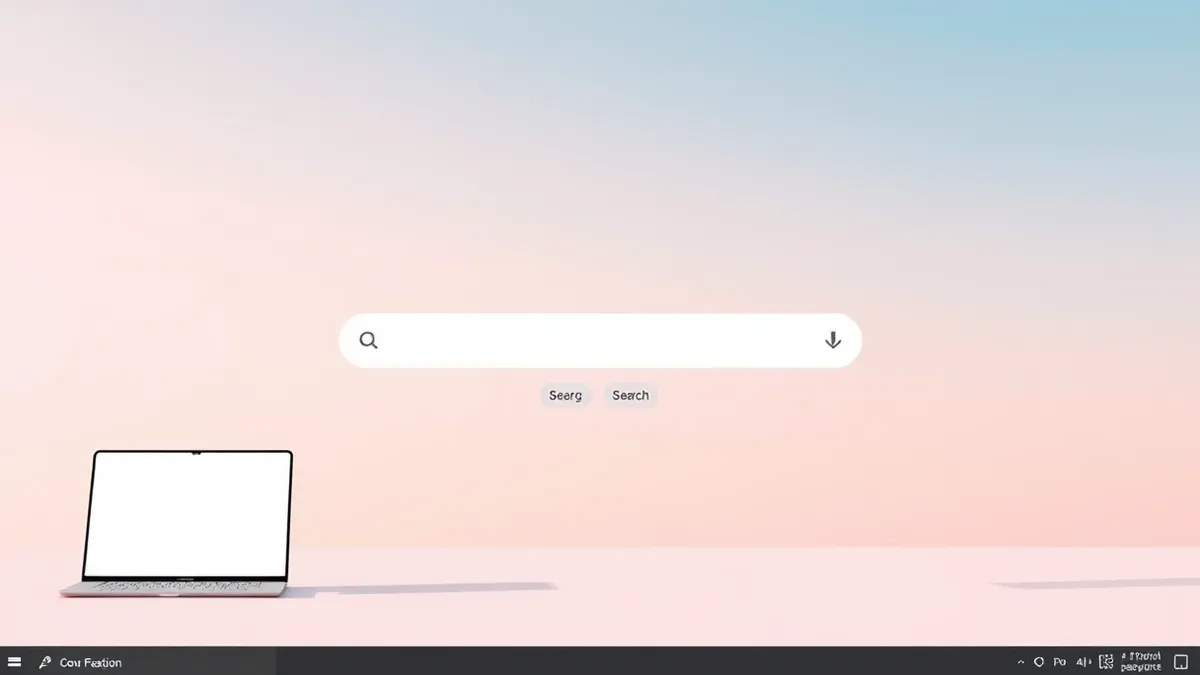
A new Windows 11 Search interface built on WinUI 3 is now available in Insider builds, featuring inline actions and improved accuracy.
Key points
- The preview is currently rolling out via the Windows Insider Program.
- The new interface uses WinUI 3 to improve performance and reduce memory usage.
- Users can perform tasks like toggling Bluetooth or dark mode directly from the search box.
Microsoft is distributing a preview of its overhauled Windows 11 Search experience to participants in the Windows Insider Program, according to Windows Central. The update introduces a redesigned interface that allows users to execute common system commands directly from the Taskbar without navigating through additional settings screens.
The new Search feature addresses previous limitations in query accuracy and performance by utilizing the WinUI 3 framework, which Microsoft states reduces memory consumption. As Threat Times reported on October 16, 2026, Microsoft released preview builds featuring this redesigned Search experience alongside a new Battery Status widget. The current preview focuses on core functionality and inline actions.
View the original post on X
Interface and functionality changes
According to Windows Central, the redesigned experience improves search accuracy by better matching typos and synonyms. Beyond locating apps, files, and settings, the search box now supports direct commands. Users can type phrases such as "switch to dark mode," "turn on Bluetooth," or "mute" to adjust system configurations immediately.
Microsoft plans to expand these capabilities in future updates. Later this year, the company intends to add richer web results, including information cards for weather and stock prices. Inline file previews are also scheduled for release, allowing users to view document content without opening separate applications.
Future integration plans
The development roadmap includes deeper integration with the Start menu, which is planned for 2027. Microsoft is also working to embed Copilot functionality directly into the Search interface. This will enable users to ask questions and view answers within the search box before opening the standalone Copilot app for extended conversations.
The new Search experience retains the core legacy functions of finding applications, files, and web results. However, the shift toward inline actions and AI integration marks a significant change in how users interact with the operating system. The current preview remains limited to Insider builds, with no confirmed date for a general availability release.
What should you do?
Security professionals should monitor Insider builds for any unexpected permission requests or behavioral anomalies in the new Search component. Since the feature involves deeper system integration and Copilot connectivity, teams should verify that endpoint detection and response tools can adequately log search-related activities.
Organizations managing Windows 11 fleets should continue to restrict Insider enrollment to controlled test groups. Until Microsoft provides a stable release for general consumers, production environments should remain on verified updates. Administrators should also review telemetry settings to ensure that search query data is handled according to corporate privacy policies.
Background: Endpoint detection and response (EDR)
Endpoint detection and response examples include blocking PowerShell scripts that download payloads, isolating devices showing abnormal memory access, and rolling back file changes. These tools monitor behavior, not just signatures, to stop advanced threats that evade standard security controls.
Read the full guide: Endpoint Detection and Response Examples: How EDR Stops Hidden Threats
What to do and how to stay safe: Microsoft
- Monitor Insider builds for unusual permission requests or behavioral anomalies in the new Search component.
- Restrict Windows Insider enrollment to controlled test groups within your organization.
- Verify that endpoint detection tools can adequately log search-related activities and telemetry.
- Review corporate privacy policies regarding search query data handling and Copilot integration.
Step-by-step guide: Mobile Device Security: How to Protect Data Beyond Passwords
General security guidance from the Threat Times newsroom. It is not confirmed advice from the organisations named in this story.
Frequently asked questions
When will the new Windows 11 Search be available to all users?
Microsoft has not announced a general release date, but deeper Start menu integration is planned for 2027.
What technical framework powers the new Search experience?
The redesigned interface is built on WinUI 3, which Microsoft says improves performance and reduces memory usage.
Can users perform system actions directly from the search box?
Yes, users can type commands to switch to dark mode, enable Bluetooth, adjust volume, or arrange windows.