iOS 27 Adds Video and AI to CarPlay, But Model Limits Apply
Apple's latest iOS update brings video playback and Siri AI to CarPlay, though hardware requirements restrict full feature access for older devices.
Key points
- iOS 27 enables video app support in CarPlay that activates only when the vehicle is parked.
- New CarPlay features include a persistent mini-player with a progress bar and improved wireless reliability.
- Siri AI integration in CarPlay requires specific newer iPhone models to function correctly.
Apple released iOS 27, introducing significant updates to its CarPlay interface that include video playback capabilities and enhanced artificial intelligence features. According to Engadget, these changes aim to improve the in-car experience, but not all iPhone models can support every new function, creating a tiered availability based on hardware age.
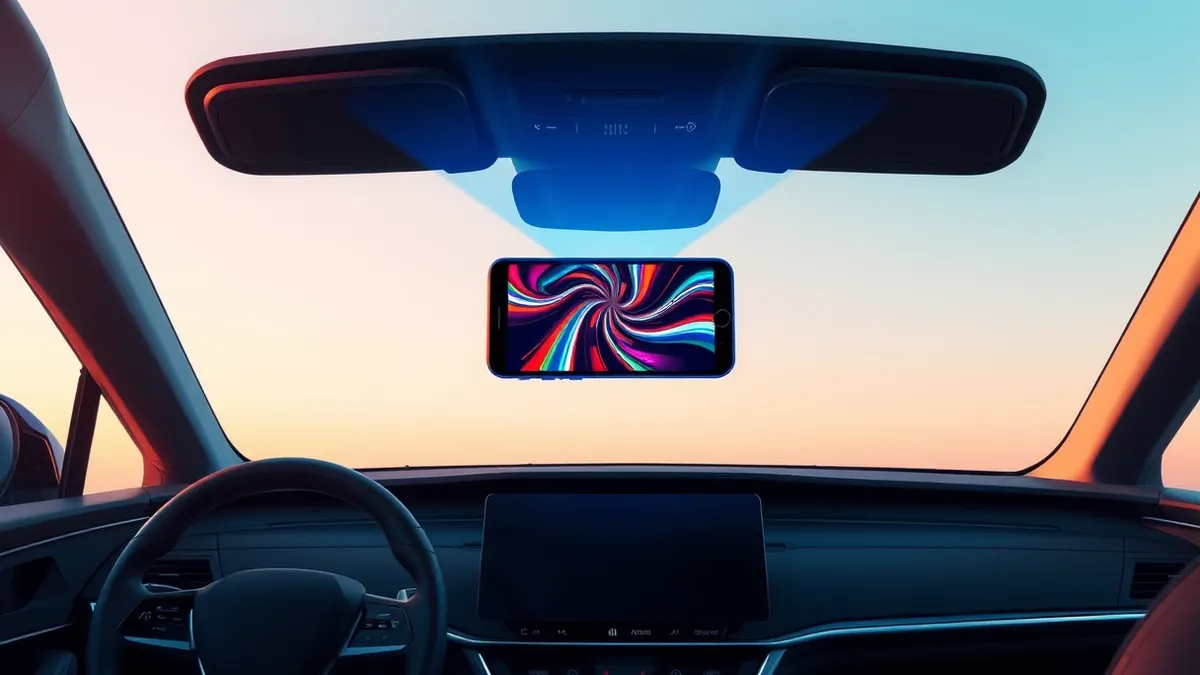
The most notable addition is support for video applications within the CarPlay ecosystem. Previously, entertainment options were limited to audio services like Apple Music and Spotify. Now, users can watch videos on their vehicle's display, provided the car manufacturer has implemented support for this specific feature, which may delay compatibility with apps like Netflix or YouTube.
Safety and Interface Improvements
Safety protocols remain strict regarding video consumption. The system detects when the vehicle is in motion and disables video playback to prevent driver distraction. If a user starts driving while a video is playing, the system automatically switches to audio-only mode until the vehicle comes to a complete stop. This ensures that visual content is only available when the car is parked.
Audio playback has also received a functional overhaul. The Now Playing screen now features a persistent mini-player that displays album artwork, playback controls, and a progress bar. This allows users to swipe forward or backward through songs or podcasts directly on the car display, eliminating the need to handle their iPhone during playback.
Hardware Requirements and AI
Apple claims that CarPlay connectivity has become more reliable with iOS 27, offering more consistent wireless connections and more accurate GPS location reporting. Additionally, navigation apps can now share route data with the vehicle, allowing for cross-checking arrival times and suggesting EV charging stops based on data from Google Maps or Apple Maps.
However, access to the new Siri AI features within CarPlay is restricted. While the virtual assistant is available in the broader iOS 27 update, using it inside the vehicle requires one of the newer iPhone models. Engadget notes that if your iPhone is less than three years old, you are more likely to unlock all possible features, but older devices may face limitations.
What should you do?
Users planning to update to iOS 27 should verify their iPhone model's compatibility with the new CarPlay features before installing. Drivers should ensure their vehicle manufacturer supports the new video and data-sharing capabilities to fully utilize the update. It is also advisable to review the safety restrictions regarding video playback to understand how the system manages content while driving.
What to do and how to stay safe: Apple
- Check your iPhone model specifications to confirm compatibility with iOS 27 and its advanced CarPlay features.
- Verify with your vehicle manufacturer whether your car's infotainment system supports the new video playback and route data sharing.
- Test the wireless CarPlay connection after updating to ensure the improved reliability and GPS accuracy function as expected.
- Review the safety settings for video apps to understand how the system automatically switches to audio-only mode when the vehicle moves.
Step-by-step guide: Mobile Device Security: How to Protect Data Beyond Passwords
General security guidance from the Threat Times newsroom. It is not confirmed advice from the organisations named in this story.
Frequently asked questions
Can I watch videos on CarPlay while driving with iOS 27?
No, the system detects motion and only allows video playback when the vehicle is parked, switching to audio-only while driving.
Does every iPhone support the new Siri AI features in CarPlay?
No, Siri AI in CarPlay requires newer iPhone models; older devices may not support this specific feature even with iOS 27.
Will video apps like Netflix work immediately on my car's display?
Not necessarily, as vehicle manufacturers must implement support for the new video feature, which may delay compatibility with certain apps.