Windows Command Prompt Found Exposed on Irish OOHPod Locker Screen
A user in Ireland discovered a live Windows command prompt window on a postal locker interface, revealing an exposed system shell to the public.
Key points
- An OOHPod locker screen in Ireland displayed a Windows command prompt instead of the standard user interface.
- The exposure occurred when a user attempted to retrieve a parcel and interacted with the touchscreen.
- No physical keyboard or peripheral ports were available, limiting the potential for direct manipulation.
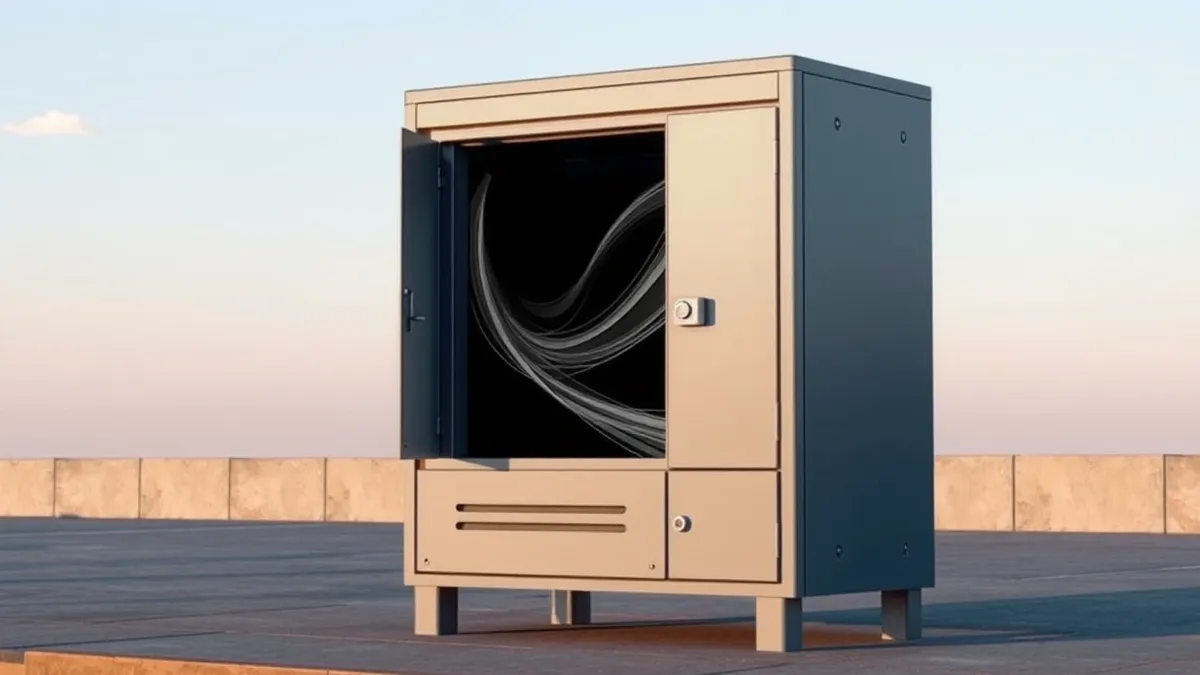
A visitor to an OOHPod postal locker facility in Ireland encountered an unexpected system display while attempting to collect a parcel, according to a report by The Register. Instead of the standard retrieval interface, the touchscreen presented a blank screen with a minimized window that revealed a Windows command prompt when maximized.
The incident highlights a configuration oversight where a system shell was visible to end users. The Register reader described tapping the screen to maximize the window, which immediately brought the command prompt into view. This exposed the underlying operating system interface to anyone passing by or using the locker.
Context and Background
OOHPod is a service that allows individuals to deposit and retrieve goods in secure lockers. Users typically scan an identification card or enter details on a touch screen to open the appropriate locker door. The system is designed to provide a seamless experience, but this instance revealed the backend software running on the device.
The Register noted that the command line is a powerful tool for administrators but an unwelcome sight for customers. The presence of the prompt suggests the system was not properly isolated from the user interface. The reader observed the prompt clearly, indicating the window was active and responsive to touch inputs.
Who Is Affected
The primary impact was on the user attempting to retrieve their package. While ordinary customers might be confused by the display, the exposure presented a theoretical security risk. The Register reader noted that the lack of a physical keyboard or available ports prevented immediate exploitation of the exposed command line.
The locker system eventually returned to its normal state after the user interacted with the screen. The command window disappeared, and the standard OOHPod interface reappeared. This allowed the customer to complete their transaction without further incident. The bank of lockers was left in a functional state for subsequent users.
What should you do?
This incident serves as a reminder for organizations using kiosks or public-facing devices. Ensuring that administrative interfaces are hidden and locked down is critical. Users should report any unusual screens or exposed system prompts to facility management immediately.
What to do and how to stay safe: Windows
- Report any exposed command prompts or administrative interfaces on public devices to the vendor or facility manager.
- Avoid interacting with unexpected system windows, as they may indicate a misconfigured or vulnerable device.
- Monitor public kiosks for signs of system instability or unauthorized access attempts.
- Ensure that all public-facing devices have physical ports secured and input methods restricted to prevent peripheral attacks.
Step-by-step guide: Mobile Device Security: How to Protect Data Beyond Passwords
General security guidance from the Threat Times newsroom. It is not confirmed advice from the organisations named in this story.
Frequently asked questions
What was found on the OOHPod locker screen?
A Windows command prompt window was visible on the touchscreen, replacing the standard user interface.
Could the user exploit the exposed command prompt?
No, the device lacked a physical keyboard or available ports for peripheral connection, limiting direct manipulation.
Did the system crash during the incident?
No, the system returned to its normal state after the user interacted with the screen, allowing normal operation to resume.