Google Maps Street View Blurs Locations for Privacy and Security Requests
Google permanently blurs specific addresses on Street View following requests from governments, individuals, and privacy advocates to protect sensitive sites and residences.
Key points
- Google blurs locations on Street View in response to requests from government entities, privacy campaigners, and customers.
- Military bases, homes of high-net-worth individuals, and properties in nations with strict privacy laws are commonly blurred.
- Users can request blurring for their own homes or failed redactions, but the measure is permanent and cannot be reversed.
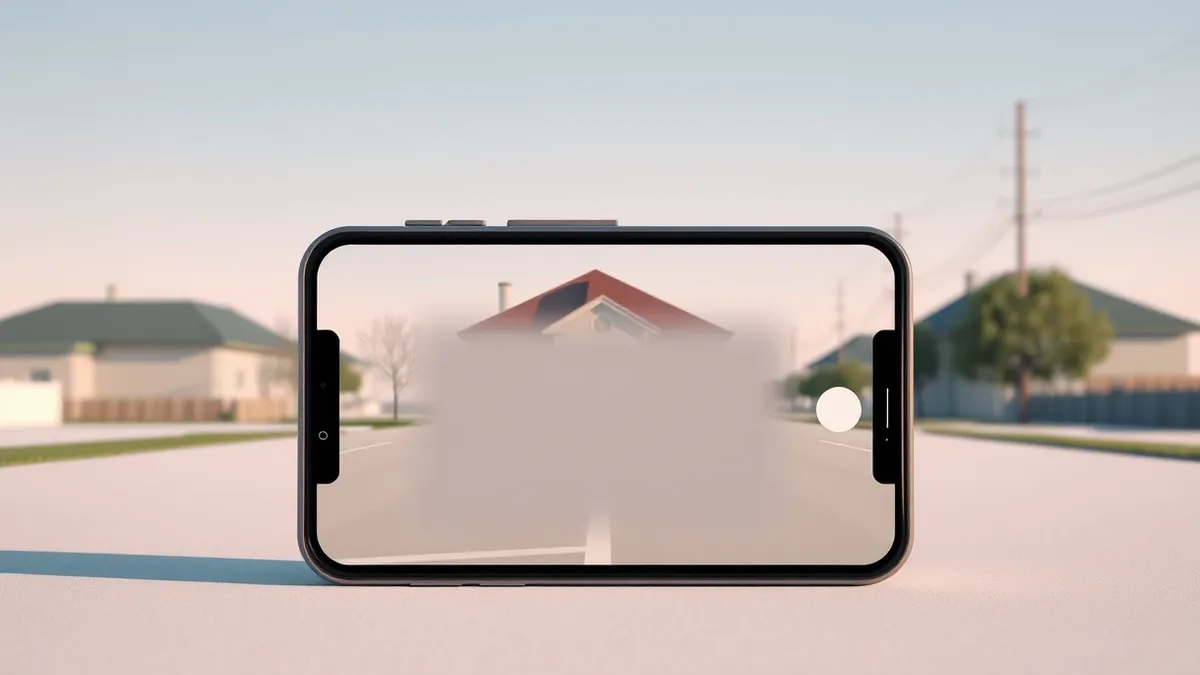
Google Maps Street View permanently blurs specific geographic locations to protect the privacy and security of individuals and sensitive sites. According to Engadget, this masking occurs in response to formal requests from government bodies, digital privacy advocates, and private customers who seek to reduce their digital footprint.
The company applies these blurs to obscure military installations, highly secure government facilities, and the residences of celebrities and high-net-worth individuals. In certain countries, including Germany and the Netherlands, legal rights allow residents to request that their homes be blurred, resulting in widespread obscuration of properties in those regions.
Context and Background
Street View imagery provides detailed visual data that can reveal property layouts, security measures, and asset values. Engadget notes that police, journalists, open-source investigators, and potential criminals may utilize this information for professional or malicious purposes. Blurring specific areas reduces the availability of this sensitive data, thereby limiting insights into security protections and property characteristics.
Google’s automated systems already attempt to blur faces and license plates by default. However, these tools do not always succeed in redacting every identifiable feature. When automated redaction fails, or when a user desires additional privacy for their entire property, manual requests can trigger permanent blurring of the location on the platform.
Who Is Affected
The blurring process affects a wide range of entities, from state actors to private citizens. Military and government locations are frequently masked to prevent the disclosure of strategic infrastructure. High-profile individuals, including VIPs and celebrities, often have their homes blurred to deter unwanted attention or security threats.
Regular citizens in jurisdictions with strong privacy laws also benefit from this feature. Engadget reports that in nations like the Netherlands and Germany, the legal right to request blurring leads to many properties being obscured. Additionally, users who identify errors in automated redaction, such as a mistaken address or a visible face, can request corrections through the same mechanism.
What should you do?
Users who wish to blur their home or correct a failed redaction can do so directly through Google Maps. The process involves using the Street View interface to locate the specific property and submitting a formal request. Google may require an email address for verification and potentially proof of ownership or tenancy to process the application.
Once Google approves and applies the blur, the change is permanent. The company does not offer any method to undo the blurring or restore the original image of the location. This permanence ensures that the privacy protection remains in place indefinitely, preventing the re-exposure of sensitive visual data.
What to do and how to stay safe: Google Maps
- Review your home's appearance in Google Maps Street View to identify any visible security features, license plates, or faces that were not automatically redacted.
- Submit a request to blur your property or specific objects through the Street View interface if you identify privacy concerns or failed redactions.
- Prepare proof of ownership or tenancy documentation, as Google may require verification to process your blurring request.
- Understand that any approved blurring is permanent and cannot be reversed, so ensure your request accurately reflects your privacy needs.
Step-by-step guide: Mobile Device Security: How to Protect Data Beyond Passwords
General security guidance from the Threat Times newsroom. It is not confirmed advice from the organisations named in this story.
Frequently asked questions
Can I remove the blur from my home on Google Maps?
No, Google does not offer a way to undo blurring once it has been applied to a location on Street View.
Why are some countries like Germany and the Netherlands heavily blurred?
Residents in these nations have a legal right to request that their homes be blurred on Street View services.
Does Google blur everything automatically?
Google automatically blurs faces and license plates, but users can request additional blurring for homes or items missed by automated tools.