Ember Mug 3 adds physical temperature controls to reduce app dependency
The third-generation smart mug allows users to adjust heat settings via a button, addressing connectivity complaints and improving convenience.
Key points
- Ember Mug 3 features a physical button for temperature adjustment without app use.
- Users can cycle through five presets from 125 to 145 degrees Fahrenheit.
- The device includes a new sliding lid to help prevent spills during use.
Ember has released the Mug 3, a third-generation temperature-controlled smart mug that introduces physical controls for adjusting drink heat. According to a review by TechCrunch, the primary update eliminates the need to open a smartphone application to change the temperature, addressing a common friction point for users of previous models.
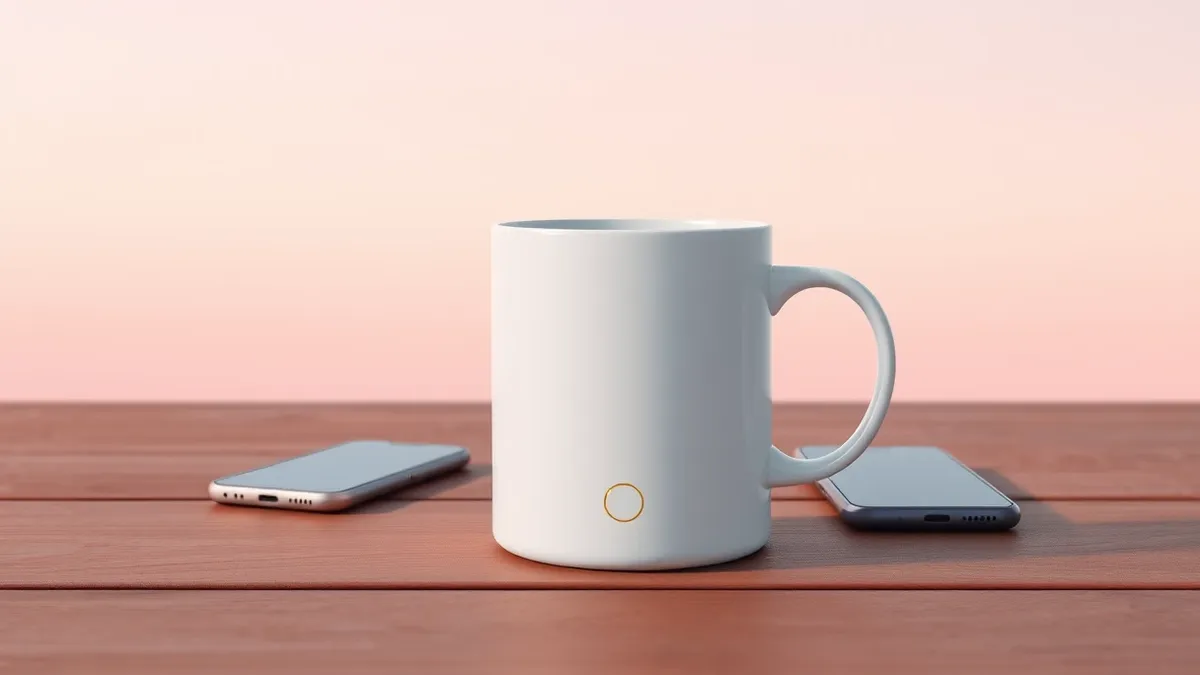
The new device features a button located on the bottom of the mug that cycles through five preset temperatures. Each press increases the heat by five degrees, starting at 125 degrees Fahrenheit and reaching a maximum of 145 degrees. This design allows users to make incremental adjustments to their drink’s warmth directly on the hardware, rather than relying on digital interfaces to manage the heating element.
Context and Background
Ember first launched its smart mug in 2016 to address the issue of beverages cooling down while users were distracted. The original product aimed to keep drinks at a consistent temperature for extended periods. The Mug 3 represents the latest iteration in this product line, building upon the core functionality of maintaining specific heat levels for coffee, tea, and other hot liquids over time.
According to TechCrunch, the addition of physical controls is a significant shift from earlier versions that required app interaction for temperature changes. The reviewer noted that this feature was particularly useful during evening routines, such as reading in bed, where keeping a smartphone nearby was inconvenient. The ability to adjust heat without retrieving a phone was described as a small but appreciated convenience.
Who is Affected
Users who have previously experienced connectivity or pairing issues with the Ember application may find the new hardware controls beneficial. The physical button provides an alternative method for temperature management that does not depend on Bluetooth stability or app functionality. This reduces reliance on the smartphone ecosystem for basic operation, potentially improving the user experience for those who struggle with wireless pairing or software glitches.
However, the placement of the control button on the bottom of the mug presents ergonomic challenges. TechCrunch reported that the location is difficult to reach when the mug contains hot liquid. Users often need to tilt the mug and press firmly to activate the button, which can be awkward or risky. This design choice may frustrate some users who prefer easy access to controls without manipulating the vessel’s position.
What should you do?
Consumers interested in the Mug 3 should evaluate their current usage patterns with smart mugs. If frequent app connectivity issues have disrupted your experience, the physical controls may offer a more reliable alternative. However, potential buyers should consider the ergonomic trade-offs of the bottom-mounted button before purchasing. Users who prefer precise digital customization should verify that the app still supports their preferred temperature presets and Bluetooth pairing methods.
What to do and how to stay safe: Ember
- Test the physical button mechanism to ensure it meets your ergonomic preferences and safety comfort levels.
- Verify that the Bluetooth pairing process works reliably with your specific smartphone model before relying on the device.
- Check if the five preset temperature ranges align with your preferred drinking temperatures for coffee or tea.
- Review the sliding lid functionality to determine if it adequately prevents spills for your typical usage scenarios.
Step-by-step guide: Mobile Device Security: How to Protect Data Beyond Passwords
General security guidance from the Threat Times newsroom. It is not confirmed advice from the organisations named in this story.
Frequently asked questions
Does the Ember Mug 3 require the app to change temperature?
No, the Mug 3 includes a physical button that allows users to cycle through five preset temperatures without using the app.
What is the temperature range for the new mug?
The mug cycles through five presets starting at 125 degrees Fahrenheit, increasing by five degrees per press up to 145 degrees.
Where is the temperature control button located?
The button is located on the bottom of the mug, which some users find difficult to press while the mug is full.