Apple Intelligence Adds Natural Language Shortcuts to iOS 27
Users can now describe automation tasks in plain English within the Shortcuts app, though results may require manual adjustment.
Key points
- iOS 27 integrates Apple Intelligence into the Shortcuts app for natural language creation.
- The AI generates automation sequences from text prompts but may produce imperfect results.
- Users must manually verify and edit generated shortcuts to ensure correct functionality.
Apple has integrated its Apple Intelligence features into the Shortcuts application for devices running iOS 27, allowing users to create automation routines through natural language descriptions. This update transforms the utility, which has been available since 2018, by adding an AI layer that interprets plain English commands to build complex task sequences automatically.
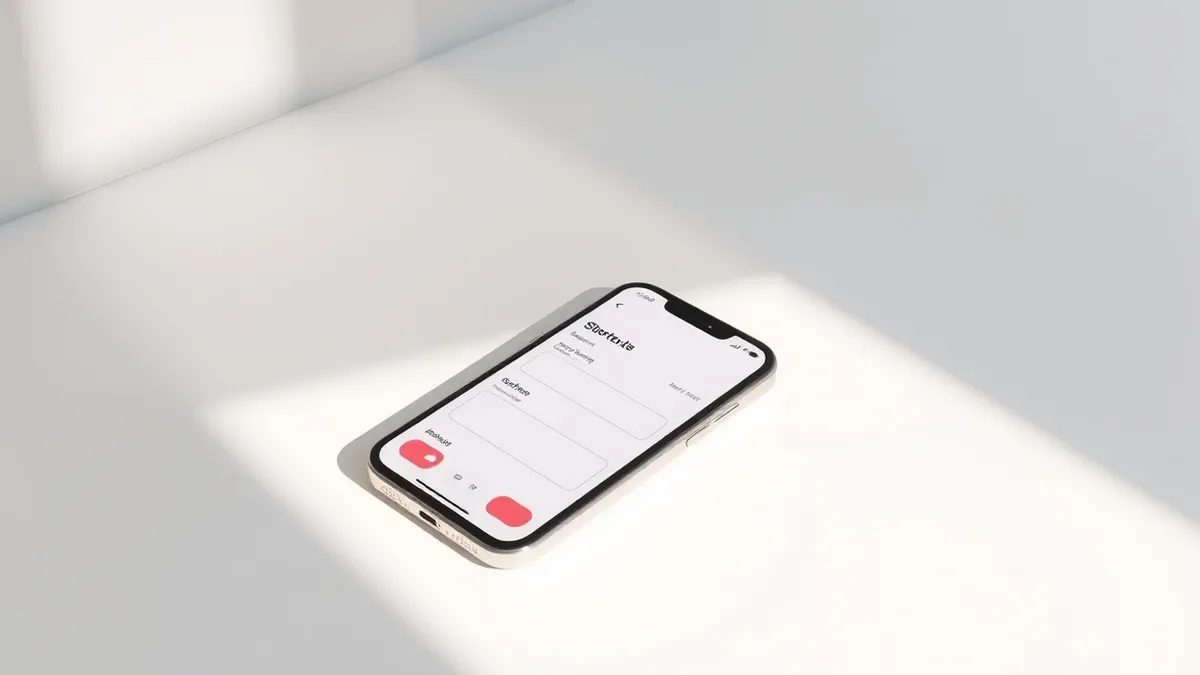
According to Engadget, this functionality represents one of the few areas where Apple Intelligence provides a meaningful improvement to the user experience. Users can launch the preinstalled Shortcuts app on their iPhone, tap the plus icon, and type a description of the desired automation. The system then assembles the necessary actions, allowing the user to test the routine immediately by tapping the play button.
Reliability and Limitations
The AI component does not always generate perfect automation sequences on the first attempt. Engadget notes that while the system theoretically can help build any automation the app supports, practical usage often requires trial and error. The AI rarely refuses to generate a shortcut entirely, even if the resulting logic does not fully match the user's specific request, often creating a solution that is only partially effective.
In testing, the AI successfully created a shortcut to switch the screen to grayscale when launching Instagram, but it failed to restore color when the app was closed. The user had to manually adjust the logic, eventually creating two separate shortcuts to achieve the intended behavior. This highlights that while the AI handles basic action chaining well, complex conditional logic may still require human intervention.
Who is Affected
Any iPhone user with a device supporting Apple Intelligence and running iOS 27 can utilize this feature. The feature is particularly relevant for users who have struggled with the technical complexity of building shortcuts from scratch. However, those relying on precise, error-free automation should remain cautious. The AI may interpret ambiguous requests in ways that differ from user intent, such as locking the screen instead of powering off the device when asked to shut down the phone at low battery levels.
What should you do?
Users interested in this feature should update their devices to iOS 27 if they have a compatible iPhone. It is advisable to test generated shortcuts in a low-risk environment before relying on them for critical tasks. Users should carefully review the action list created by the AI to ensure every step functions as intended, editing any incorrect logic manually before adding the shortcut to their home screen or Siri menu.
What to do and how to stay safe: Apple
- Update your iPhone to iOS 27 if your hardware supports Apple Intelligence features.
- Test AI-generated shortcuts thoroughly before relying on them for essential daily tasks.
- Manually review and edit the action steps in any shortcut created by the AI to ensure accuracy.
- Keep the Shortcuts app updated to the latest version available in the App Store.
Step-by-step guide: Mobile Device Security: How to Protect Data Beyond Passwords
General security guidance from the Threat Times newsroom. It is not confirmed advice from the organisations named in this story.
Frequently asked questions
Which iOS version supports AI-driven shortcut creation?
iOS 27 is required to use Apple Intelligence features for creating shortcuts via natural language prompts.
Does the AI always create perfect shortcuts?
No, Engadget reports that the AI often produces shortcuts that require manual adjustment or trial and error to function correctly.
Can the AI refuse to create a shortcut?
The app rarely refuses to generate a shortcut, even if the result does not fully match the user's prompt or is logically impossible.