Google Android Defaults to Linking Phone Numbers Across All Signed-In Accounts
Android devices now automatically verify and attach phone numbers to every Google account on the device, raising privacy concerns for users managing multiple profiles.
Key points
- Google Play Services now automatically verifies phone numbers and links them to all signed-in Google accounts on Android devices by default.
- Users report that disabling the feature may not persist, with some seeing the toggle revert to the enabled state automatically.
- The change affects existing accounts and new ones added later, potentially linking personal numbers to work or secondary profiles.
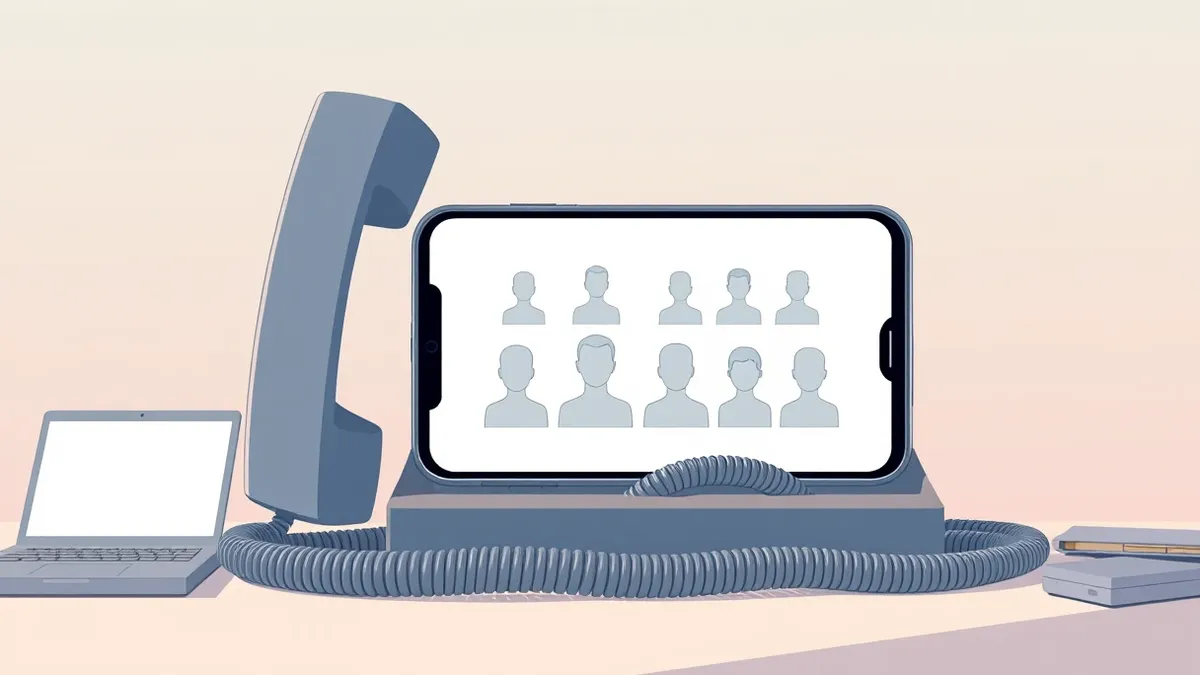
Google has changed the default behavior of Android devices to automatically link phone numbers to every Google account signed in on the device. According to reports from TechRadar and Cyber Security News, this update sets the verification of phone numbers across all profiles as the default, including secondary or work accounts that users may wish to keep separate.
The feature, identified as "Phone number verification" within Google Play Services, is enabled by default. Cyber Security News notes that Google’s documentation confirms this behavior applies to both existing accounts and any new accounts added to the device afterward. Adding a new account can link it to numbers already present on the phone, while adding a new number attaches it to all currently signed-in accounts.
Context and Background
Google updated its support documentation between August and October 2025 to describe this default setting and the account-wide linking process. Cyber Security News reports that this documentation change does not establish an exact rollout date for the feature. The company states that verification supports account sign-in, recovery, emergency services, and communication features.
This move follows Google’s earlier integration of Circle to Search on Android to help users spot text message scams, as Threat Times reported on October 15, 2026. While that feature aimed to enhance security against fraud, the new phone number linking raises distinct privacy concerns about data consolidation across user profiles.
Who Is Affected
The change impacts anyone using multiple Google accounts on a single Android device, such as those separating personal, professional, or throwaway accounts. TechRadar highlights that this is particularly problematic for users who do not want their primary phone number linked to secondary profiles. Some users report receiving emails from Google alerting them to the change, suggesting their numbers have been linked.
Remarkably, TechRadar notes that even privacy-focused GrapheneOS devices are affected if Google Play Services are installed. Some users claim that manually disabling the "Verify phone numbers automatically" toggle does not provide a permanent fix, as the setting reportedly reverts back to enabled on its own.
What should you do?
Users concerned about this change can check if the feature is enabled by navigating to Settings, then Google, and selecting All services. From there, they should locate the Phone number verification section. If the "Verify phone numbers automatically" toggle is enabled, users can disable it to stop future automatic linking.
However, disabling the toggle does not remove phone numbers that have already been linked to accounts. To unlink numbers, users must visit their Google account personal info page, go to Contact info, and manually remove the number from any account where they do not want it associated.
What to do and how to stay safe: Google
- Check your Android Settings under Google services to see if "Verify phone numbers automatically" is enabled and disable it if you prefer manual control.
- Review the personal info section of each Google account on your device to ensure phone numbers are not linked to secondary or work profiles.
- Monitor for emails from Google confirming phone number verification, as these indicate the automatic linking has occurred on your device.
- If you use GrapheneOS or other custom ROMs with Google Play Services, verify that the privacy settings are holding against automatic re-enabling of the feature.
Step-by-step guide: Mobile Device Security: How to Protect Data Beyond Passwords
General security guidance from the Threat Times newsroom. It is not confirmed advice from the organisations named in this story.
Frequently asked questions
Does this feature make my phone number publicly visible?
According to Cyber Security News, Google’s documentation does not state that the number becomes publicly visible to everyone, though it enables better sharing for calls and messages.
Can I stop Google from linking my number to new accounts?
Yes, users can turn off the "Verify phone numbers automatically" setting in Google services, though some report the toggle may revert to enabled.
Is this a sign of a Google account breach?
No, Cyber Security News clarifies that this behavior is an account setting change, not evidence of a breach, and is part of Google's verification processes.