Tor Browser for Small Business: Operational Use and Policy Risks
Using Tor hides your location but creates forensic noise that makes your traffic stand out to network monitors and threat actors.

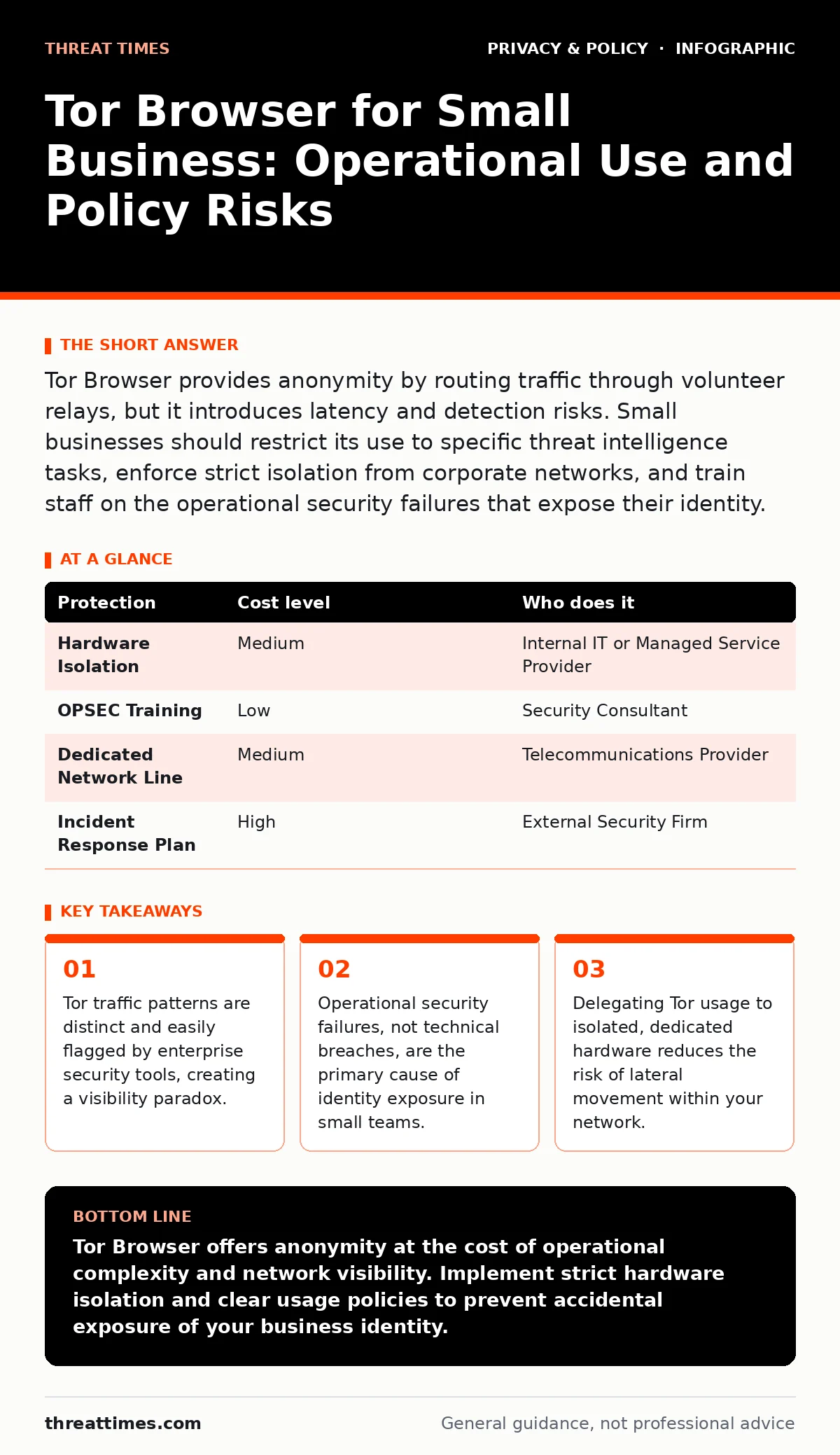
Tor Browser provides anonymity by routing traffic through volunteer relays, but it introduces latency and detection risks. Small businesses should restrict its use to specific threat intelligence tasks, enforce strict isolation from corporate networks, and train staff on the operational security failures that expose their identity.
The Anonymity Paradox in Corporate Networks
Tor Browser routes your internet traffic through a series of volunteer-operated servers, known as relays, to obscure your physical location and browsing history. This mechanism relies on layered encryption, where each relay peels back one layer of encryption before passing the data to the next node. For individual users seeking privacy, this architecture is effective. For a small business, it creates a visibility paradox.
While Tor hides your destination from your internet service provider, it makes your traffic highly visible to your own network administrators. Standard enterprise firewalls and intrusion detection systems are configured to block or flag Tor traffic because it is commonly associated with malicious activity. If you use Tor on a corporate network, you are not becoming invisible; you are lighting a beacon that signals unusual behavior.
This visibility is a double-edged sword. It protects you from external observers tracking your IP address, but it invites internal scrutiny. If your organization uses workplace monitoring tools, the act of launching Tor Browser may trigger alerts that require justification. You must decide whether the benefit of anonymity outweighs the risk of internal investigation.
Operational Security Beyond the Browser
Technical anonymity is useless if your operational security fails. Operational security, often abbreviated as OPSEC, refers to the practices you adopt to prevent adversaries from inferring sensitive information about your activities. A common mistake is assuming that Tor Browser protects your identity if you log into a corporate account while using it.
Tor does not encrypt traffic once it leaves the final relay, known as the exit node. If you access an unencrypted website, the exit node operator can see your data. More critically, if you log into a service that identifies you by name or employee ID, you have linked your real identity to your Tor session. The browser cannot hide the fact that you are "John Doe" if you type "John Doe" into a login field.
Another hidden cost is timing analysis. Adversaries who can monitor both your entry point and the destination of your traffic may correlate the timing of data packets to de-anonymize you. This is difficult but not impossible, especially if you engage in real-time interactions like video calls or large file transfers. Small businesses often underestimate this risk by using Tor for routine tasks rather than high-sensitivity operations.
Hardware Isolation and Network Segmentation
To mitigate the risk of leaking internal network information, you must isolate Tor usage from your primary business operations. Running Tor Browser on a machine that also handles email, accounting, or client communications creates a bridge between your anonymous and identified personas. If malware infects your Tor session, it can potentially pivot to your corporate resources.
The most effective control is hardware isolation. Use a dedicated device, such as an old laptop or a single-board computer, that connects to the internet via a separate network connection. Do not connect this device to your corporate Wi-Fi or Ethernet. Use a mobile hotspot or a separate broadband line that is not tied to your business identity.
If hardware isolation is not feasible, use a virtual machine with strict network segmentation. Ensure the virtual machine has no access to the host file system and no shared folders. This prevents data from leaking out of the anonymous environment. You must also disable features that can leak location data, such as Bluetooth and GPS, if the device supports them. Consider how location tracking mechanisms in modern operating systems can bypass browser protections if not properly configured.
Managing Third-Party Data and Cookies
Tor Browser is designed to reject third-party cookies and fingerprinting scripts by default. This protection is critical because these technologies can track you across different websites, building a profile of your behavior. However, small businesses often install extensions to enhance productivity, which can break these protections.
Never install extensions that are not explicitly required for your task and verified to be safe. Many extensions can bypass Tor’s security settings, allowing scripts to identify your browser configuration. This is known as a fingerprinting attack, where unique combinations of fonts, screen resolution, and installed plugins identify you.
You must also be cautious about downloading files. Files downloaded through Tor may contain malware that activates when you open them on a non-Tor machine. Always scan files in an isolated environment before accessing them on your primary network. This practice aligns with standard personal data protection principles, ensuring that sensitive documents do not become vectors for compromise.
Delegating Tor Operations
For most small businesses, managing Tor usage internally is risky. Staff members may lack the expertise to maintain operational security, leading to accidental exposure. Delegating this function to a specialized IT provider or a security consultant can reduce this risk.
When selecting a provider, ask specific questions about their experience with anonymization technologies. Do not accept vague assurances about privacy. You need to know how they handle incident response if a Tor session is compromised.
| Protection | Cost level | Who does it |
|---|---|---|
| Hardware Isolation | Medium | Internal IT or Managed Service Provider |
| OPSEC Training | Low | Security Consultant |
| Dedicated Network Line | Medium | Telecommunications Provider |
| Incident Response Plan | High | External Security Firm |
Policy and Legal Considerations
Using Tor does not make illegal activity legal. Your business must have a clear policy that defines acceptable use of anonymization tools. This policy should specify which roles are permitted to use Tor, for what purposes, and under what conditions.
Include Tor usage in your privacy policies to ensure transparency with clients and partners. If you are collecting data through anonymous channels, you must still comply with data protection regulations. Failure to do so can result in legal penalties that far exceed the cost of proper implementation.
Be aware of third-party cookies and consent management requirements. Even if you are using Tor, websites may still attempt to set cookies or track your behavior. Your browser settings should enforce strict rejection of these trackers to maintain the integrity of your anonymous session.
Questions for Your IT Provider
Before outsourcing Tor management, verify the provider’s capabilities with these questions:
- How do you segment anonymous traffic from corporate traffic?
- What is your process for updating Tor Browser to patch security vulnerabilities?
- How do you handle incident response if a Tor node is compromised?
- Can you provide a written policy for acceptable use of anonymization tools?
- How do you ensure that encrypted messaging apps used in conjunction with Tor are configured securely?
Key takeaways
- Tor traffic patterns are distinct and easily flagged by enterprise security tools, creating a visibility paradox.
- Operational security failures, not technical breaches, are the primary cause of identity exposure in small teams.
- Delegating Tor usage to isolated, dedicated hardware reduces the risk of lateral movement within your network.
Tor Browser offers anonymity at the cost of operational complexity and network visibility. Implement strict hardware isolation and clear usage policies to prevent accidental exposure of your business identity.
Frequently asked questions
Can I use Tor Browser on my company laptop for casual browsing?
No, using Tor on a shared corporate device risks leaking internal network information and may trigger security alerts. Use a dedicated, isolated device instead.
Does Tor Browser protect me from malware?
Tor Browser includes security features to reduce fingerprinting, but it does not protect against malware. You must still use antivirus software and avoid downloading untrusted files.
Is it legal for my business to use Tor?
Yes, using Tor is legal in most jurisdictions. However, you must comply with all applicable laws regarding the data you access and the activities you perform while using it.
How do I know if my IT provider is secure?
Ask for specific details about their network segmentation, incident response procedures, and experience with anonymization technologies. Verify their claims with references or case studies.
How this guide was produced: written by the Threat Times editorial team with AI assistance, checked against the public references listed below, and reviewed when the facts change. See our editorial policy or report an error.