Third-Party Cookies Gone: Incident Response and Recovery Steps
Execute precise containment and recovery steps when third-party cookie deprecation exposes tracking gaps or data leakage in your web properties.

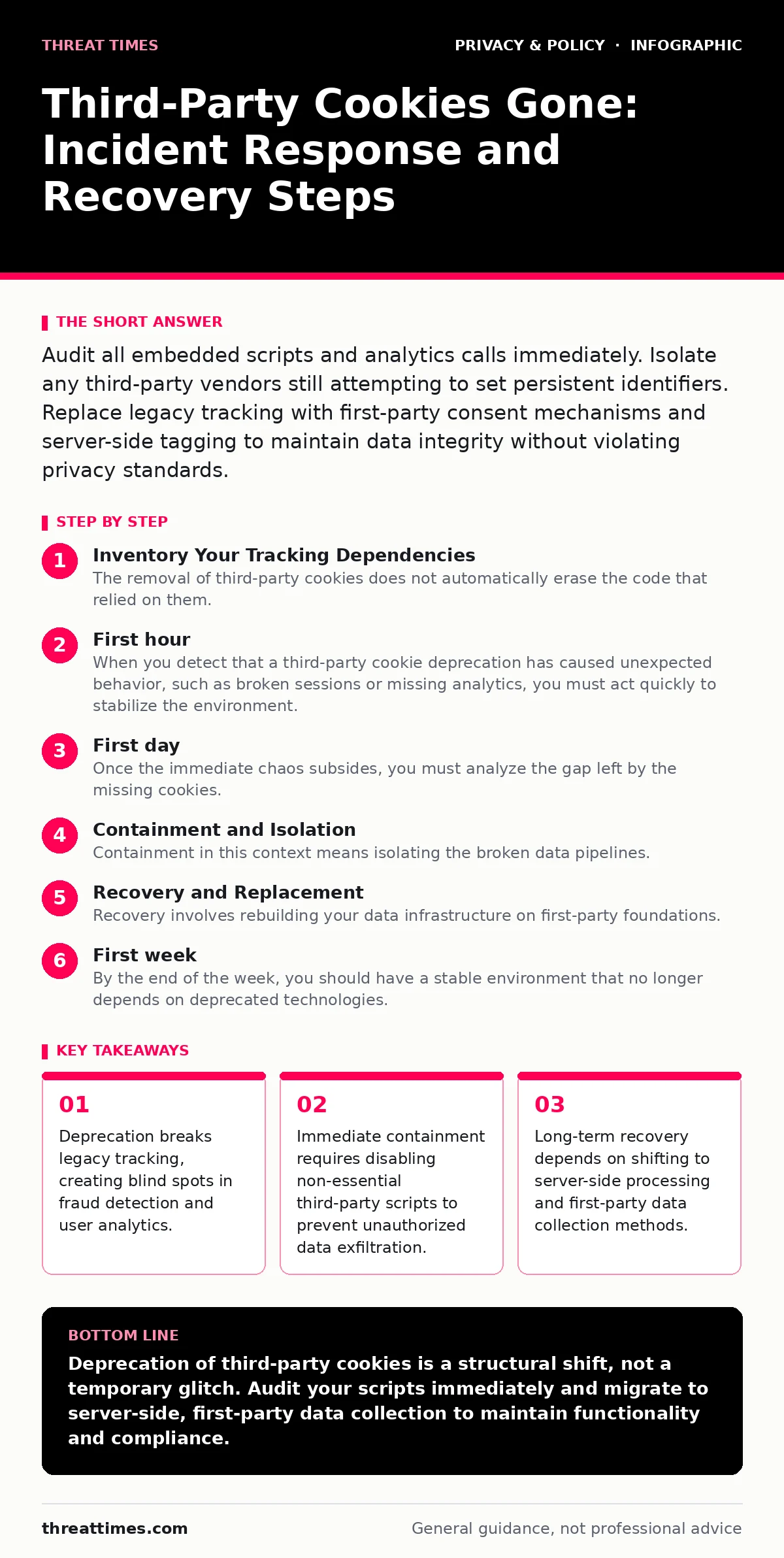
Audit all embedded scripts and analytics calls immediately. Isolate any third-party vendors still attempting to set persistent identifiers. Replace legacy tracking with first-party consent mechanisms and server-side tagging to maintain data integrity without violating privacy standards.
Inventory Your Tracking Dependencies
The removal of third-party cookies does not automatically erase the code that relied on them. You must identify every script, widget, and beacon on your properties. Many organizations assume browser updates handle the cleanup, but the underlying JavaScript often remains active. This code may attempt to fall back to other tracking methods, such as fingerprinting or first-party cookies, which can trigger compliance violations.
Map each third-party service to its specific function. Distinguish between essential transactional tools and optional marketing tags. Document the data flow for each integration. If a vendor sends user identifiers to an external domain, you need to know exactly what happens when that domain can no longer read its own cookies.
First hour
When you detect that a third-party cookie deprecation has caused unexpected behavior, such as broken sessions or missing analytics, you must act quickly to stabilize the environment. The goal is to stop the bleeding of data integrity and user experience issues.
- Pause all non-essential third-party script loads via your tag management system.
- Verify that core business functions, like login and checkout, remain operational.
- Check server logs for increased error rates from removed or blocked requests.
- Notify the internal privacy and legal teams of the technical shift.
- Document the specific symptoms observed by users or monitoring tools.
This checklist ensures you contain the immediate technical fallout. You are not trying to fix the tracking yet; you are ensuring the site does not break further while you assess the damage.
First day
Once the immediate chaos subsides, you must analyze the gap left by the missing cookies. Third-party cookies previously allowed cross-site tracking. Without them, your ability to recognize users across different domains diminishes. You need to determine which analytics and security controls are now blind.
Review your consent management platform settings. If you rely on third-party cookies for consent memory, that mechanism may have failed. Users might be re-prompted excessively, or worse, their preferences might be ignored. Test the consent flow on multiple browsers to ensure compliance.
Identify vendors that have not updated their SDKs. Some providers continue to attempt setting third-party cookies, which browsers now block. These blocked requests waste bandwidth and clutter your logs. Contact these vendors to confirm their deprecation roadmap. If they lack a clear plan, treat them as a risk and prepare for replacement.
Containment and Isolation
Containment in this context means isolating the broken data pipelines. You cannot fix what you cannot see. If your fraud detection system relied on third-party cookie IDs to link suspicious activity across sessions, that link is broken. You must temporarily raise the threshold for automated blocks to avoid false positives that frustrate legitimate users.
Isolate any custom scripts that attempt to bypass cookie restrictions. Some developers implement creative workarounds, such as storing identifiers in local storage or using canvas fingerprinting. These methods often carry higher privacy risks and may violate regional regulations. Disable these scripts until you can verify their compliance.
Recovery and Replacement
Recovery involves rebuilding your data infrastructure on first-party foundations. First-party cookies are set by the domain the user is currently visiting. Browsers still allow these, provided you have user consent. Shift your analytics and personalization logic to rely on these persistent, same-site identifiers.
Implement server-side tagging. This architecture processes data on your own servers rather than in the user's browser. It reduces the reliance on client-side cookies and gives you greater control over data retention and privacy. It also hides the complexity of third-party integrations from the user's browser, improving page load speeds.
Update your data retention policies. Without the long-term tracking capabilities of third-party cookies, you must decide how long to keep first-party data. Align this duration with your business needs and legal obligations. Shorter retention periods reduce liability but may impact long-term trend analysis.
First week
By the end of the week, you should have a stable environment that no longer depends on deprecated technologies. Verify that all critical analytics are functioning. Compare current data volumes with historical baselines to identify significant drops. Some loss is expected, but sudden cliffs indicate broken integrations.
Conduct a user experience audit. Check for repetitive consent prompts or missing personalized content. These issues erode trust and reduce engagement. Fix the consent memory by leveraging first-party cookies to store user preferences securely.
Review your vendor contracts. Many data processing agreements reference third-party cookies explicitly. You need to amend these contracts to reflect the new technical reality. Ensure your vendors are compliant with the latest privacy standards and can provide clear documentation on their data handling practices.
Who to Tell
Transparency is key to maintaining trust. You must inform several stakeholders about the changes. Your internal product team needs to know which features may be impacted. Marketing teams must adjust their attribution models, as cross-site tracking is no longer viable.
Inform your legal and compliance officers. They need to verify that your new data collection methods meet all regulatory requirements. Provide them with technical documentation of the changes. This helps them respond to any external inquiries or audits.
Finally, consider notifying your users. A brief update on your privacy policy page explaining the shift to first-party data can reinforce trust. It shows you are proactive about privacy and security.
How to Stop a Repeat
Prevention requires a shift in architecture and culture. Move away from client-side data collection wherever possible. Server-side processing is more resilient to browser changes and privacy regulations. It also centralizes control, making it easier to audit and secure.
Implement continuous monitoring for tracking technologies. Regularly scan your properties for new third-party scripts. Automate the detection of non-compliant tracking methods. This proactive approach catches issues before they impact users or compliance.
Review your data minimization practices. Collect only the data you strictly need. Excessive data collection increases risk and makes migration difficult. By keeping your data footprint small, you remain agile in the face of technological changes.
Key takeaways
- Deprecation breaks legacy tracking, creating blind spots in fraud detection and user analytics.
- Immediate containment requires disabling non-essential third-party scripts to prevent unauthorized data exfiltration.
- Long-term recovery depends on shifting to server-side processing and first-party data collection methods.
Deprecation of third-party cookies is a structural shift, not a temporary glitch. Audit your scripts immediately and migrate to server-side, first-party data collection to maintain functionality and compliance.
Frequently asked questions
Do first-party cookies require consent?
Yes, in most jurisdictions, you must obtain user consent before setting non-essential first-party cookies, just as you would for third-party ones.
Will my analytics data disappear?
Historical data remains stored, but you will lose the ability to link new sessions to old ones if you relied solely on third-party identifiers.
Can I use fingerprinting instead?
Fingerprinting is often restricted by privacy regulations and browser policies. It is not a reliable or compliant long-term replacement for cookies.
How do I track conversions without cookies?
Use server-side tagging and first-party data to attribute conversions. Focus on direct signals from the user's session rather than cross-site tracking.
How this guide was produced: written by the Threat Times editorial team with AI assistance, checked against the public references listed below, and reviewed when the facts change. See our editorial policy or report an error.