Cloud Misconfiguration Response: Containment, Recovery and Prevention Steps
Immediate isolation of the affected resource prevents lateral movement, while preserving logs before cleanup ensures accurate root cause analysis for future prevention.

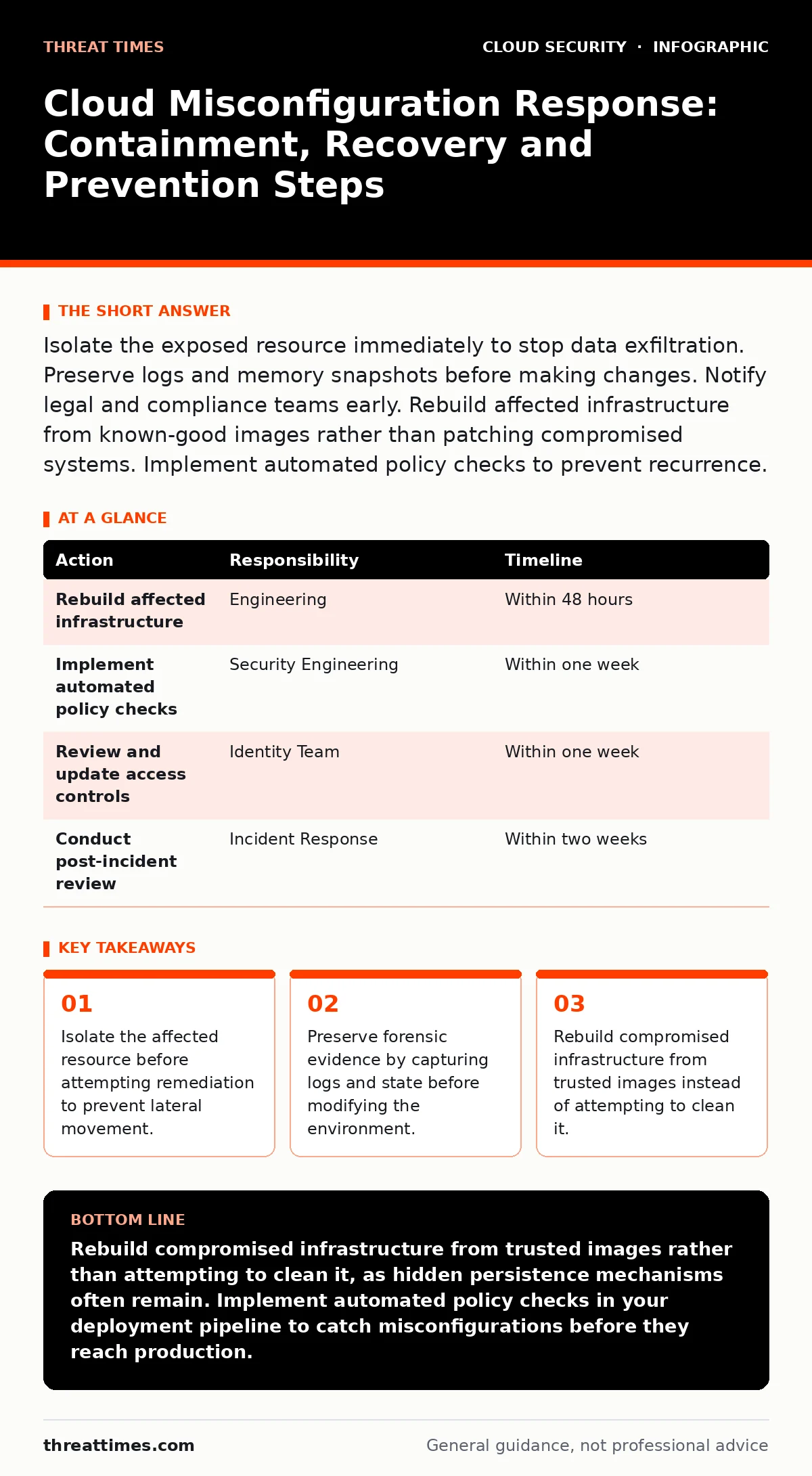
Isolate the exposed resource immediately to stop data exfiltration. Preserve logs and memory snapshots before making changes. Notify legal and compliance teams early. Rebuild affected infrastructure from known-good images rather than patching compromised systems. Implement automated policy checks to prevent recurrence.
First hour
The moment you detect a cloud misconfiguration, your primary goal is to stop the bleed. Do not attempt to fix the configuration yet. Changing settings while an attacker is active can destroy evidence and allow them to adapt their tactics. Your actions in this window determine whether the incident remains contained or spreads across your environment.
- Isolate the affected resource. If the misconfiguration exposes a database or storage bucket to the public internet, revoke public access immediately. If the exposure is via an overly permissive identity role, rotate the credentials associated with that role.
- Capture the current state. Take a snapshot of the virtual machine or container if possible. Export access logs, audit trails, and network flow data. These records are your only proof of what occurred.
- Notify internal stakeholders. Alert your security operations center, legal team, and incident response lead. Do not wait until you understand the full scope. Early notification ensures that legal holds are placed on data and that communication channels are established.
- Revoke public access to exposed resources
- Rotate compromised credentials
- Export audit and access logs
- Notify incident response team
- Preserve system snapshots
First day
Once the immediate threat is contained, you must determine the extent of the compromise. Attackers often use a misconfiguration as a foothold to move laterally within your cloud environment. They may compromise other resources that were not directly exposed. You need to map the blast radius to ensure no other systems are at risk.
Review the logs you captured during the first hour. Look for unusual API calls, unexpected data transfers, or new user accounts created during the window of exposure. Correlate these events with your identity and access management logs. This helps you distinguish between automated scanning tools and a human operator who may be trying to hide their tracks.
Suppose you find that an attacker used the exposed resource to read sensitive data from another service. You must now assess whether that secondary service was also compromised. This is where cloud identity governance becomes critical. You need to verify that the permissions granted to the attacker were not part of a broader policy failure that affects other parts of your organization.
Check for signs of persistence. Attackers often create backdoor accounts or install malicious scripts to maintain access even after you fix the initial misconfiguration. Review your service account security practices to ensure that no new, unauthorized accounts were created. If you find any, disable them immediately and investigate their activity.
First week
Recovery involves rebuilding the affected infrastructure rather than attempting to clean it. You cannot trust a system that has been compromised. Even if you remove the visible signs of an attack, hidden malware or rootkits may remain. Rebuilding from known-good images ensures that you start with a clean slate.
Before rebuilding, analyze the root cause of the misconfiguration. Was it a human error, a flawed automation script, or a lack of security controls? Understanding the cause is necessary to prevent recurrence. If the error was due to a lack of visibility, you may need to implement better monitoring or alerting mechanisms.
Implement automated policy checks to prevent similar misconfigurations in the future. Use infrastructure as code tools to define your desired state and enforce it automatically. This reduces the risk of human error and ensures that your infrastructure remains consistent with your security policies.
Review your access controls. Ensure that the principle of least privilege is applied to all resources. Remove any unnecessary permissions and restrict access to sensitive data. This limits the potential impact of future misconfigurations.
| Action | Responsibility | Timeline |
|---|---|---|
| Rebuild affected infrastructure | Engineering | Within 48 hours |
| Implement automated policy checks | Security Engineering | Within one week |
| Review and update access controls | Identity Team | Within one week |
| Conduct post-incident review | Incident Response | Within two weeks |
Preventing recurrence
To stop misconfigurations from happening again, you must shift security left. This means integrating security checks into your development and deployment pipelines. Automated scanning tools can detect misconfigurations before they reach production. This reduces the window of exposure and minimizes the risk of data breaches.
Consider implementing microsegmentation to limit the blast radius of any future incidents. By dividing your cloud environment into smaller, isolated zones, you can prevent attackers from moving laterally. Even if one zone is compromised, the others remain protected.
Regularly audit your cloud configurations. Use automated tools to scan for common misconfigurations and compliance violations. This helps you identify and fix issues before they are exploited. Make this a continuous process, not a one-time event.
Communication and reporting
You must communicate the incident to affected parties if sensitive data was exposed. This includes customers, partners, and regulators. Be transparent about what happened, what data was affected, and what steps you are taking to prevent recurrence. Failure to communicate can lead to legal consequences and loss of trust.
Document the incident thoroughly. Include the timeline of events, the actions taken, and the lessons learned. This documentation is valuable for future incident response efforts and for demonstrating compliance with regulatory requirements.
Final steps
After the incident is resolved, conduct a post-incident review. Involve all stakeholders, including security, engineering, and legal teams. Discuss what went well, what went wrong, and how to improve your response process. Use this feedback to update your incident response plan and training materials.
Imagine a scenario where a similar misconfiguration occurs six months later. Your team responds quickly, isolates the resource, and contains the breach. This success is due to the improvements made after the first incident. Continuous improvement is key to effective cloud security.
Key takeaways
- Isolate the affected resource before attempting remediation to prevent lateral movement.
- Preserve forensic evidence by capturing logs and state before modifying the environment.
- Rebuild compromised infrastructure from trusted images instead of attempting to clean it.
Rebuild compromised infrastructure from trusted images rather than attempting to clean it, as hidden persistence mechanisms often remain. Implement automated policy checks in your deployment pipeline to catch misconfigurations before they reach production.
Frequently asked questions
How do I know if my cloud resources are misconfigured?
Use automated scanning tools to check for common misconfigurations such as public access to storage buckets, overly permissive security groups, and unencrypted data. Regular audits help identify issues before they are exploited.
Should I notify customers of a misconfiguration?
Notify customers if sensitive data was exposed or if the misconfiguration poses a risk to their privacy. Transparency builds trust and helps you meet regulatory requirements. Consult legal counsel to determine the specific notification requirements.
What is the difference between a misconfiguration and a vulnerability?
A misconfiguration is an error in setup, such as leaving a port open or granting excessive permissions. A vulnerability is a flaw in software or hardware that can be exploited. Both can lead to security breaches, but misconfigurations are often easier to prevent through automation.
How often should I audit my cloud security?
Audit your cloud security continuously. Use automated tools to scan for misconfigurations in real-time. Conduct manual reviews quarterly to ensure that your security policies are up to date and that new risks are addressed.
How this guide was produced: written by the Threat Times editorial team with AI assistance, checked against the public references listed below, and reviewed when the facts change. See our editorial policy or report an error.