Infrastructure-as-Code Misconfigurations Explained for Beginners
A single typo in your deployment script can expose sensitive data to the public internet without any visible security breach indicators.

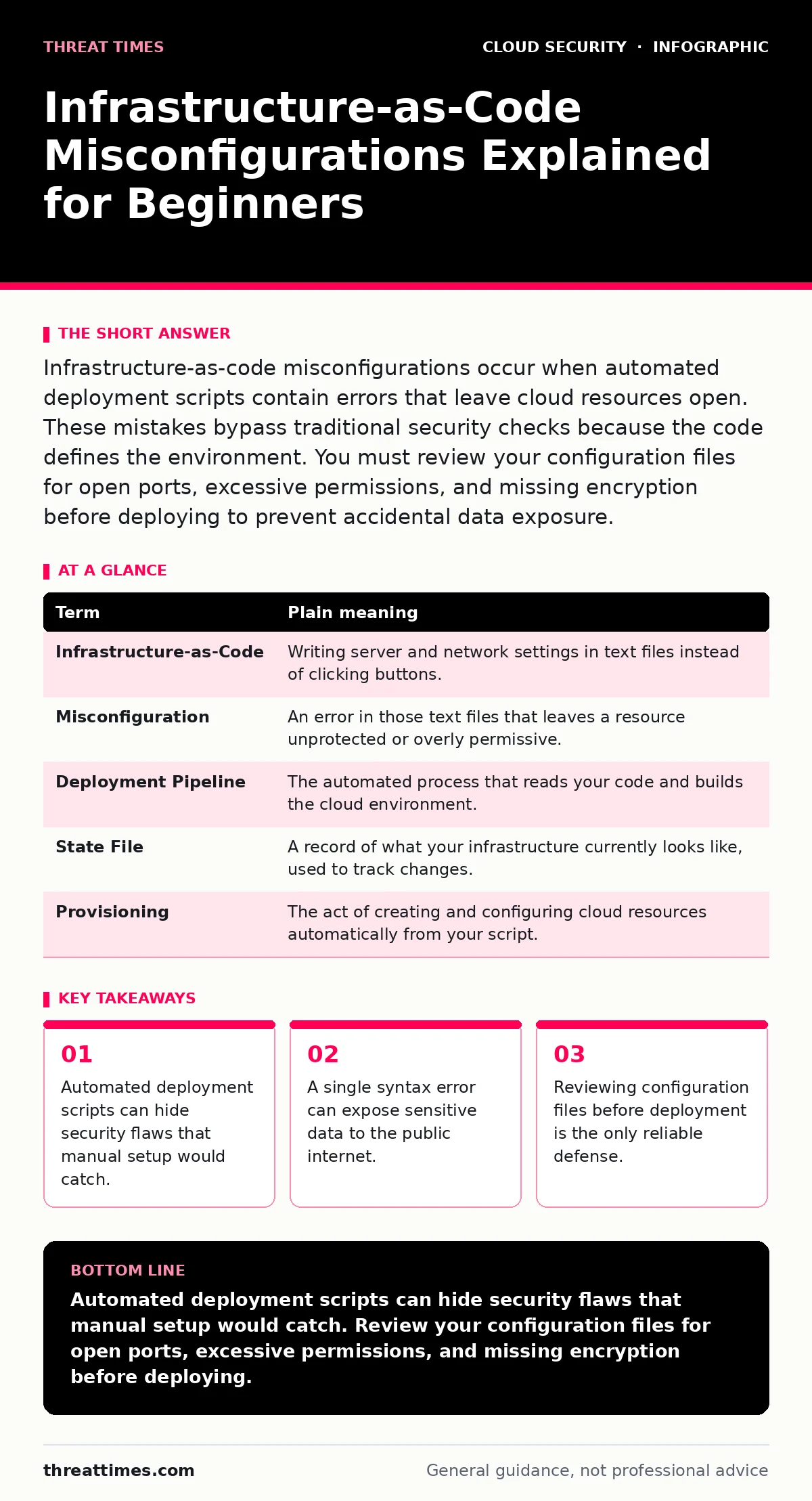
Infrastructure-as-code misconfigurations occur when automated deployment scripts contain errors that leave cloud resources open. These mistakes bypass traditional security checks because the code defines the environment. You must review your configuration files for open ports, excessive permissions, and missing encryption before deploying to prevent accidental data exposure.
The Blueprint Analogy for Cloud Security
Imagine you are building a house using a precise architectural blueprint. In the past, builders inspected each wall and window manually. Today, you feed the blueprint into a machine that constructs the house automatically. If the blueprint says "install glass windows on the ground floor," the machine does exactly that. It does not ask if glass is safe for a high-crime area. The error lies in the design document, not in the builder. Infrastructure-as-code works the same way. You write a script that tells the cloud provider how to build your environment. If that script contains a mistake, the cloud builds it exactly as requested, often leaving doors unlocked.
Key Terms in Deployment Scripts
Understanding the language of deployment helps you spot errors before they become breaches. These terms describe the components of your automated infrastructure.
| Term | Plain meaning |
|---|---|
| Infrastructure-as-Code | Writing server and network settings in text files instead of clicking buttons. |
| Misconfiguration | An error in those text files that leaves a resource unprotected or overly permissive. |
| Deployment Pipeline | The automated process that reads your code and builds the cloud environment. |
| State File | A record of what your infrastructure currently looks like, used to track changes. |
| Provisioning | The act of creating and configuring cloud resources automatically from your script. |
Why Automation Creates New Risks
Speed and consistency are the primary benefits of infrastructure-as-code. However, this automation removes the human pause that often catches simple mistakes. When you click a button in a web console, you see a confirmation screen. You might notice a red warning about public access. When you run a script, there is no visual confirmation. The script executes in seconds. If you forget to add a rule that blocks outside traffic, the server launches instantly. The system assumes your code is correct because you wrote it. This blind trust in automation is where cloud misconfigurations thrive.
The Hidden Cost of Silent Failures
The most dangerous aspect of these errors is their invisibility. A server might start successfully, but without the firewall rules you intended. To the application, it looks normal. It accepts connections. To an attacker, it is an open door. You do not get an error message. You get a production environment that is vulnerable. This is different from a broken application. The application works perfectly; the environment protecting it is wrong. This disconnect makes detection difficult. You must actively scan for these issues rather than waiting for something to break.
Safety Habits for Configuration Review
You can reduce risk by treating your code like a security boundary. Start by restricting access to the resources you create. Never grant full administrative rights to a service account. Principle of least privilege means giving each component only the permissions it strictly needs. If a web server only needs to read files, it should not be able to delete databases. This limits the damage if the server is compromised. See service account security for deeper details on managing these permissions.
Checking Your Network Rules
Network boundaries are the first line of defense. You must define who can talk to your servers. Misconfigurations often involve leaving these boundaries open to the entire internet. Instead of allowing all traffic, specify exactly which IP addresses or services need access. This is similar to locking your front door and only giving keys to trusted visitors. Review your cloud security groups and virtual private clouds to ensure traffic is segmented. If a database is accessible from the public web, your script has failed.
Managing Identity and Access
Your cloud environment relies on identities to function. These identities need permissions to perform tasks. Misconfigured identities can lead to privilege escalation. An attacker might gain access to a low-level service and then use its credentials to access higher-level resources. This is where cloud identity governance becomes critical. You must regularly audit who has access to what. Remove permissions that are no longer needed. Ensure that human users and machine services have separate credentials.
Try This Now: 3 Checks
Start reviewing your current deployment scripts with these simple steps. These checks take minutes but prevent major exposure.
- Search your code for "any" or "0.0.0.0" in network rules. These values often mean open to the public internet. Replace them with specific IP ranges or remove them if unnecessary.
- Check your storage bucket settings. Ensure that public read access is disabled unless you explicitly host public content. Private data should never have public read permissions.
- Review your service account permissions. Look for broad roles like "admin" or "full control." Narrow these down to specific actions required by the application.
The Path to Secure Automation
Infrastructure-as-code is not inherently unsafe. It provides consistency and speed. The risk comes from unreviewed code. By adding security checks into your development process, you catch errors before they reach production. This shifts security left, meaning you find problems early. You do not need complex tools to start. You need discipline. Review every change. Question every permission. Treat your code as a security boundary. This mindset protects you from the silent failures that automation can create.
Key takeaways
- Automated deployment scripts can hide security flaws that manual setup would catch.
- A single syntax error can expose sensitive data to the public internet.
- Reviewing configuration files before deployment is the only reliable defense.
Automated deployment scripts can hide security flaws that manual setup would catch. Review your configuration files for open ports, excessive permissions, and missing encryption before deploying.
Frequently asked questions
What is the difference between a bug and a misconfiguration?
A bug causes the application to crash or behave incorrectly. A misconfiguration allows the application to run but leaves it exposed to unauthorized access or data loss.
Can I trust automated security scanners to find all issues?
Automated scanners are helpful but not perfect. They may miss context-specific risks or new attack vectors. Human review of critical configurations remains necessary for full security.
How often should I review my infrastructure code?
You should review code changes every time you deploy. Additionally, conduct periodic audits of your entire infrastructure to catch drift or accumulated permission creep.
Does encryption protect against misconfigurations?
Encryption protects data at rest and in transit, but it does not stop unauthorized access. If a misconfiguration allows an attacker to access the storage, they can still steal the encrypted data or decrypt it if they also compromise the keys.
How this guide was produced: written by the Threat Times editorial team with AI assistance, checked against the public references listed below, and reviewed when the facts change. See our editorial policy or report an error.