Prompt Injection in AI Desktop Apps: What It Is and How It Breaks Security
Prompt injection happens when untrusted text hijacks an artificial intelligence system, turning benign desktop tools into local execution vectors.

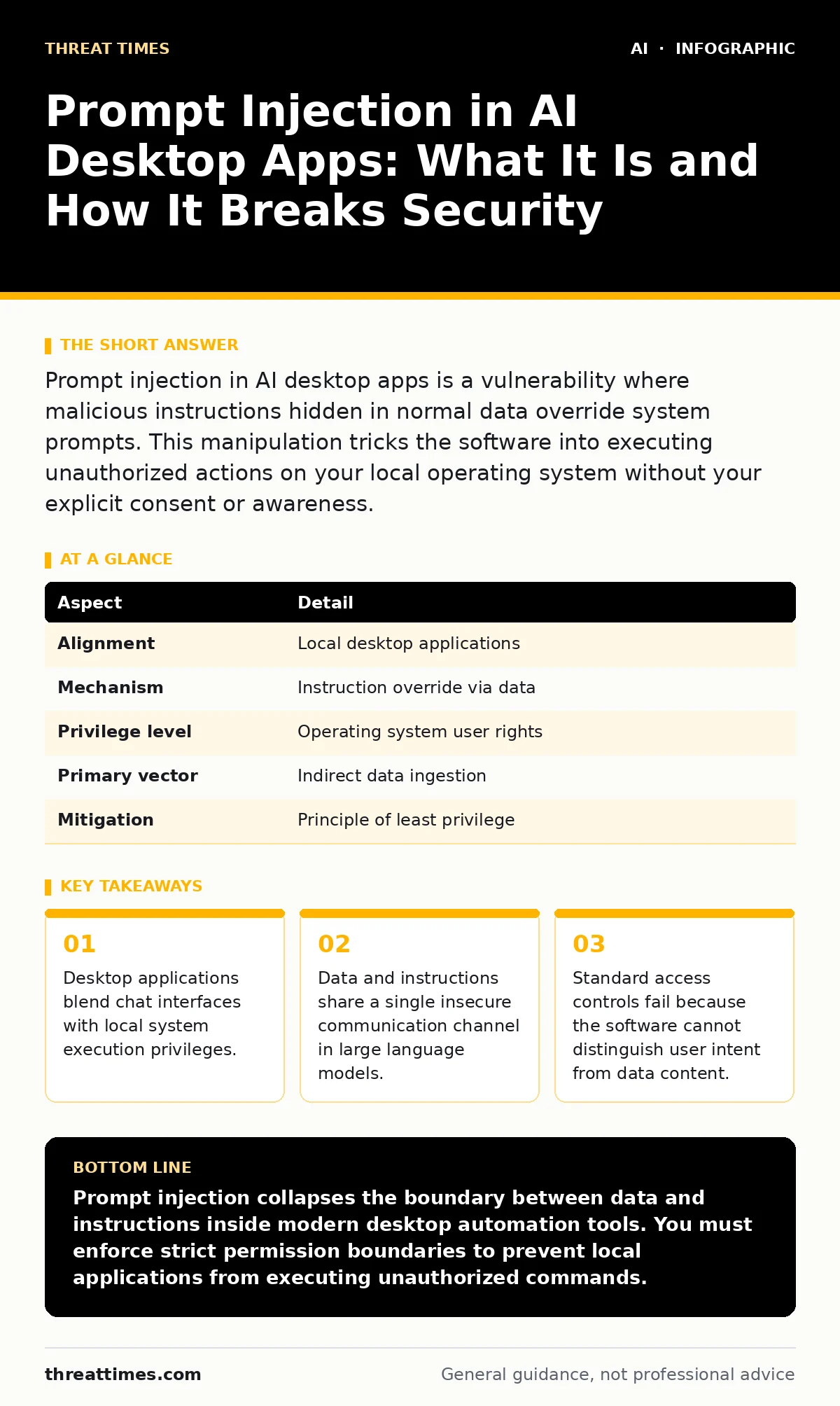
Prompt injection in AI desktop apps is a vulnerability where malicious instructions hidden in normal data override system prompts. This manipulation tricks the software into executing unauthorized actions on your local operating system without your explicit consent or awareness.
What Is Prompt Injection in AI Desktop Apps
Prompt injection in AI desktop apps occurs when hidden instructions override original developer rules. Desktop software bridges the gap between text-based chat interfaces and local operating system functions. Users increasingly rely on these tools to read files, manage calendars, and execute terminal commands automatically. Imagine a hotel receptionist who faithfully follows every written note left by guests, even when a note instructs the receptionist to hand over the master keys. Artificial intelligence desktop apps act like this receptionist, unable to separate a user's direct commands from the text contained inside a summarized document or an incoming email message.
How Untrusted Instructions Hijack Local Software
Large language models process all incoming text as a continuous stream of tokens. Tokens represent chunks of characters treated as a single unit by the underlying model architecture. When an application concatenates system prompts with untrusted external data, the model loses the boundary between developer guardrails and user-supplied content. Developers building generative AI tools often struggle with this boundary, much like engineers securing AI agents against autonomous drift. The model simply follows the most recent or most compelling instruction sequence found within the text stream, regardless of its original source.
Who Is Affected by Desktop AI Vulnerabilities
Software developers and power users face the highest exposure levels in modern computing environments. Desktop assistants require broad permissions to read local directories and execute shell scripts effectively. An attacker targets these elevated privileges by planting malicious text inside shared documents or malicious web pages. Organizations deploying internal productivity tools often overlook these risks, assuming that local software remains inherently safe from remote manipulation. Employees who use AI utilities to process customer feedback or parse external contracts routinely expose their local systems to hidden instruction payloads.
Common Forms of Interface Manipulation
Indirect injection represents the most pervasive threat vector in desktop environments today. External content arrives silently from web pages, PDF files, or shared network folders without user interaction. Another form involves prompt leaking, where malicious inputs force the model to reveal hidden system instructions or sensitive application programming interface keys stored in memory. Prompt injection attacks against desktop tools can also trigger unauthorized data exfiltration by formatting stolen text into invisible markdown images that point to external servers.
| Aspect | Detail |
|---|---|
| Alignment | Local desktop applications |
| Mechanism | Instruction override via data |
| Privilege level | Operating system user rights |
| Primary vector | Indirect data ingestion |
| Mitigation | Principle of least privilege |
What People Usually Get Wrong About Model Safety
Security teams often assume that local execution implies safety from remote attackers. Local software still processes untrusted data sourced from the open internet every single day. Another common misconception relies on the belief that better system prompts solve structural logic flaws in language processing. Adding polite instructions telling the model to ignore malicious text fails because natural language lacks a strict separation between data and control instructions. Implementing robust LLM guardrails helps filter obvious threats, but clever semantic obfuscation regularly bypasses text filters entirely.
How to Reduce the Risk of Local Exploits
Limiting tool permissions restricts the damage an injection attack can cause on your local machine. Developers must implement strict parser boundaries that separate data from control signals before execution. Reviewing file contents in isolation prevents hidden payloads from reaching active conversation contexts.
Isolating the application inside a restricted sandbox environment limits what the software can modify on the broader operating system. Restricting network access for local assistants prevents unauthorized data exfiltration even if an injection payload successfully triggers a file read operation.
Key takeaways
- Desktop applications blend chat interfaces with local system execution privileges.
- Data and instructions share a single insecure communication channel in large language models.
- Standard access controls fail because the software cannot distinguish user intent from data content.
Prompt injection collapses the boundary between data and instructions inside modern desktop automation tools. You must enforce strict permission boundaries to prevent local applications from executing unauthorized commands.
Frequently asked questions
Can antivirus software detect prompt injection in AI desktop apps?
Antivirus software rarely detects prompt injection because the payload consists of plain text rather than traditional executable code. Security tools monitor binary signatures, whereas malicious prompts manipulate natural language logic instead of system binaries.
Do offline local models prevent prompt injection attacks?
Offline local models remain vulnerable to prompt injection because the flaw stems from instruction parsing rather than network connectivity. Any model that reads external data alongside system instructions can still experience boundary confusion.
How do desktop apps grant file access to artificial intelligence tools?
Desktop apps grant file access by running with the same operating system permissions as the human user. This design choice allows the software to read, modify, or delete any file that your user account can access.
Why cannot developers simply train models to ignore malicious instructions?
Developers cannot train models to reliably ignore malicious instructions because language models struggle to differentiate absolute commands from fictional examples. Natural language processing relies on context, making absolute obedience impossible to hardcode without breaking creativity.
How this guide was produced: written by the Threat Times editorial team with AI assistance, checked against the public references listed below, and reviewed when the facts change. See our editorial policy or report an error.