Google launches Antigravity 2 as standalone desktop agent command center
Google introduces Antigravity 2, a chat-centric desktop app that replaces the IDE with project-based agent orchestration and new Git worktree modes.
Key points
- Google released Antigravity 2 as a standalone desktop application focused on agent chat rather than code editing.
- The update replaces single-directory workspaces with multi-directory projects that have isolated settings and permissions.
- Users can choose between local mode for speed and worktree mode for isolated Git branches during agent interactions.
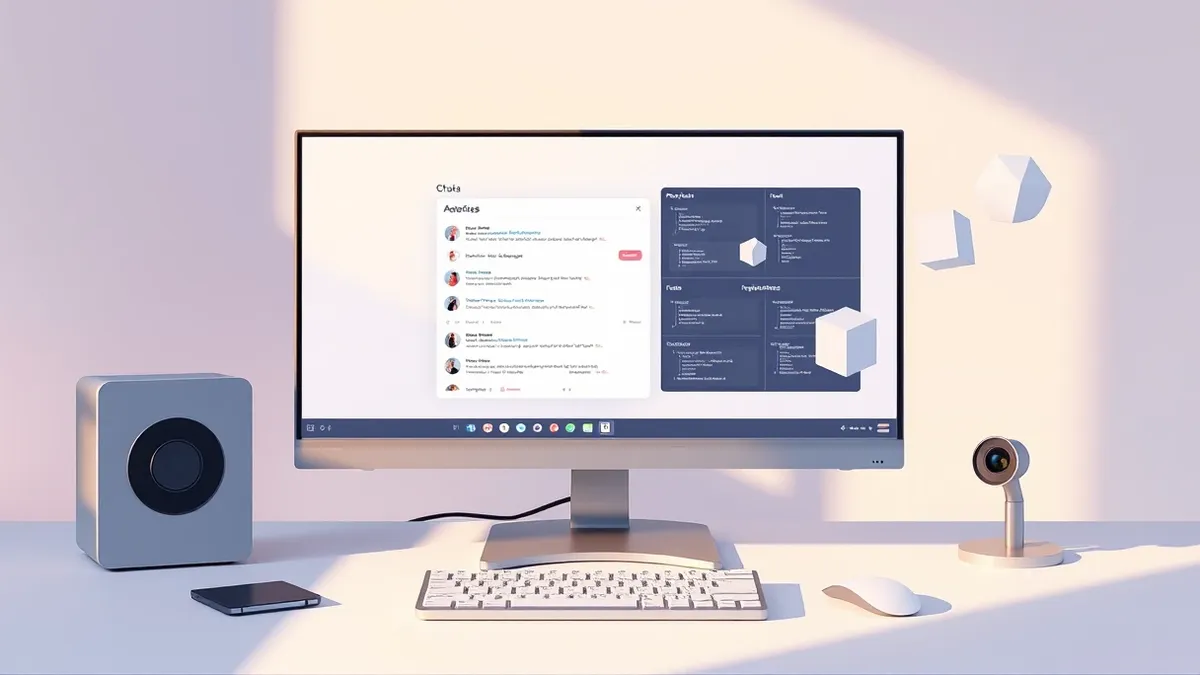
Google has released Antigravity 2, a refashioned version of its generative AI tooling described as a standalone desktop command center for agents. According to InfoWorld, the new release shifts focus from integrated development environment features to a streamlined, chat-centric interface for working with models.
The original Antigravity product included native integration for Google’s generative AI models within a full IDE. Antigravity 2 removes the code editor, debugging tools, and other IDE trappings. InfoWorld notes that the new app is closer to projects like LM Studio than a traditional development environment.
Context and Background
Google continues to offer the original Antigravity IDE for users who want agent orchestration combined with coding tools. The company elected to provide this separate, IDE-less version for those who prefer a chat-centric desktop experience. This allows developers to keep hands-on development separate from their vibe coding activities.
When launching the Antigravity app, users can start a new task by selecting “No Project” for quick conversations. If a project is created, users can configure directory details manually or let the app generate a random name and empty directory.
Antigravity 2.0 replaces the previous workspace concept, which was confined to a single directory with limited customization. The new project structure allows work to span multiple explicitly defined directories. These projects maintain their own isolated settings and permissions, accommodating software projects with shared components in different locations.
Who Is Affected
Developers using Google’s AI tools can now choose how agents interact with project directories through local or worktree modes. Local mode allows agents to work directly on local folders or Git checkouts for convenience and speed. This approach offers a quick-and-dirty method for handling tasks.
Worktree mode creates a new Git worktree for each conversation, ensuring the active working folder remains unaffected. This prevents conflicts from subagents running in parallel. InfoWorld describes this as a slow-but-correct alternative to the faster local mode. Agents include common control commands prefixed with a slash by default.
What should you do?
Users interested in the chat-centric experience should download Antigravity 2 and evaluate the new project structure. Those requiring full IDE features should continue using the original Antigravity IDE. Teams should test worktree mode to see if the isolation benefits outweigh the speed of local mode.
Background: Generative AI
Generative AI examples include text completion, image synthesis and code generation. These systems predict the next likely token based on vast training datasets. Understanding the underlying mechanics helps you identify risks like data leakage and hallucination in your infrastructure.
Read the full guide: Generative AI Examples: Mechanisms, Risks and Control
What to do and how to stay safe: Google
- Evaluate whether the chat-only interface meets your workflow needs before migrating from the full IDE.
- Test the worktree mode to ensure Git isolation prevents conflicts in your specific project structures.
- Review the new project permission settings to ensure they align with your team's security requirements.
- Monitor Google’s documentation for updates on agent control commands and integration capabilities.
Step-by-step guide: Mobile Device Security: How to Protect Data Beyond Passwords
General security guidance from the Threat Times newsroom. It is not confirmed advice from the organisations named in this story.
Frequently asked questions
Is Antigravity 2 a replacement for the original Antigravity IDE?
No, Google still offers the original Antigravity IDE for users who want coding tools combined with agent orchestration.
What is the difference between local mode and worktree mode?
Local mode works directly on local folders for speed, while worktree mode creates new Git worktrees for each conversation to prevent conflicts.
How does Antigravity 2 handle project directories?
It replaces single-directory workspaces with projects that can span multiple explicitly defined directories with isolated settings.