Google Maps brings Gemini voice assistant to Apple CarPlay navigation
Google has enabled Gemini in Maps for CarPlay, allowing drivers to ask multi-step questions and manage routes via voice during navigation.
Key points
- Gemini is now available in Google Maps on Apple CarPlay for users in the US.
- The feature allows multi-step voice commands for navigation and traffic reporting.
- This marks the first time a Google voice assistant functions within CarPlay navigation.
Google has launched Gemini integration within Google Maps for Apple CarPlay, enabling drivers to use voice commands for navigation assistance. According to 9to5Google, this update introduces a conversational driving experience that was previously unavailable in this specific environment.
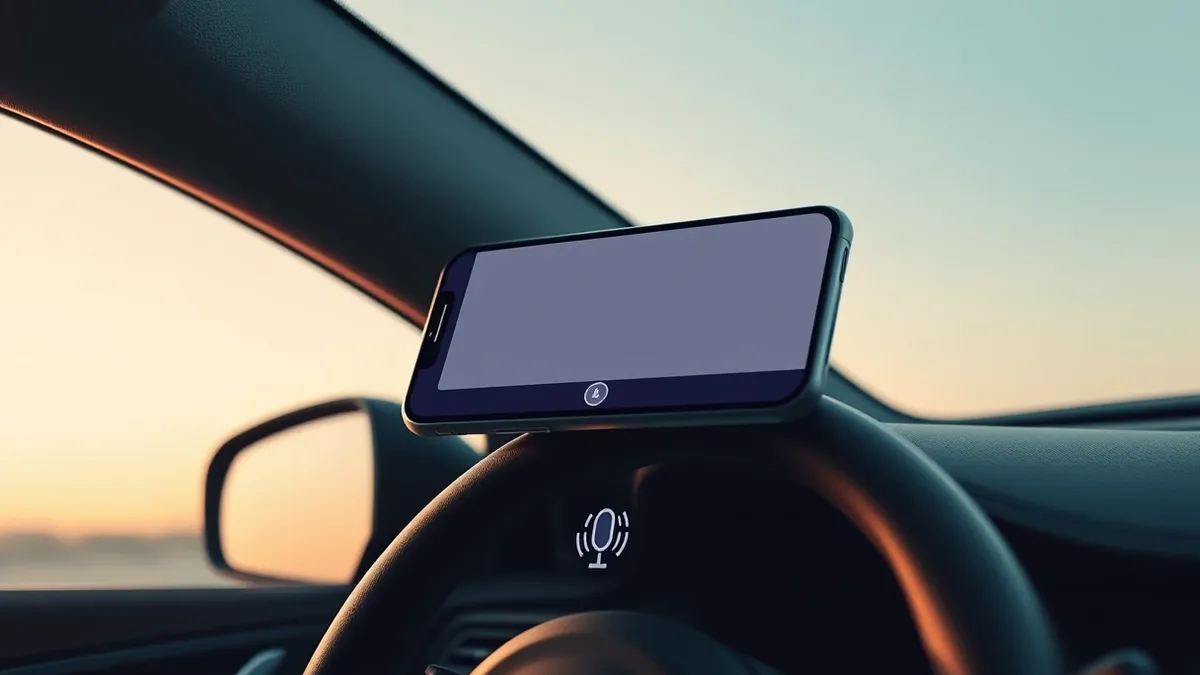
The feature allows users to tap the Gemini icon on the right edge of the screen while navigating. Drivers can issue multi-step questions and commands, such as asking for parks with gorgeous views or requesting navigation that avoids toll roads. This functionality matches the experience already present in Android Auto and on mobile devices.
New capabilities for CarPlay users
This release represents the first time Google Maps has offered voice assistant functionality directly within the CarPlay interface. Previously, Google Assistant was only accessible when using Google Maps navigation directly on an iPhone, not through the CarPlay system. The new integration allows for more complex interactions than simple voice commands.
Users can ask detailed questions like “What park is famous for gorgeous views overlooking the city?” or inquire about timing and weather conditions for a trip. The system can also process commands to start navigation with specific constraints, such as avoiding toll roads.
Additionally, Gemini can be used to report traffic disruptions using voice commands. This capability aligns with the navigation experience Google introduced for Android and iOS last year. It brings feature parity to the CarPlay environment, which previously lacked this specific voice integration.
Availability and rollout status
The Gemini feature in Google Maps on Apple CarPlay is currently available to users in the United States. According to the report by 9to5Google, a global rollout is underway for other regions. Users outside the US may not yet have access to this specific integration within their CarPlay sessions.
The update enhances the utility of Google Maps for drivers who rely on Apple CarPlay for their in-car navigation systems. It allows for a more hands-free and conversational interaction model. This shift mirrors Google’s broader strategy to integrate its AI models into everyday navigation tools.
What should you do?
Drivers using Apple CarPlay should check for the latest updates to Google Maps on their iPhones to ensure they have the version supporting Gemini. Users in the US can immediately test the feature by starting a navigation session and tapping the Gemini icon. Those outside the US should monitor for regional availability as the global rollout progresses.
What to do and how to stay safe: Google Maps
- Update Google Maps on your iPhone to the latest version to access new features.
- Ensure your Apple CarPlay connection is stable and compatible with the current iOS version.
- Test the Gemini icon during a low-stress navigation session to familiarize yourself with the voice commands.
- Check regional availability if you are outside the United States, as the feature may not be active yet.
Step-by-step guide: Prompt Injection Warning Signs: How to Spot AI Manipulation
General security guidance from the Threat Times newsroom. It is not confirmed advice from the organisations named in this story.
Frequently asked questions
Is Gemini available in Google Maps on CarPlay in countries outside the US?
The feature is currently available in the US, with a global rollout underway according to 9to5Google.
Can I use Google Assistant in CarPlay with Google Maps before this update?
No, previously Google Assistant was only available when using Google Maps directly on the iPhone, not via CarPlay.
What kind of commands can I give to Gemini while navigating?
You can ask multi-step questions about destinations, weather, or timing, and request navigation with specific constraints like avoiding tolls.