Google expands Gemini AI voice assistant to Apple CarPlay users in the US
Google brings conversational Gemini navigation to Apple CarPlay, allowing US drivers to ask multi-step questions via Google Maps.
Key points
- Google launched conversational Gemini for Apple CarPlay in the US today.
- The feature allows hands-free, multi-step navigation queries in Google Maps.
- Personal Intelligence features announced for Android Auto are not included yet.
Google has released conversational Gemini navigation capabilities to Apple CarPlay users in the United States. This update allows drivers to interact with Google Maps using the AI assistant, following its introduction to Android Auto last year.
The feature is available immediately for US drivers, with Google stating that a global rollout is also underway. The company did not provide specific regional availability details for the international expansion at this time, according to The Verge.
Context and background
Google introduced its Gemini AI assistant to Android Auto last year. It has taken nearly twelve months for the company to bring this specific navigation feature to Apple CarPlay users. The source material notes the time elapsed but does not explain the reason for the duration.
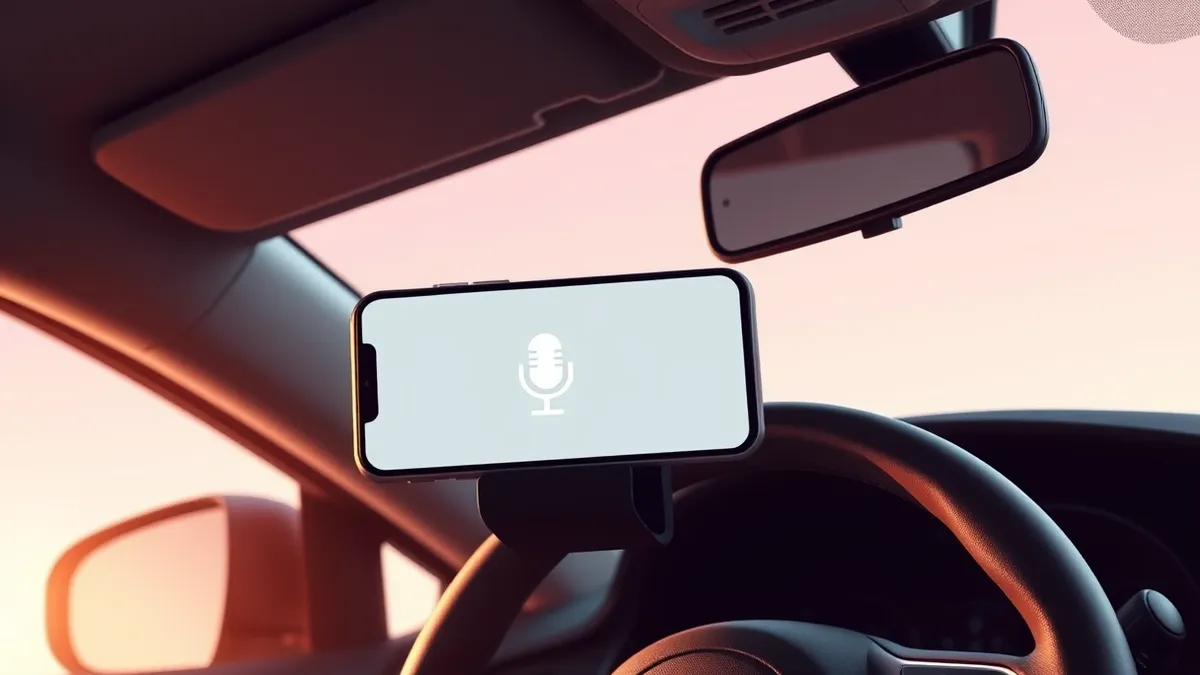
Users can activate the feature by tapping the Gemini icon within Google Maps on their car’s infotainment display. This interface allows for hands-free interaction, enabling drivers to get help while driving without using their hands.
Who is affected
Apple CarPlay users in the US are the primary beneficiaries of this update. They can now ask multi-step questions to the voice assistant, such as requesting recommendations for places to visit and then prompting the system to direct them there. The assistant can also handle complex routing requests, including avoiding toll roads.
Google describes this update as a conversational method for reporting traffic disruptions and finding information about stops and places on the go. However, the current CarPlay release does not include the Personal Intelligence features that were announced yesterday for Gemini in Android Auto and cars with Google built-in. Those features allow the assistant to access user data from Gmail, Calendar, Photos, YouTube, and Search.
The Verge noted that Google has not confirmed whether CarPlay users will eventually receive these personalization updates. The publication has asked Google for clarification on this point and plans to update its reporting if the company provides a response.
What should you do?
Drivers who use Apple CarPlay should check their Google Maps application for the new Gemini icon. It is advisable to familiarize yourself with the voice commands in a safe, stationary environment before using them while driving.
What to do and how to stay safe: Google
- Check your Google Maps application on CarPlay for the presence of the new Gemini icon.
- Test the voice assistant features while parked to understand how to phrase multi-step navigation requests.
- Check your car’s infotainment settings to ensure CarPlay is properly connected and functioning with the new app version.
- Monitor official Google announcements for details on the global rollout and potential future personalization features.
Step-by-step guide: Mobile Device Security: How to Protect Data Beyond Passwords
General security guidance from the Threat Times newsroom. It is not confirmed advice from the organisations named in this story.
Frequently asked questions
When is Gemini coming to Apple CarPlay?
The conversational Gemini navigation feature is available today for US drivers, with a global rollout currently in progress.
Does CarPlay Gemini access my personal data like Gmail or Calendar?
No, the current CarPlay update does not include the Personal Intelligence features that access data from Gmail, Calendar, Photos, YouTube, or Search.
How do I activate Gemini in Google Maps on CarPlay?
Users can activate the feature by tapping the Gemini icon in Google Maps on their car’s infotainment display.