Output Encoding Implementation: Step-by-Step Defense Against Injection
Proper output encoding neutralizes injected scripts by forcing the browser to treat malicious characters as inert text rather than executable code instructions.

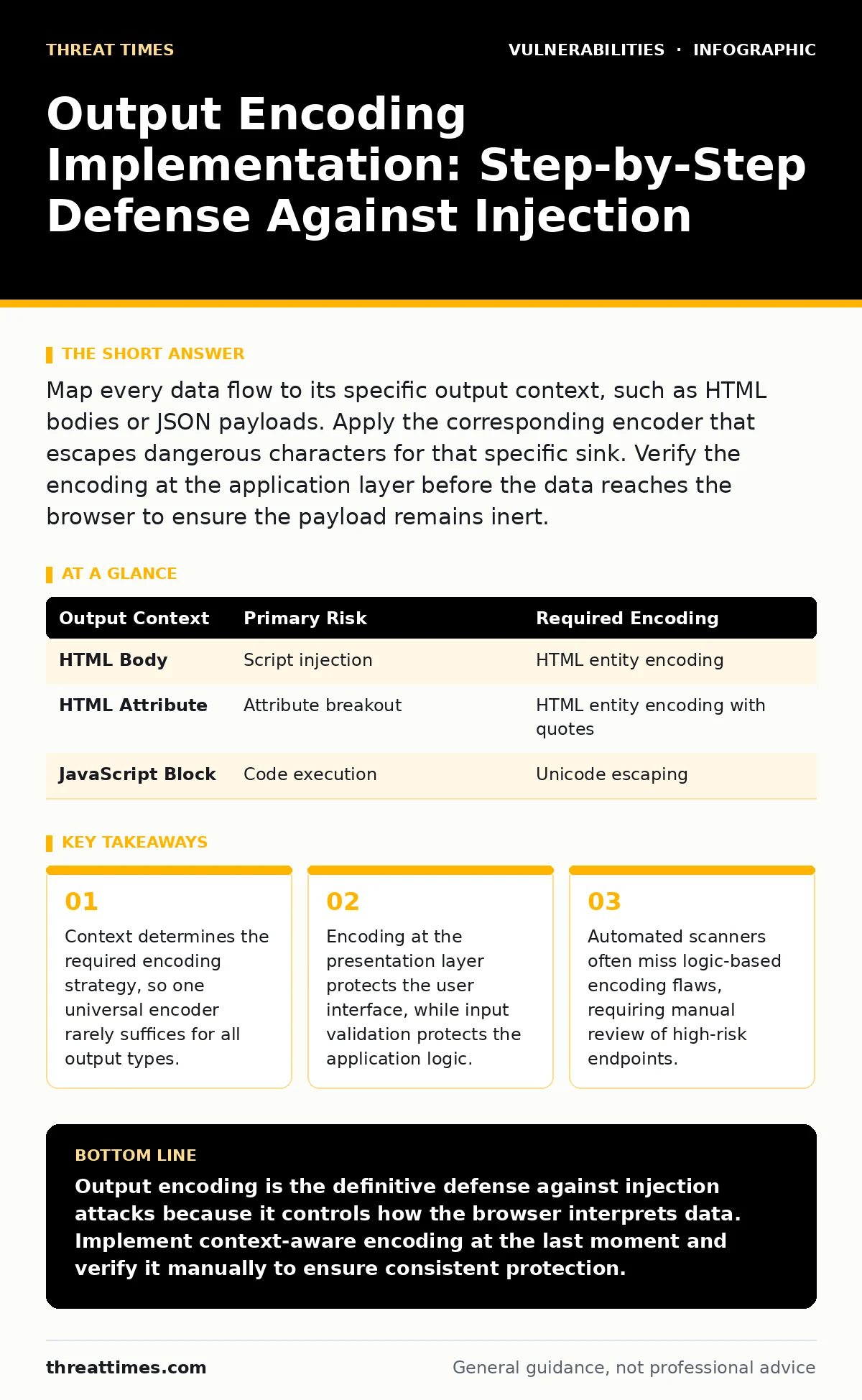
Map every data flow to its specific output context, such as HTML bodies or JSON payloads. Apply the corresponding encoder that escapes dangerous characters for that specific sink. Verify the encoding at the application layer before the data reaches the browser to ensure the payload remains inert.
Map Data Flows Before Writing Code
You cannot protect what you cannot see. Begin by identifying every point where user-controlled data leaves your application. This includes responses sent to browsers, data passed to JavaScript variables, and parameters sent to downstream APIs. Treat every output as a potential injection vector until proven otherwise.
This mapping reveals hidden sinks that automated tools frequently miss. For example, data injected into a meta tag might bypass standard HTML entity encoding if the attribute is not properly quoted. Understanding these flows is the foundation of secure development, similar to how you would approach security misconfigurations by auditing default settings before deployment.
Step 1: Classify Output Contexts
Different outputs require different encoding rules. An HTML body, an HTML attribute, a JavaScript block, and a URL parameter all interpret special characters differently. A character that is safe in one context becomes executable in another. You must classify each output destination before selecting an encoding library.
| Output Context | Primary Risk | Required Encoding |
|---|---|---|
| HTML Body | Script injection | HTML entity encoding |
| HTML Attribute | Attribute breakout | HTML entity encoding with quotes |
| JavaScript Block | Code execution | Unicode escaping |
Misclassifying a context is a common error. If you encode data for HTML but output it into a JavaScript string, the browser may still execute the payload. This distinction is critical because the parser interprets the surrounding syntax to determine if the content is code or data.
Step 2: Select Context-Aware Encoders
Choose encoding libraries that explicitly handle the context you identified. Do not rely on generic escaping functions that only target a few characters like < and >. Modern web frameworks often include these encoders by default, but you must verify they are active for every template engine or response handler you use.
If your framework lacks built-in protection, integrate a well-maintained open-source library. Ensure the library supports the specific character set of your application. For instance, applications handling international characters need encoders that handle multi-byte sequences correctly to prevent bypasses via character encoding manipulation.
Step 3: Apply Encoding at the Last Moment
Apply encoding as close to the output point as possible. This practice, known as last-moment encoding, ensures that the data remains in its cleanest form throughout the application logic. Storing pre-encoded data in a database can cause issues if that data is later used in a different context, such as an API response that requires JSON encoding instead of HTML encoding.
This approach mirrors the principle of least privilege in certificate management, where credentials are generated and applied only when needed, rather than stored in plaintext for long periods. By keeping data raw until the final rendering step, you maintain flexibility and reduce the risk of double-encoding errors that break application functionality.
Step 4: Handle Dynamic JavaScript Safely
Dynamic JavaScript is one of the most difficult contexts to secure. When you inject data into a <script> tag or an onclick attribute, standard HTML encoding is insufficient. The browser parses the JavaScript engine separately, allowing attackers to bypass simple escapes by using different character representations.
Use Unicode escaping for all data inserted into JavaScript contexts. This converts every non-alphanumeric character into its \uXXXX representation. This method ensures that the JavaScript parser sees only safe characters. Be aware that this technique adds overhead to the response size, which can impact performance on data-heavy pages.
Step 5: Verify Encoding Effectiveness
You must verify that your encoding works in the real browser environment. Automated scanners often fail to detect context-specific encoding failures because they lack the intelligence to understand the surrounding HTML structure. Manual testing is required to confirm that the browser renders the encoded characters as text rather than executing them.
Create test payloads that target specific contexts. For example, inject a payload designed to close an HTML attribute and start a new event handler. If the encoding is correct, the browser will display the payload as visible text. This verification step is as rigorous as testing for integer overflow vulnerabilities, where edge cases in arithmetic logic can lead to unexpected behavior.
Step 6: Automate Detection in CI/CD
Integrate static analysis tools that check for unencoded output in your continuous integration pipeline. Configure these tools to flag any instance where user data is concatenated into HTML or JavaScript without an explicit encoding call. This catches regressions early in the development cycle.
Do not rely solely on these tools. They produce false positives and miss complex logic flows. Use them as a safety net, not a primary defense. This layered approach is similar to defending against side-channel attacks, where you must monitor multiple signals to detect subtle anomalies that single-point sensors would miss.
- All HTML body outputs use entity encoding.
- All HTML attributes are quoted and encoded.
- All JavaScript contexts use Unicode escaping.
- No double-encoding occurs in database storage.
Maintain Encoding Standards Over Time
Encoding libraries receive updates to address new bypass techniques. Keep these libraries updated to benefit from the latest security patches. Review your data flow map whenever you add new features or change templates. New endpoints often introduce new output contexts that require specific encoding strategies.
Regular audits of your codebase help identify drift from security standards. Look for instances where developers bypassed encoding for performance or convenience. These shortcuts often create vulnerabilities that are difficult to detect in production. This maintenance routine is vital for long-term security, much like the ongoing effort required to prevent data poisoning attacks in machine learning models.
Address Edge Cases and Complexities
Some frameworks use complex templating engines that mix multiple output contexts. In these cases, ensure that the template engine automatically applies the correct encoding based on the tag type. If the engine does not do this automatically, you must manually specify the context for every data insertion.
Be cautious with third-party libraries that render HTML. These libraries may not apply the same encoding standards as your main application. Treat any third-party rendering component as an untrusted sink. This scrutiny is necessary when dealing with insecure deserialization risks, where external data structures can compromise application state.
Key takeaways
- Context determines the required encoding strategy, so one universal encoder rarely suffices for all output types.
- Encoding at the presentation layer protects the user interface, while input validation protects the application logic.
- Automated scanners often miss logic-based encoding flaws, requiring manual review of high-risk endpoints.
Output encoding is the definitive defense against injection attacks because it controls how the browser interprets data. Implement context-aware encoding at the last moment and verify it manually to ensure consistent protection.
Frequently asked questions
Does input validation make output encoding unnecessary?
No. Input validation prevents bad data from entering the system, but output encoding ensures that any data reaching the user is rendered safely. Both are required for a defense-in-depth strategy.
Can I use a single encoder for all output types?
Generally no. Different contexts like HTML, JavaScript, and URLs require different encoding rules. Using a single encoder often leaves gaps that attackers can exploit by targeting the weakest context.
How do I handle encoding in API responses?
API responses typically use JSON encoding. Ensure your serialization library escapes special characters within JSON strings. If the API output is consumed by a browser, apply appropriate encoding on the client side as well.
What is the performance impact of output encoding?
The impact is negligible for most applications. Encoding adds minimal processing overhead. The security benefit of preventing injection attacks far outweighs the minor increase in CPU usage.
How this guide was produced: written by the Threat Times editorial team with AI assistance, checked against the public references listed below, and reviewed when the facts change. See our editorial policy or report an error.