Apple adds HomePod touch lock setting in iOS 27.2 update
The upcoming iOS 27.2 release introduces a Lock Controls feature to disable HomePod touch interactions while preserving essential call functions.
Key points
- iOS 27.2 adds a Lock Controls setting to disable HomePod touch inputs.
- The feature prevents audio playback changes but allows intercom and FaceTime calls.
- The update supports all HomePod models, including the first-generation device from 2018.
Apple is introducing a new setting in iOS 27.2 that allows users to disable touch controls on HomePod devices. According to information from leaker pdfu, this feature will be available in the iOS 27.2 and HomePod 27.2 updates released next week.
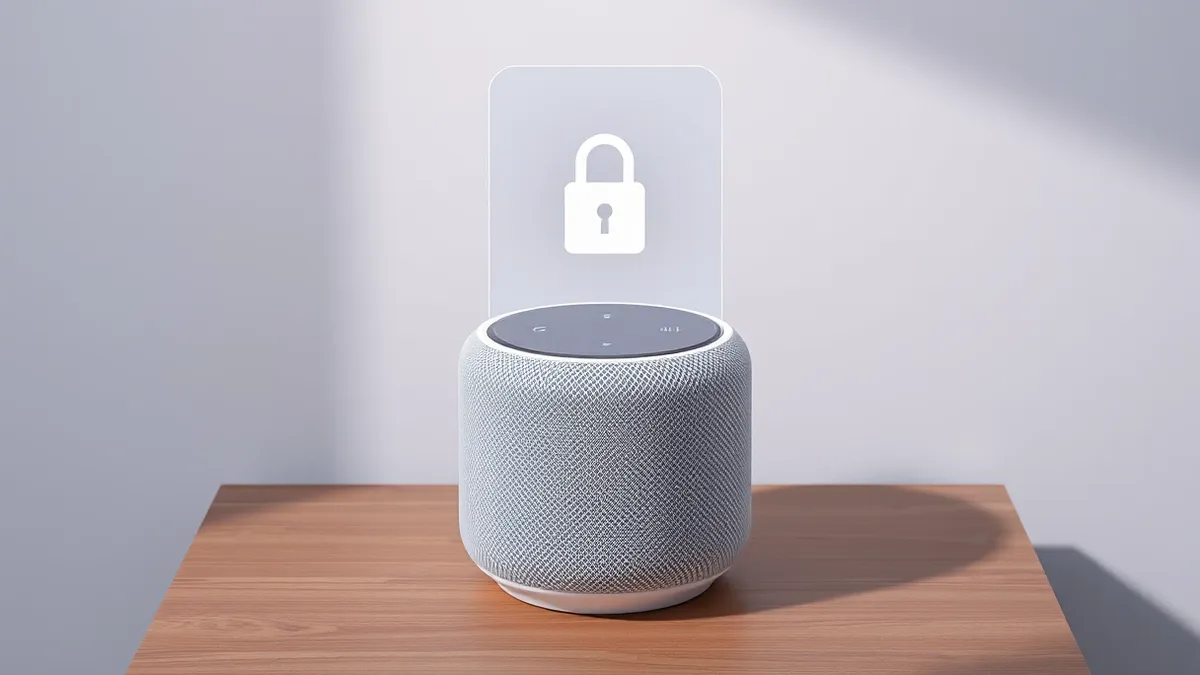
The new Lock Controls option appears within the Home app’s accessory settings for HomePod devices. When enabled, this setting prevents the HomePod from playing audio or taking action when the top cap is touched. This addresses common issues with phantom touches or accidental inputs from children and pets.
Context and Background
HomePod owners have frequently requested the ability to disable touch controls to prevent unintended interactions. The new feature specifically targets users who experience phantom taps or have young children and cats at home. It provides a solution for those who primarily control their HomePod through an iPhone or another device.
Apple’s documentation for the feature states that while general touch actions are blocked, specific functions remain active. Intercom, timers, alarms, Check In, and FaceTime calls will still respond to touch inputs even when Lock Controls is enabled. This ensures that critical communication features remain accessible despite the restriction on general controls.
Who is Affected
This update applies to all HomePod models, including the first-generation HomePod released in 2018. According to pdfu’s report, the new setting is not limited to newer hardware. Any user running iOS 27.2 will be able to access this feature for their connected HomePod devices.
The feature is particularly relevant for households with toddlers or pets that may accidentally trigger audio playback or change settings. It also benefits users who have experienced hardware-related phantom touches on the device’s top surface.
What should you do?
Users should wait for the official release of iOS 27.2 and HomePod 27.2 next week. Once the update is installed, they can navigate to the Home app to configure the new Lock Controls setting.
What to do and how to stay safe: Apple
- Check for iOS 27.2 and HomePod 27.2 updates next week via the Settings app.
- Open the Home app and select your HomePod device to access accessory settings.
- Enable the Lock Controls option to disable general touch interactions on the top cap.
- Verify that intercom, alarms, and FaceTime calls still respond to touch as intended.
Step-by-step guide: Mobile Device Security: How to Protect Data Beyond Passwords
General security guidance from the Threat Times newsroom. It is not confirmed advice from the organisations named in this story.
Frequently asked questions
When will the HomePod touch lock feature be available?
The feature is expected to arrive next week with the iOS 27.2 and HomePod 27.2 updates.
Which HomePod models support the new Lock Controls setting?
All HomePod models are supported, including the first-generation device released in 2018.
Do FaceTime calls still work when Lock Controls is enabled?
Yes, FaceTime calls, intercom, timers, alarms, and Check In will still respond to touch.