Razer Basilisk V4 Pro review: Top-tier gaming mouse marred by unwanted AI button
The new Razer Basilisk V4 Pro offers refined ergonomics and performance, but includes an unrequested AI feature that reviewers find unnecessary.
Key points
- The Basilisk V4 Pro features a slightly shorter body and improved button placement for better ergonomics.
- A dedicated button is mapped out of the box to an AI tool that reviewers describe as poor and unrequested.
- Wireless charging functionality is restricted exclusively to proprietary Razer accessories.
Razer has released the Basilisk V4 Pro, a high-end wireless gaming mouse that maintains the brand’s top position in the market despite controversial software choices. According to Windows Central, the device is packed with performance features but includes an artificial intelligence integration that reviewers question.
The review highlights that while the hardware remains exceptional, the inclusion of an AI feature was not requested by users. Windows Central notes that the mouse is likely the best overall gaming mouse currently available, yet the out-of-the-box button binding for a poorly received AI tool detracts from the experience.
Design and Ergonomics
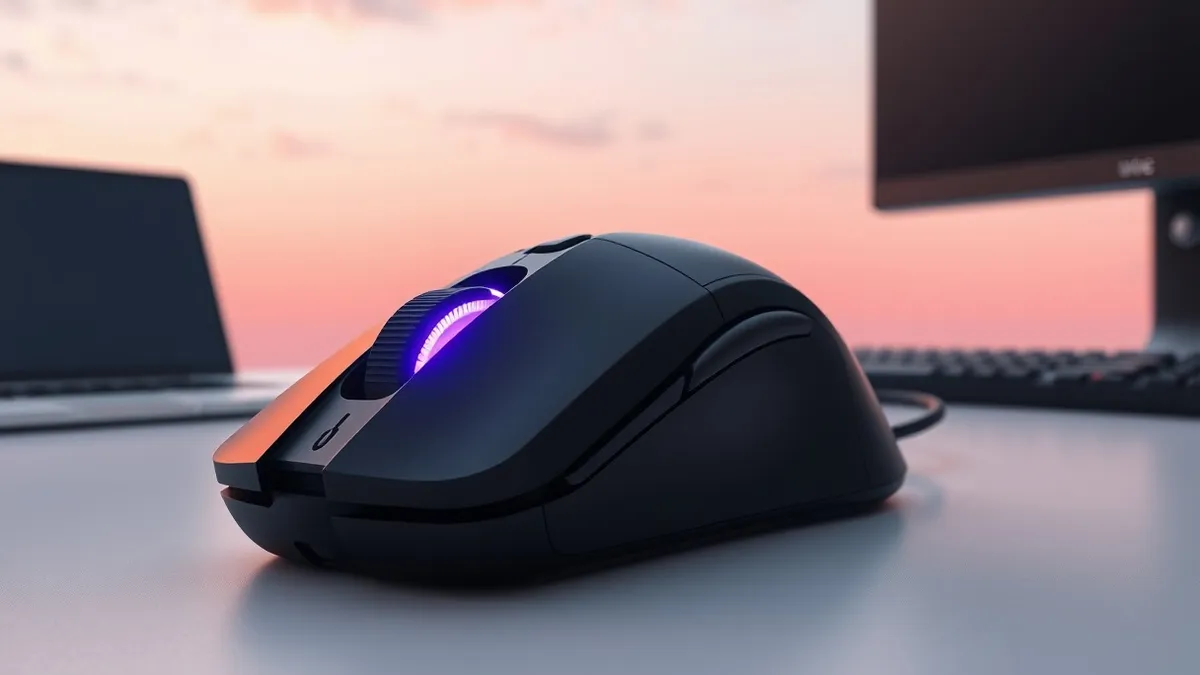
The Basilisk V4 Pro retains the general shape of its predecessor but introduces subtle refinements that improve daily usability. Windows Central reports that the body is slightly shorter than the previous Basilisk V3 Pro 35K, making it more comfortable for users with smaller hands. This reduction in length also shortens the main click buttons, allowing them to sit more naturally under the user’s fingers.
The profile cycling button has been relocated from underneath the mouse to the top left, adjacent to the primary left click. According to the review, this new position is more sensible and prevents accidental presses, thanks to a small notch in the button design. The reviewer, who previously used the Basilisk V3 Pro, found these ergonomic adjustments to be thoughtful improvements.
Performance and Limitations
Beyond physical changes, the Basilisk V4 Pro continues to serve as a versatile peripheral for both gaming and professional work. Windows Central describes the mouse as incredibly ergonomic for all-day use, suggesting it is suitable for office environments as well as gaming sessions. The device maintains the high performance standards established by earlier models in the Basilisk line.
However, the review points out specific limitations regarding accessory compatibility. Wireless charging for the Basilisk V4 Pro is only possible when using Razer-branded accessories. This restriction limits consumer choice and ties users to the vendor’s ecosystem for power management features.
What should you do?
Prospective buyers should evaluate whether the ergonomic improvements outweigh the software controversies. Users with smaller hands may benefit from the shortened body design and relocated profile button. Those who prioritize hardware performance over software integrations should verify if the AI button can be remapped or disabled easily.
What to do and how to stay safe: Razer
- Check if the AI button mapping can be disabled or remapped through the companion software before purchasing.
- Verify compatibility with existing wireless charging pads, as the mouse requires Razer-specific accessories.
- Compare the hand size fit against the previous Basilisk V3 Pro if you are upgrading from that model.
- Review the full feature list to ensure the included software tools align with your workflow needs.
Step-by-step guide: Prompt Injection Warning Signs: How to Spot AI Manipulation
General security guidance from the Threat Times newsroom. It is not confirmed advice from the organisations named in this story.
Frequently asked questions
Is the Razer Basilisk V4 Pro suitable for users with small hands?
Yes, Windows Central notes the body is slightly shorter than the previous model, making it more comfortable for smaller hands.
Can the AI button on the Basilisk V4 Pro be remapped?
The source material does not explicitly confirm if the button can be remapped, only that it is mapped out of the box to an AI tool.
Does the Basilisk V4 Pro support universal wireless charging?
No, wireless charging is only possible with Razer accessories, according to the review.