Prevent npm Package Vulnerabilities: Prioritized Defense Measures
Supply chain attacks bypass perimeter defenses by embedding malicious code in trusted dependencies that pass standard integrity checks and signature verification.

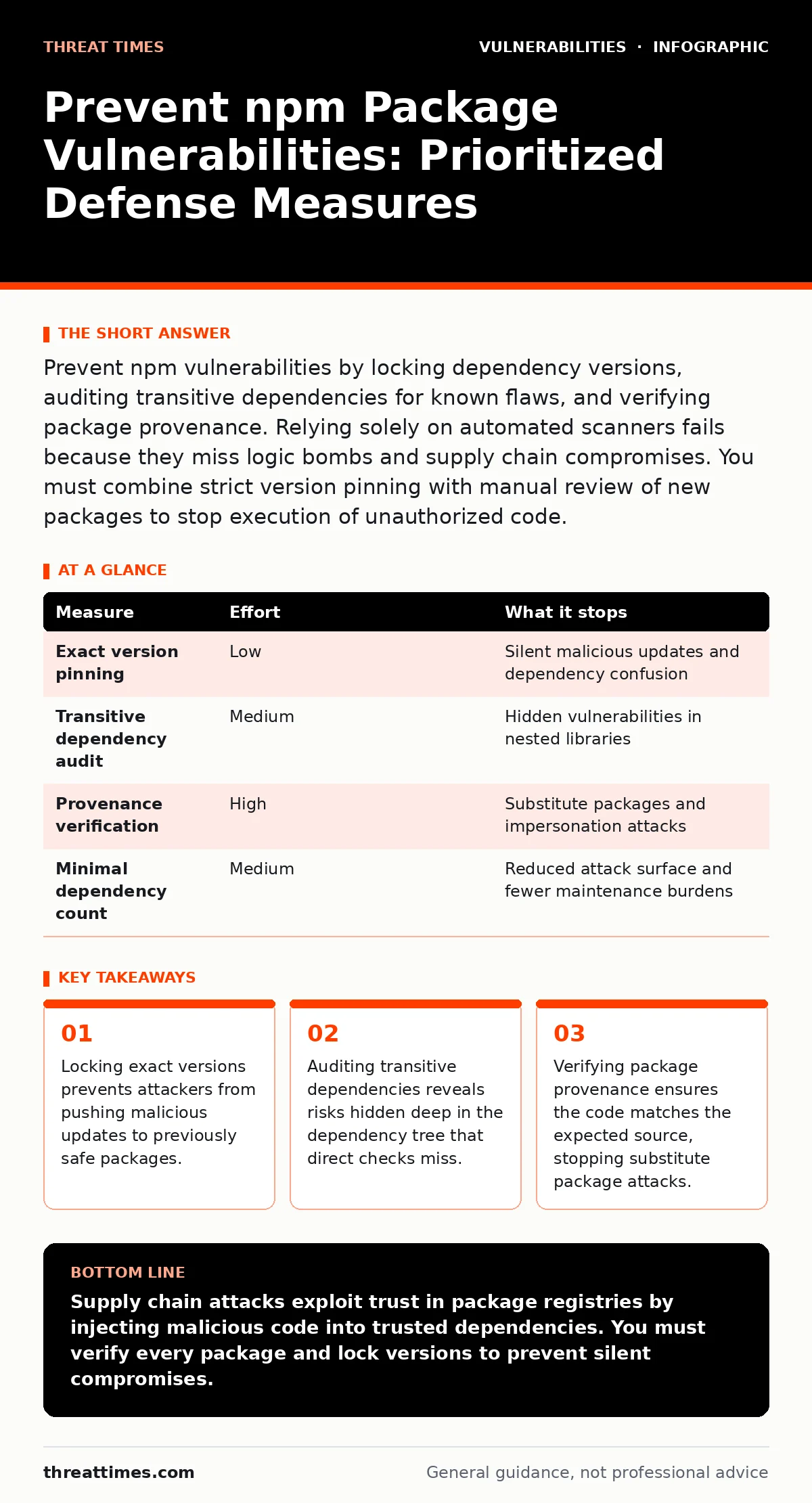
Prevent npm vulnerabilities by locking dependency versions, auditing transitive dependencies for known flaws, and verifying package provenance. Relying solely on automated scanners fails because they miss logic bombs and supply chain compromises. You must combine strict version pinning with manual review of new packages to stop execution of unauthorized code.
Why Standard Scanners Fail to Stop Supply Chain Attacks
Automated vulnerability scanners identify known flaws in library code but cannot detect malicious intent embedded in new releases. A package may have no known CVEs yet still execute commands on your build server. Attackers exploit this gap by publishing clean packages initially, then updating them weeks later with malicious payloads. Your security tools report the package as safe because the vulnerability database lacks an entry for this specific logic bomb.
This creates a false sense of security that encourages developers to install packages without scrutiny. You must treat every new dependency as untrusted until proven otherwise. The assumption that a package is safe because it has many downloads is statistically invalid. Popularity does not guarantee security. High download counts often attract more attention from attackers who seek maximum impact. You need a defense strategy that looks beyond the vulnerability database.
Pin Exact Versions to Prevent Silent Takeovers
Locking dependency versions is the most effective single measure against supply chain attacks. When you specify a range like ^1.0.0, npm can automatically install 1.2.3 when it becomes available. If an attacker compromises the maintainer of that package, your next build pulls the malicious version. By pinning to 1.0.0, you freeze the exact code that was tested and approved. This prevents silent upgrades that introduce backdoors or data exfiltration routines. You must maintain a lock file that records the exact version of every transitive dependency. This file ensures that every developer and every CI build installs the identical set of packages. Without a lock file, two builds of the same code can result in different binary outputs. This inconsistency makes reproducibility impossible and hides when a dependency changes. Treat the lock file as a critical security artifact. Commit it to version control and review changes to it as carefully as application code.
| Measure | Effort | What it stops |
|---|---|---|
| Exact version pinning | Low | Silent malicious updates and dependency confusion |
| Transitive dependency audit | Medium | Hidden vulnerabilities in nested libraries |
| Provenance verification | High | Substitute packages and impersonation attacks |
| Minimal dependency count | Medium | Reduced attack surface and fewer maintenance burdens |
Audit Transitive Dependencies for Hidden Risks
Your application depends on direct packages, which in turn depend on other packages. This creates a tree of transitive dependencies that you do not explicitly install but still execute. A single direct dependency can pull in dozens of transitive libraries. If one of these nested packages contains a flaw, your application is exposed. You cannot rely on the maintainer of the direct package to secure its dependencies. You must audit the entire tree.
Tools that map the full dependency graph help you identify which transitive packages are no longer maintained. Abandoned packages are high risk because they receive no security patches. You should flag packages that have not been updated in years. These packages often contain known vulnerabilities that will never be fixed. Replacing them with actively maintained alternatives reduces your long-term risk. This process requires regular review, not just one-time setup.
Verify Package Provenance and Author Identity
Not all packages on the registry are who they claim to be. Attackers create packages with names similar to popular libraries to trick developers. They might name a package lodasch instead of lodash. This typo-squatting technique relies on human error during installation. You must verify the author and publisher of every new package. Check the package metadata for consistent author information. Look for established publication history and community engagement. New packages with no history require extra scrutiny. Some registries now support provenance attestations that cryptographically link the package to its source repository. This feature helps confirm that the code you install matches the code in the public repository. Enable provenance checks in your registry settings. This adds a layer of cryptographic verification that prevents substitute package attacks. It ensures that the binary you run is exactly what was built from the source you reviewed.
Minimize Dependency Count to Reduce Attack Surface
Every package you add increases your attack surface. A package that performs one small task is often safer than a large framework that does many things. Large frameworks have complex codebases that are harder to audit. They also depend on many other packages, multiplying your risk. You should prefer small, focused libraries over monolithic solutions. This principle, known as minimalism, reduces the number of potential entry points for attackers.
It also simplifies maintenance because you have fewer packages to update and monitor. When you need a new feature, ask if you can implement it with existing code. If not, choose the smallest library that meets the requirement. This approach aligns with risk-based vulnerability management by reducing the total number of components you must protect. Fewer components mean fewer things can go wrong. It also speeds up builds because there is less code to download and compile.
Implement Pre-Commit Hooks for Dependency Changes
Human error is a primary vector for introducing vulnerable packages. A developer might accidentally install a typo-squatted package or a version with a known flaw. You can prevent this by adding pre-commit hooks to your repository. These hooks run checks before code is committed to version control. Configure the hook to block commits that add new dependencies without approval. Require that new dependencies are added to an allowlist.
This allowlist should be reviewed by security personnel. This process ensures that no new package enters your codebase without explicit authorization. It stops accidental installations and forces a deliberate review process. You can also configure the hook to reject packages from unmaintained authors. This automation reduces the burden on developers while maintaining security standards. It integrates security checks into the development workflow without slowing down productivity.
Monitor for Dependency Confusion Attacks
Dependency confusion occurs when an attacker hosts a package with the same name as your internal package on a public registry. Your build system might accidentally pull the public package instead of the internal one. This happens because many build tools check public registries first. You must configure your build system to prioritize internal registries. Set the internal registry as the default source for private packages.
Disable automatic fallback to public registries for internal names. This prevents the build system from resolving internal package names to public sources. You should also monitor public registries for packages with your internal names. If you find such packages, report them for removal immediately. This proactive monitoring helps you detect confusion attempts before they succeed. It is a simple configuration change that blocks a sophisticated attack vector.
Checklist for Immediate Risk Reduction
You can reduce your exposure to npm vulnerabilities by taking three specific actions today. These steps address the most common failure points in package management. They require minimal effort but provide significant security benefits.
- Pin all direct dependencies to exact versions in your package.json file.
- Enable provenance verification in your package registry settings.
- Review and approve all new dependencies before they are merged into main.
Key takeaways
- Locking exact versions prevents attackers from pushing malicious updates to previously safe packages.
- Auditing transitive dependencies reveals risks hidden deep in the dependency tree that direct checks miss.
- Verifying package provenance ensures the code matches the expected source, stopping substitute package attacks.
Supply chain attacks exploit trust in package registries by injecting malicious code into trusted dependencies. You must verify every package and lock versions to prevent silent compromises.
Frequently asked questions
How do I know if an npm package is safe?
Check the package for recent updates, active maintenance, and consistent author identity. Verify that the code matches the public repository using provenance attestations if available.
Can I trust packages with high download counts?
No. High download counts indicate popularity, not security. Popular packages are attractive targets for attackers seeking maximum impact. You must verify the package regardless of its popularity.
What is dependency confusion?
Dependency confusion is an attack where an attacker hosts a package with the same name as an internal package on a public registry. The build system accidentally pulls the public package, executing malicious code.
Do I need to audit transitive dependencies?
Yes. Transitive dependencies are packages that your direct dependencies rely on. They can contain vulnerabilities that affect your application. You must audit the entire dependency tree to identify hidden risks.
How this guide was produced: written by the Threat Times editorial team with AI assistance, checked against the public references listed below, and reviewed when the facts change. See our editorial policy or report an error.