Mistakes That Let Malicious npm Packages Compromise Your Build
Dependency confusion and typosquatting exploit default trust in public registries, allowing attackers to inject code into your build pipeline without direct access to your source repository.

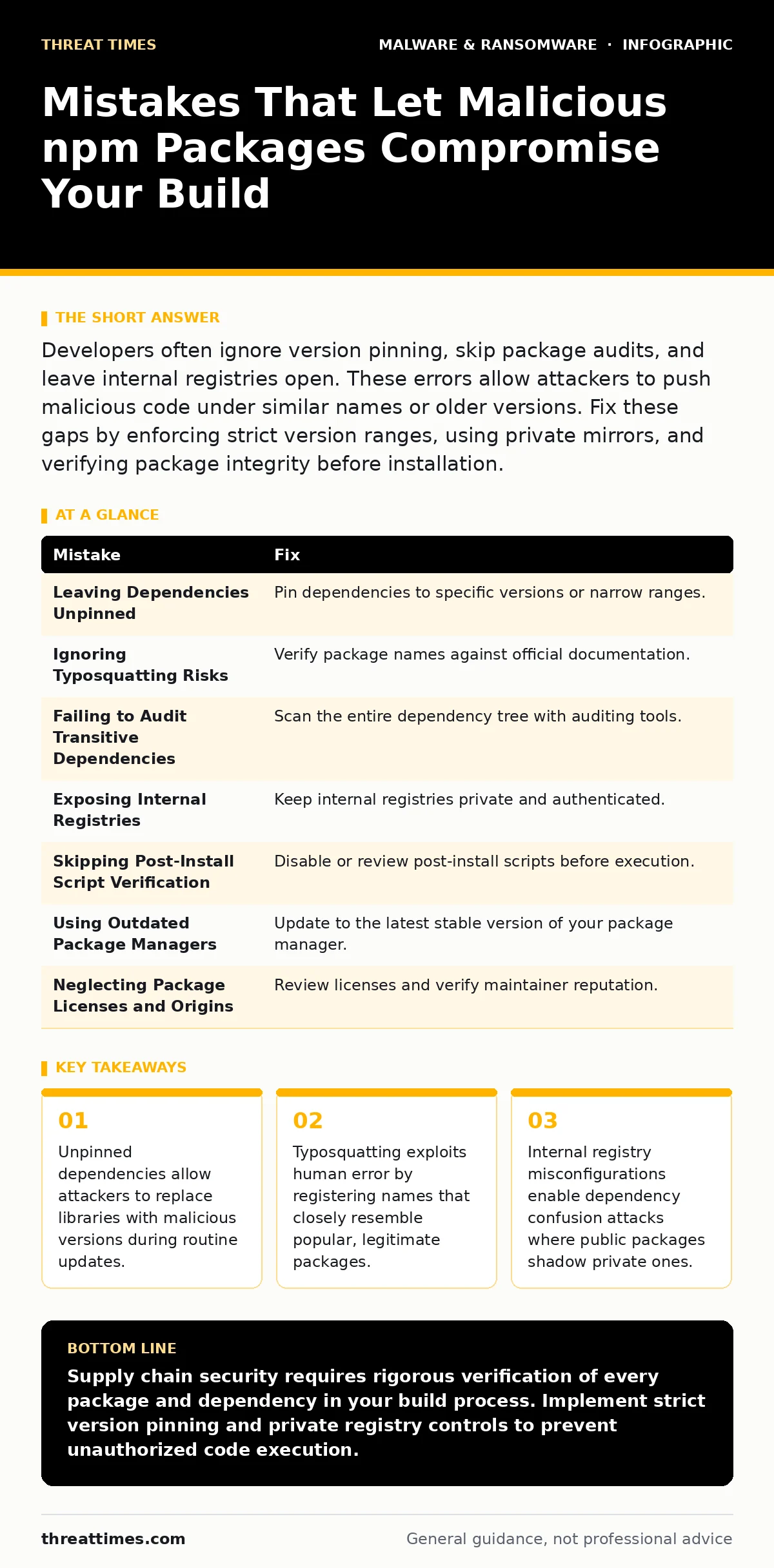
Developers often ignore version pinning, skip package audits, and leave internal registries open. These errors allow attackers to push malicious code under similar names or older versions. Fix these gaps by enforcing strict version ranges, using private mirrors, and verifying package integrity before installation.
Mistake 1: Leaving Dependencies Unpinned in package.json
Leaving dependencies unpinned in package.json allows the installer to fetch the latest available version at any time. This flexibility creates a window for attackers to publish a malicious version of a library after your code is written but before it is built. If your project specifies "lodash" without a version number, the build system requests the most recent release.
Why it hurts: An attacker can publish a compromised version of a widely used library. Your build system automatically downloads and executes this code. The malicious payload runs during the build process, potentially stealing credentials or modifying the application binary. You lose control over which code executes in your environment.
The fix: Pin every dependency to a specific version or a narrow semver range. Use exact version numbers for production builds. This ensures that the build system retrieves the same code every time. Regularly update these pins intentionally, rather than relying on automatic resolution. This practice limits the attack surface to known, verified artifacts.
Mistake 2: Ignoring Typosquatting Risks in Package Names
Typosquatting occurs when an attacker registers a package name that closely resembles a popular, legitimate library. Developers often make minor spelling errors when searching for packages or copying commands. If you search for "request" but type "reqest", the registry may return a malicious package with that similar name.
Why it hurts: The malicious package installs alongside your legitimate dependencies. It may contain backdoors, data exfiltration scripts, or crypto-miners. Because the name looks familiar, you are less likely to scrutinize the package contents. The attack succeeds through simple human error rather than complex technical exploitation.
The fix: Verify package names against official documentation before installation. Use automated tools that check for known typosquatted packages. Implement pre-commit hooks that validate dependency names against a allowlist. Educate your team to double-check spelling when adding new libraries. This reduces the risk of installing unintended software.
Mistake 3: Failing to Audit Transitive Dependencies
Most projects depend on direct packages, which in turn depend on other packages called transitive dependencies. You might audit your direct dependencies but ignore the hundreds of libraries they pull in. Attackers often target these lower-level, less-maintained packages because they receive less scrutiny from security researchers.
Why it hurts: A malicious transitive dependency can compromise your entire application. Even if your direct dependencies are safe, the chain of trust breaks at the second or third level. The attacker gains execution privileges through a library you did not explicitly choose. This indirect attack vector is difficult to detect without specialized tools.
The fix: Use dependency auditing tools that scan the entire dependency tree. Integrate these checks into your continuous integration pipeline. Block builds that introduce packages with known vulnerabilities or suspicious metadata. Regularly review the full list of installed packages, not just the ones in your package.json.
Mistake 4: Exposing Internal Registries to the Public Internet
Many organizations maintain internal package registries for proprietary code. If these registries are misconfigured, they may allow external users to publish packages. Attackers can scan for these open registries and push malicious versions of packages that shadow your internal libraries.
Why it hurts: This is known as dependency confusion. Your build system prioritizes the public registry over your internal one because of configuration errors. It downloads the attacker’s package instead of your internal code. The malicious package executes with the same privileges as your internal software, leading to full compromise.
The fix: Ensure internal registries are private and require authentication for publishing. Configure your build tools to prioritize internal registries over public ones. Use private mirrors to cache public packages and prevent direct access to external sources. Regularly audit registry permissions to ensure only authorized users can publish.
Mistake 5: Skipping Post-Install Script Verification
Many npm packages include post-install scripts that run automatically after installation. These scripts can execute arbitrary code on your system. Attackers often hide malicious payloads in these scripts because they run with the privileges of the user installing the package.
Why it hurts: The script executes before you can review the package contents. It may install additional malware, exfiltrate environment variables, or modify system configurations. Even if the main package code is benign, the post-install script can cause significant damage. This mechanism bypasses traditional code review processes.
The fix: Disable post-install scripts for packages you do not explicitly trust. Use package managers that allow you to skip script execution during installation. Review the contents of post-install scripts before running them. Isolate your build environment to limit the impact of any malicious scripts that do execute.
Mistake 6: Using Outdated Package Managers
Older versions of package managers may lack security features designed to prevent supply chain attacks. These features include integrity checks, signature verification, and improved handling of transitive dependencies. Using an outdated manager leaves you vulnerable to attacks that have been mitigated in newer versions.
Why it hurts: You miss out on critical security improvements. The package manager may not detect tampered packages or may fail to verify package integrity. Attackers can exploit known vulnerabilities in the manager itself to inject malicious code. This undermines the security of your entire development workflow.
The fix: Keep your package manager updated to the latest stable version. Enable integrity checks and signature verification if supported. Regularly review release notes for security improvements. Ensure all team members use the same version of the package manager to maintain consistency and security.
Mistake 7: Neglecting to Review Package Licenses and Origins
Many developers install packages without checking their licenses or origins. Some packages may have restrictive licenses that conflict with your project requirements. Others may originate from unfamiliar or untrusted sources. This lack of due diligence can lead to legal issues and security risks.
Why it hurts: Untrusted packages may contain hidden backdoors or malicious code. Restrictive licenses can prevent you from using the package in commercial projects, leading to legal liability. The lack of transparency makes it difficult to assess the security posture of the package. This oversight can compromise both security and compliance.
The fix: Review package licenses before installation. Verify the origin and reputation of the package maintainer. Use tools that automate license compliance checks. Establish a policy for evaluating new packages before they are added to your project. This ensures that you only use software that meets your security and legal standards.
| Mistake | Fix |
|---|---|
| Leaving Dependencies Unpinned | Pin dependencies to specific versions or narrow ranges. |
| Ignoring Typosquatting Risks | Verify package names against official documentation. |
| Failing to Audit Transitive Dependencies | Scan the entire dependency tree with auditing tools. |
| Exposing Internal Registries | Keep internal registries private and authenticated. |
| Skipping Post-Install Script Verification | Disable or review post-install scripts before execution. |
| Using Outdated Package Managers | Update to the latest stable version of your package manager. |
| Neglecting Package Licenses and Origins | Review licenses and verify maintainer reputation. |
Key takeaways
- Unpinned dependencies allow attackers to replace libraries with malicious versions during routine updates.
- Typosquatting exploits human error by registering names that closely resemble popular, legitimate packages.
- Internal registry misconfigurations enable dependency confusion attacks where public packages shadow private ones.
Supply chain security requires rigorous verification of every package and dependency in your build process. Implement strict version pinning and private registry controls to prevent unauthorized code execution.
Frequently asked questions
How do I detect if an npm package is malicious?
Use automated auditing tools that scan for known vulnerabilities and suspicious behavior. Review package metadata, download history, and maintainer reputation. Look for sudden spikes in downloads or recent changes to the package.
Can I prevent dependency confusion attacks?
Yes, by ensuring your internal registries are private and prioritized over public ones. Configure your build tools to fail if a package is not found in the internal registry. Use private mirrors to cache public packages and prevent direct external access.
What is the risk of using private npm packages?
Private packages may receive less scrutiny from the community, increasing the risk of undetected vulnerabilities. Ensure that your private packages undergo the same security reviews and audits as public ones. Implement strict access controls and regular integrity checks.
How often should I update my dependencies?
Update dependencies regularly to patch known vulnerabilities. Balance the need for stability with the need for security. Use automated tools to identify and apply critical updates. Test updates thoroughly before deploying to production.
How this guide was produced: written by the Threat Times editorial team with AI assistance, checked against the public references listed below, and reviewed when the facts change. See our editorial policy or report an error.