OpenSSL Vulnerability Response: Containment, Recovery, and Prevention
Rebuilding applications from source is often slower than patching binaries, but it eliminates hidden dependencies that static analysis tools frequently miss during emergency response operations.

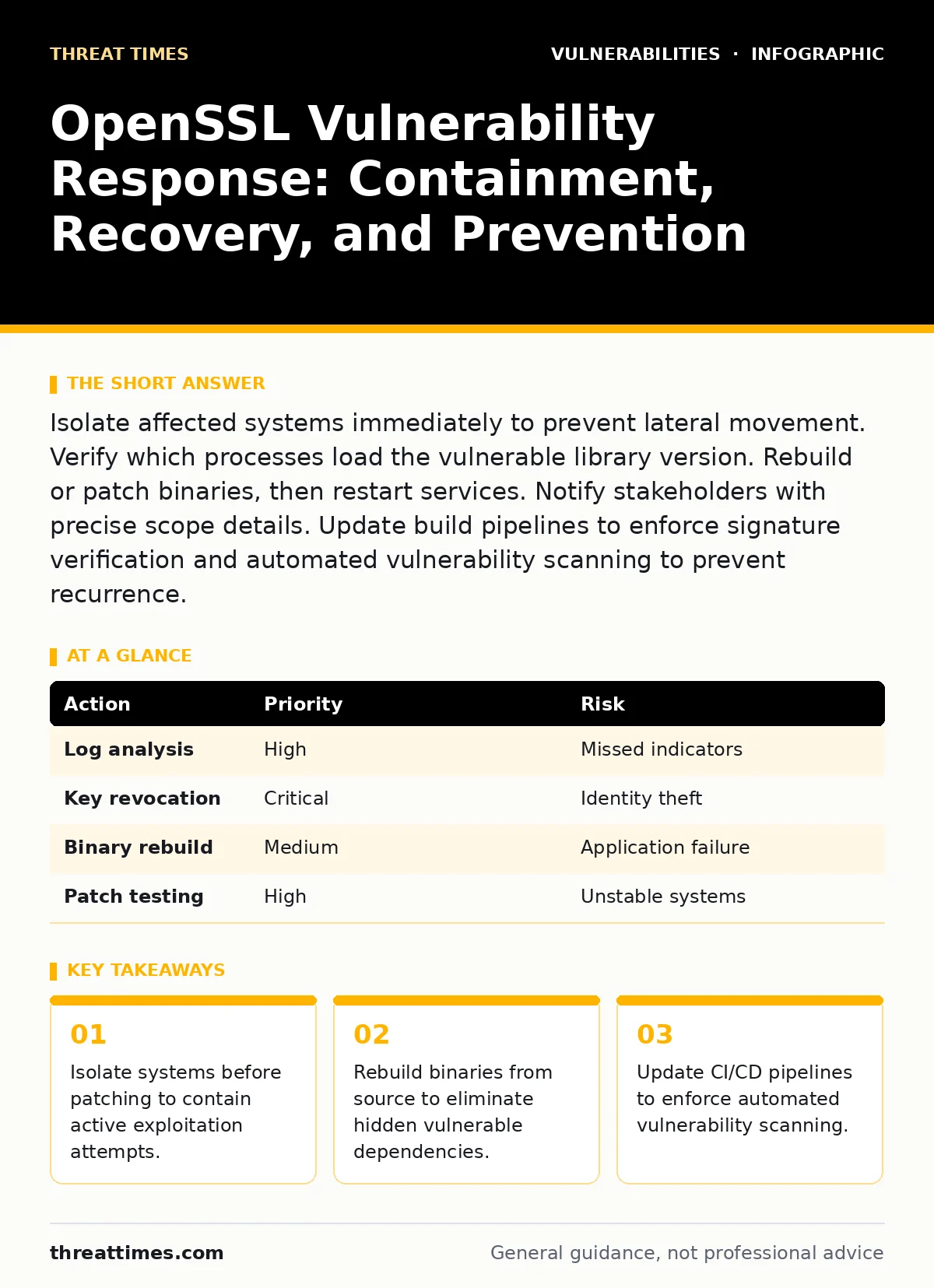
Isolate affected systems immediately to prevent lateral movement. Verify which processes load the vulnerable library version. Rebuild or patch binaries, then restart services. Notify stakeholders with precise scope details. Update build pipelines to enforce signature verification and automated vulnerability scanning to prevent recurrence.
First hour
The immediate priority is containment. You must stop the attacker from moving laterally. Assume the vulnerability is actively exploited. Do not attempt to patch while the system is connected to the network. Isolate the host using network segmentation or firewall rules. Block inbound and outbound traffic on non-essential ports. This preserves forensic evidence and limits damage.
- Isolate affected hosts from the network.
- Identify all processes loading the vulnerable OpenSSL version.
- Capture memory dumps from critical systems.
- Disable remote access to affected servers.
- Notify the incident response team.
You need to know exactly what is running. Use process listing tools to find every instance of the library. Check for dynamic linking. Some applications bundle their own copy of the library. These internal copies bypass system-wide updates. You must find and replace every instance.
First day
After containment, you assess the scope. Check logs for signs of compromise. Look for unusual outbound connections. Analyze certificate usage patterns. Determine if private keys were exposed. If keys are compromised, you must revoke certificates immediately. This prevents attackers from impersonating your services.
Rebuilding applications is often necessary. Binary patches may not cover all edge cases. Compiling from source ensures you control every dependency. This process takes time. Plan for downtime. Test the new binaries in an isolated environment first. Verify that the application functions correctly with the new library.
| Action | Priority | Risk |
|---|---|---|
| Log analysis | High | Missed indicators |
| Key revocation | Critical | Identity theft |
| Binary rebuild | Medium | Application failure |
| Patch testing | High | Unstable systems |
You must communicate clearly. Tell stakeholders what happened. Explain the scope. Provide a timeline for recovery. Avoid technical jargon. Focus on impact and remediation steps. Transparency builds trust. Hiding details erodes confidence.
First week
Recovery involves restoring services. Deploy the patched systems. Monitor for anomalies. Check for residual malware. Verify that all connections are encrypted correctly. Test end-to-end encryption flows. Ensure that no services fall back to insecure protocols.
Update your build processes. Integrate automated scanning into your CI/CD pipeline. This catches vulnerabilities before deployment. Enforce signature verification for all libraries. This prevents tampering. Document the incident. Record what worked and what failed. Use this data to improve future responses.
Check your attack surface management practices. Identify exposed services. Reduce unnecessary access. Harden configurations. Review OAuth misconfigurations that might compound the risk. Ensure that your infrastructure limits the blast radius of future vulnerabilities.
Who to tell
Notification is a legal and operational requirement. Tell your internal security team first. They coordinate the response. Inform management about the impact. They allocate resources. Notify customers if their data was exposed. Provide clear instructions for protection.
Regulatory bodies may need to be informed. Check local laws. Compliance requirements vary by industry. Failure to report can result in penalties. Be precise in your reports. List affected systems and data types. Avoid speculation. Stick to verified facts.
How to stop a repeat
Prevention requires systemic changes. Relying on manual checks is insufficient. Automate vulnerability scanning. Integrate it into your development workflow. Scan dependencies regularly. Use VEX documents to express vulnerability exposure. This helps prioritize fixes based on actual usage.
Review your dependency management. Pin versions explicitly. Avoid floating references. This ensures reproducibility. Monitor for new vulnerabilities. Subscribe to security advisories. Use CVE monitoring tools to track status. Act quickly on critical issues.
Reviewing the response
Evaluate the effectiveness of your response. Did containment work? Was recovery timely? Were communications clear? Identify gaps. Address them immediately. Update your incident response plan. Conduct tabletop exercises. Test your procedures regularly.
Learn from the incident. Share findings with the team. Improve training. Enhance monitoring capabilities. Invest in better tools. Security is continuous. There is no final state. Stay adaptive.
Long-term resilience
Build resilience into your architecture. Use defense in depth. Layer security controls. Assume breach. Limit trust. Verify everything. Monitor continuously. Respond quickly. Recover effectively. Learn constantly.
Review your hardening a self-hosted GitLab server practices if you use self-hosted solutions. Ensure that your repositories are secure. Protect your source code. Prevent supply chain attacks. Secure your entire development lifecycle.
Key takeaways
- Isolate systems before patching to contain active exploitation attempts.
- Rebuild binaries from source to eliminate hidden vulnerable dependencies.
- Update CI/CD pipelines to enforce automated vulnerability scanning.
Frequently asked questions
How do I know if my system is affected by an OpenSSL vulnerability?
Check the version of the OpenSSL library installed on your system. Compare it against known vulnerable versions. Use package managers to query installed versions. Review application dependencies for bundled libraries.
Should I reboot my server after patching OpenSSL?
Yes, rebooting ensures that all processes load the new library. Some processes may hold the old library in memory. A restart guarantees a clean state. Plan for downtime before rebooting.
How this guide was produced: written by the Threat Times editorial team with AI assistance, checked against the public references listed below, and reviewed when the facts change. See our editorial policy or report an error.