Third-party apps enable Android Auto on tablets and phones for desktop use
Users can project Android Auto onto spare tablets or secondary phones using inexpensive receiver applications, repurposing aging hardware for home productivity.
Key points
- Android Auto projects to tablets via third-party receiver apps like Open Headunit and Headunit Reloaded.
- A wired connection between an Android 11+ phone and a secondary device is required for standard setups.
- Self-Mode allows operation on a single device but has compatibility restrictions on newer Android Auto versions.
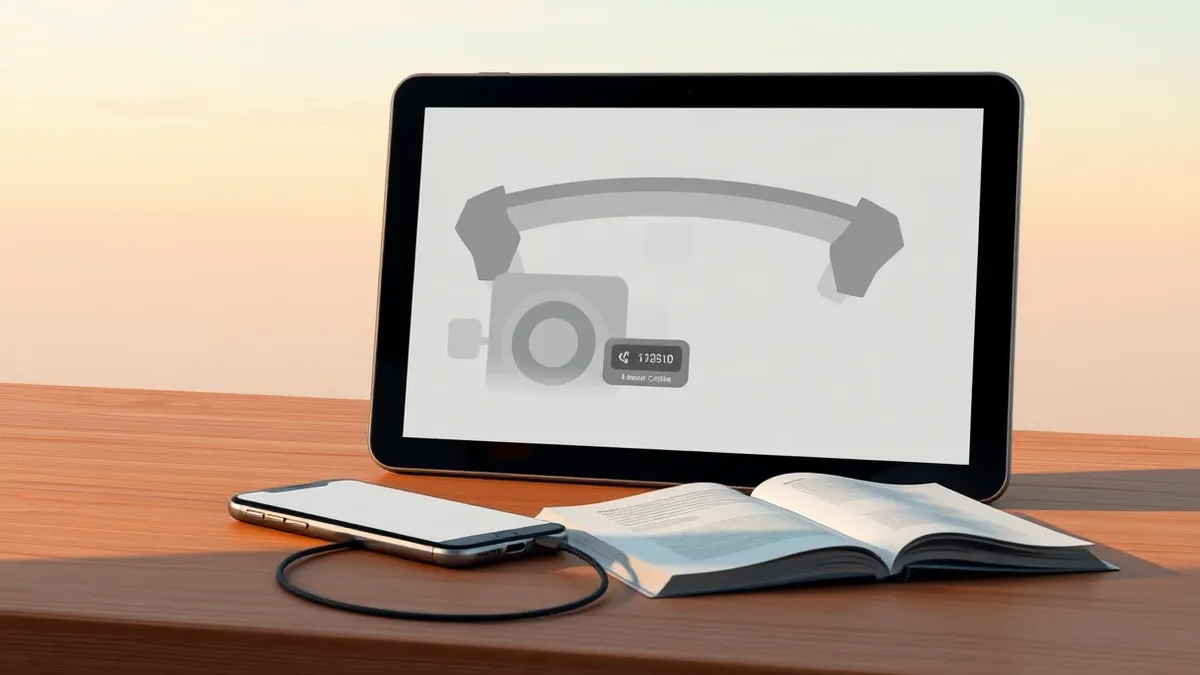
Users can run Android Auto on tablets and secondary phones outside of vehicles, according to a report by Engadget. This workaround utilizes third-party receiver applications to project the interface onto screens intended for home or office use. It allows aging hardware to function as a display without needing a car.
The setup requires an Android phone running version 11 or newer and a spare Android tablet or phone. Users install a receiver app on the secondary device to act as the display. The phone performs all processing, which benefits older tablets with limited computing power. Engadget notes this can help reduce phone usage by keeping a screen in view.
Setup Requirements and Costs
Two primary applications facilitate this connection: Open Headunit and Headunit Reloaded. Open Headunit costs $3.99 on Google Play and supports Android 5.0 or newer on the receiving device. Headunit Reloaded is available for $4.99. Both apps allow the tablet to mimic a car head unit, displaying maps, music, and messaging interfaces.
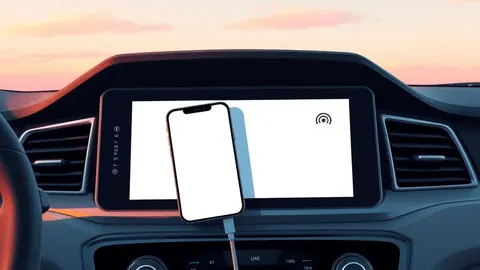
A data-capable USB cable connects the phone to the tablet. An OTG adapter may be necessary depending on the tablet's ports. Users must select Android Auto in the phone's USB options if prompted. Then, they open the app on the tablet, tap USB, grant permissions, and select the phone from the device list.
Compatibility and Self-Mode
Not all older tablets support the necessary USB connection protocols, even if they meet the Android version requirement. Engadget warns that compatibility varies by device. For users who prefer not to keep devices connected, both apps offer a Self-Mode feature. This runs Android Auto on the same device used as the display.
Self-Mode requires the device to have a working Android Auto installation, which is not guaranteed on older hardware. Open Headunit's developer indicates that Android Auto version 17.4 and later may require manual intervention. Users might need to start the head unit server through Android Auto's developer settings before Self-Mode functions correctly on these newer versions.
What should you do?
If you have spare Android hardware, you can repurpose it as a dedicated display for navigation or media. Ensure your primary phone runs Android 11 or newer for compatibility. Verify that your secondary device supports the necessary USB data protocols. Check the latest developer notes for Self-Mode compatibility if using Android Auto 17.4 or later.
What to do and how to stay safe: Android Auto
- Verify your primary Android phone is running version 11 or newer before attempting the setup.
- Check that your secondary tablet or phone supports data-capable USB connections and has an OTG adapter if needed.
- Read developer notes for Open Headunit or Headunit Reloaded to confirm compatibility with your specific Android Auto version.
- Monitor for updates to receiver apps that may address connection issues with newer Android Auto releases.
Step-by-step guide: Mobile Device Security: How to Protect Data Beyond Passwords
General security guidance from the Threat Times newsroom. It is not confirmed advice from the organisations named in this story.
Frequently asked questions
Can I use Android Auto on an iPad?
No, the source material specifies that this setup requires an Android phone and an Android tablet or secondary phone.
Does this require a vehicle connection?
No, the report states that Android Auto can be used on a desk or kitchen counter without a vehicle in sight.
What is the cost of the required apps?
Open Headunit costs $3.99 and Headunit Reloaded costs $4.99, according to Engadget.