Android Auto restores missing cell signal bars to in-car displays
Google is rolling out an update that brings back the cellular connectivity icon on Android Auto screens for a wider group of users.
Key points
- The cell network connectivity icon has returned to Android Auto interfaces.
- Google is executing a wider rollout of this specific visual restoration.
- The icon had previously vanished from in-car display units.
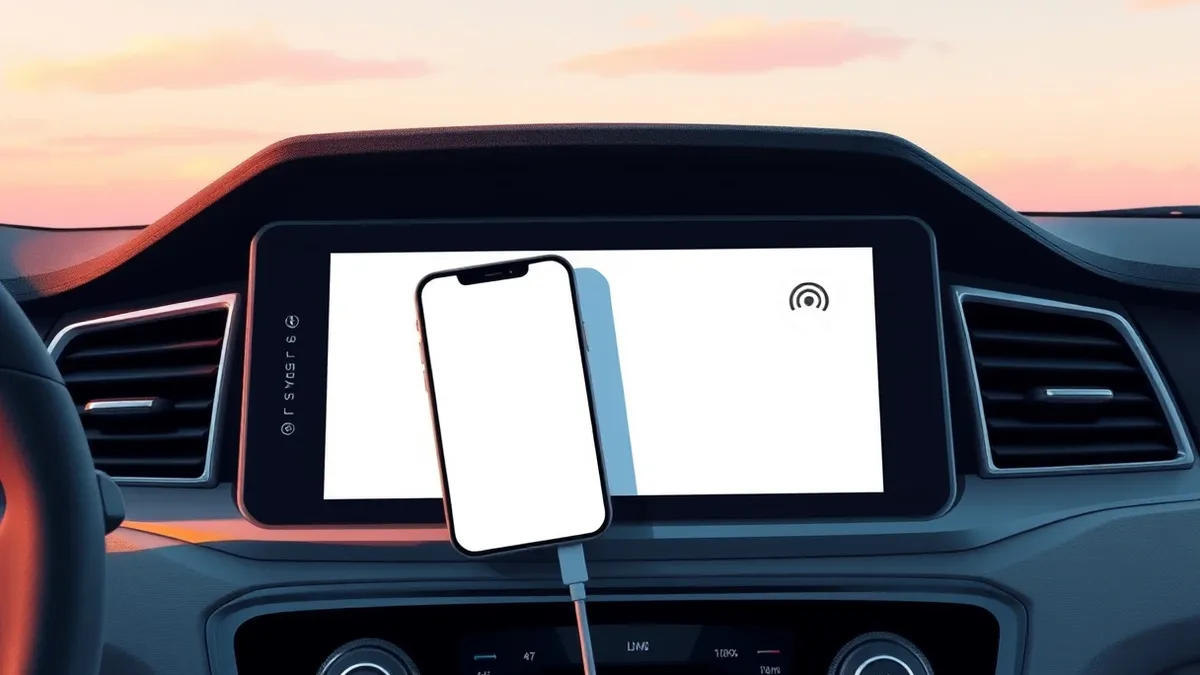
Google is restoring the cellular signal bars to Android Auto interfaces through a wider software rollout. According to Android Authority, this update brings back the missing connectivity icon that had disappeared from in-car displays, ensuring drivers can once again see their network status clearly on the dashboard screen.
The primary change involves the visual representation of cell network connectivity on the head unit. Android Authority reports that the icon, which indicates signal strength, is making a proper comeback to the user interface. This restoration addresses the absence of the visual cue that drivers relied on to monitor their mobile data connection while using the infotainment system.
Context and Background
The cellular signal icon had previously vanished from Android Auto displays, leaving users without a clear visual indicator of their connection status. Android Authority notes that this absence was a noticeable change for users who depended on the icon to verify their network link. The recent update reverses this removal, reinstating the standard visual element for network monitoring within the application’s interface.
This development marks a return to the previous design standard for connectivity indicators in the automotive software. By bringing back the signal bars, Google is aligning the current interface with user expectations for visibility. The change ensures that the status of the mobile network is immediately apparent to the driver during navigation or media playback sessions.
Who Is Affected
The update is being deployed to a wider group of Android Auto users, rather than a limited test group. Android Authority states that the rollout is expanding, meaning more drivers will see the restored icon on their vehicle screens in the coming days. This affects anyone using Android Auto who previously noticed the missing signal bars on their display.
Vehicle owners with compatible Android Auto setups will receive this interface update as part of the wider distribution. The change does not require new hardware but relies on the software update reaching the connected devices. Users who had been confused by the lack of a signal indicator will now see the familiar bars reappear on their dashboard screens.
What should you do?
Drivers should check their Android Auto interface after the next software sync to see if the signal bars have returned. If the icon is still missing, users can try restarting their phone or reconnecting the USB cable to trigger the update. Monitoring official Android Auto channels will provide confirmation when the wider rollout is complete for all compatible devices and vehicle models.
What to do and how to stay safe: Android Auto
- Restart your smartphone and reconnect it to the vehicle to ensure the latest Android Auto interface version is loaded.
- Check the Android Auto app settings to verify that no manual toggles for connectivity indicators have been disabled.
- Monitor official Android Auto support pages for confirmation that the wider rollout has reached your specific device and region.
- Ensure your vehicle’s head unit firmware is up to date to guarantee compatibility with the latest Android Auto interface changes.
Step-by-step guide: Mobile Device Security: How to Protect Data Beyond Passwords
General security guidance from the Threat Times newsroom. It is not confirmed advice from the organisations named in this story.
Frequently asked questions
Why did the signal bars disappear from Android Auto?
The cell network connectivity icon had previously vanished from in-car displays, though the source does not specify the technical cause for its initial removal.
Is this update available for all Android Auto users now?
Android Authority reports that a wider rollout is restoring the icon, implying it may not be instantly available to every single user at this exact moment.
Do I need to buy new hardware to see the signal bars?
No, this is a software interface change. The restoration of the icon relies on the software update reaching your existing connected devices and vehicle display.