Spotify enforces household rule with QR code verification for Family plans
Users must scan a rotating code to prove cohabitation or face a one-year ban from shared subscription tiers.
Key points
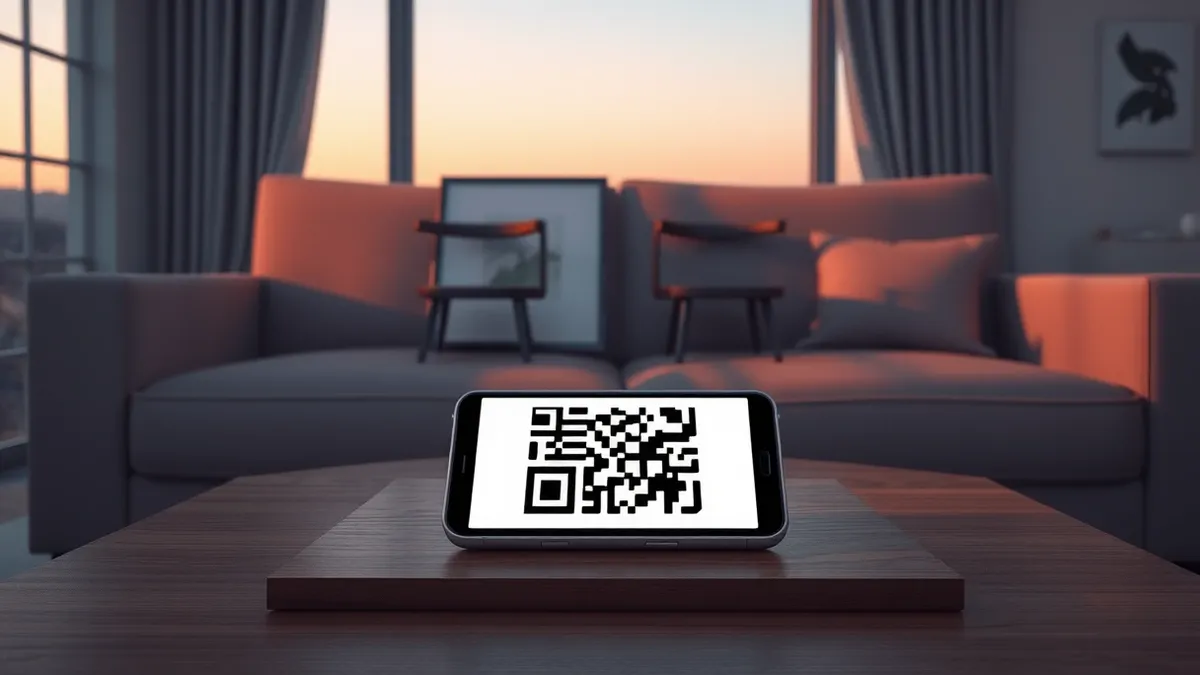
- Spotify requires Family plan members to scan a QR code on the manager's device to verify they live in the same household.
- The verification code changes every few seconds, preventing the use of static screenshots to bypass the location check.
- Missing the seven-day verification window results in a 12-month ban from joining any Family or Duo plan.
Spotify is deploying a new QR code verification process to enforce its household requirement for Family plan subscribers. According to 9to5Google, this method aims to crack down on account sharing by requiring members to prove they reside with the plan manager.
The service mandates that members scan a code displayed on the plan manager’s device. Both parties must be physically present to complete the scan, as the code refreshes every few seconds. This dynamic element prevents users from sharing static screenshots to bypass the location check, according to the report.
Verification Process and Constraints
Plan managers access the code by tapping their profile picture, selecting Your Premium, and then Manage. Members use their phone camera to scan the resulting display. Spotify states on its support page that this step is necessary to verify cohabitation.
Users on Reddit noted that the rapidly changing code makes traditional workarounds difficult. However, some users reported success using video calls and multiple devices to simulate presence. Despite these potential loopholes, Spotify describes the QR method as significantly harder to circumvent than previous address checks.
Consequences of Non-Compliance
Spotify grants users a seven-day window to complete the verification after the initial prompt appears. If a member fails to scan the code within this period, they are automatically downgraded to the free plan.
The penalty for missing the deadline is severe. Spotify says users who fail to verify cannot join a different Family or Duo plan for 12 months. They may still subscribe to an Individual plan or switch to other tiers at www.spotify.com/premium. This one-year ban mirrors penalties previously applied for failed address checks.
What should you do?
Plan managers should ensure all members are aware of the verification requirement. Members should complete the scan immediately upon receiving the notification to avoid service interruption. Users should monitor their email and app notifications for any requests to verify their household status.
What to do and how to stay safe: Spotify
- Check your Spotify app for any pending verification notifications related to your Family plan status.
- Coordinate with your plan manager to perform the QR code scan within the seven-day window.
- Ensure you are physically present with the plan manager during the scan to satisfy the location requirement.
- Review your subscription terms to understand the 12-month ban implications for failed verifications.
Step-by-step guide: Mobile Device Security: How to Protect Data Beyond Passwords
General security guidance from the Threat Times newsroom. It is not confirmed advice from the organisations named in this story.
Frequently asked questions
How long do I have to verify my Spotify Family plan?
You have a seven-day window from the time the QR code prompt first appears to complete the verification.
What happens if I miss the verification deadline?
You will be downgraded to the free plan and banned from joining any Family or Duo plan for 12 months.
Can I use a screenshot to verify my location?
No, the QR code changes every few seconds, making static screenshots ineffective for verification purposes.