Spotifast launches lightweight native Spotify client for Windows, macOS, and Linux
New desktop application imports Spotify playlists while using significantly less memory than the official client, offering customization and visualizers.
Key points
- Spotifast consumes 100 to 250 MB of RAM, compared to 600 MB to over 1 GB for the official app.
- The application requires a Spotify Premium subscription for full playback features.
- Users can customize the interface with themes, light or dark modes, and classic visualizers.
Spotifast is a new native desktop application that provides a faster listening experience for Spotify users on Windows, macOS, and Linux. According to TechRadar, the lightweight client connects to existing accounts and imports music libraries while drastically reducing memory consumption compared to the standard desktop software.
The official Spotify desktop application is known for high resource usage, often consuming between 600 MB and over 1 GB of RAM. Spotifast addresses this performance bottleneck by loading in under a second and typically utilizing only 100 to 250 MB of memory. This efficiency allows for smoother operation on devices with limited system resources without compromising core playback functionality.
Interface and Customization Features
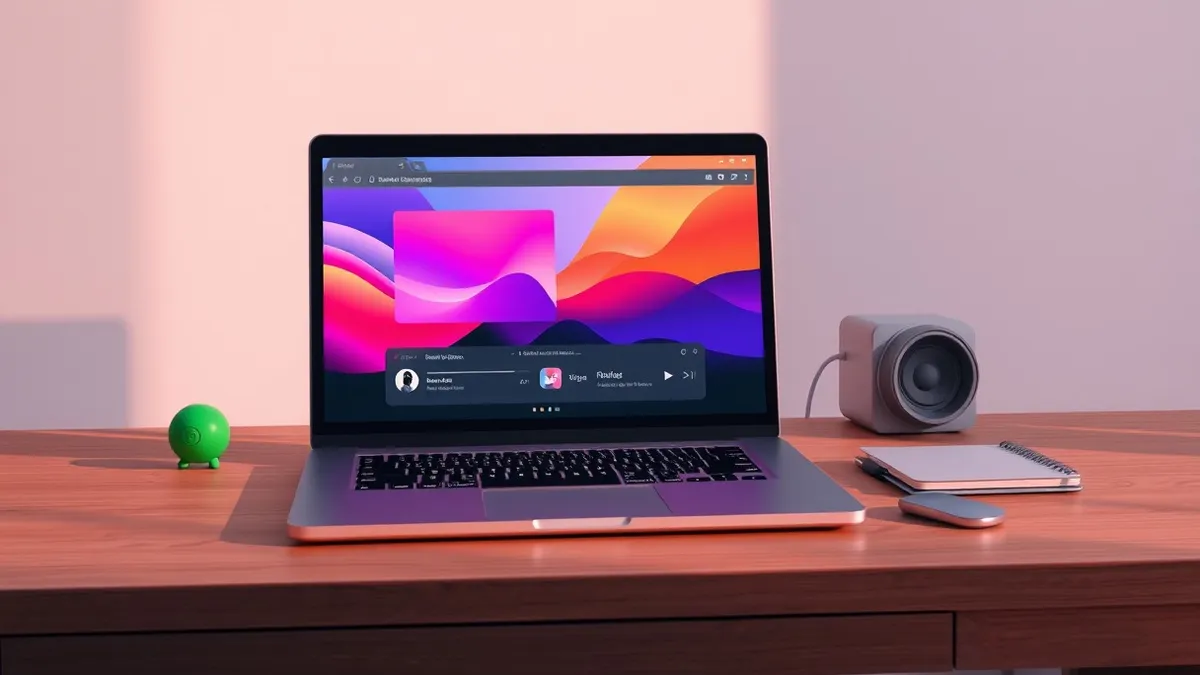
The application maintains a layout similar to the official Spotify desktop client, featuring a central Home and Search page. The left sidebar displays the user’s library and playlists, while the right side holds the playback queue, both of which are collapsible. The design places a strong emphasis on user customization and visual aesthetics beyond standard functionality.
Users can toggle between light and dark modes and select from various custom themes to personalize the appearance. The playback bar at the bottom includes animated equalizer visualizers that activate during song playback. These visual elements can be turned on or off according to user preference, providing a flexible viewing experience that differs from the static standard client.
Subscription Requirements and Nostalgia Elements
Accessing full functionality in Spotifast requires a Spotify Premium subscription. Users must grant two specific approvals during setup: one for library access and another for music playback on the computer. Free account holders are restricted to browsing and searching capabilities only, unable to stream audio through the third-party client.
The application incorporates nostalgic features for long-time music software users. It supports the Milkdrop visualizer, reminiscent of Windows XP era music animations, and allows the use of classic Winamp Miniplayer 2 skins. These additions provide a retro aesthetic option that is not available in the current official Spotify desktop application.
What should you do?
Users interested in reducing desktop application resource usage should verify their Spotify subscription status before attempting to install Spotifast. Since the app requires Premium credentials for playback, free users will not gain functional benefits beyond search capabilities. Those with limited RAM may find the lower memory footprint advantageous for multitasking.
What to do and how to stay safe: Spotifast
- Verify that your Spotify account is a Premium subscription to enable full playback features in the new client.
- Check your current system RAM usage to determine if the official Spotify app is causing performance issues.
- Review the permissions requested by Spotifast during setup to ensure they align with your privacy preferences.
- Monitor the application's memory consumption after installation to confirm it stays within the reported 100 to 250 MB range.
General security guidance from the Threat Times newsroom. It is not confirmed advice from the organisations named in this story.
Frequently asked questions
Does Spotifast work with free Spotify accounts?
Free accounts can only browse and search for music; full playback requires a Spotify Premium subscription.
How much RAM does Spotifast use compared to the official app?
Spotifast typically uses 100 to 250 MB of memory, while the official app can use 600 MB to over 1 GB.
Is Spotifast available for all major desktop operating systems?
Yes, the application is available for Windows, macOS, and Linux platforms.