Microsoft previews new Windows Search, Battery widget in October 2026 Insider builds
Microsoft released preview builds in October 2026 featuring a redesigned Search experience and a new Battery Status widget for Windows 11 users.
Key points
- Microsoft rolled out a new Windows Search interface built on WinUI 3 to improve speed and memory usage in October 2026.
- The update includes inline actions for settings like Bluetooth and brightness directly from the Search box.
- A new Battery Status widget allows users to monitor power levels for laptops and peripherals without third-party tools.
Microsoft released several preview builds of Windows 11 in early October 2026, introducing significant interface changes and utility improvements to the Windows Insider Program. These updates, distributed across Experimental and Beta channels, include a redesigned Search experience and new hardware monitoring tools, according to Windows Central.
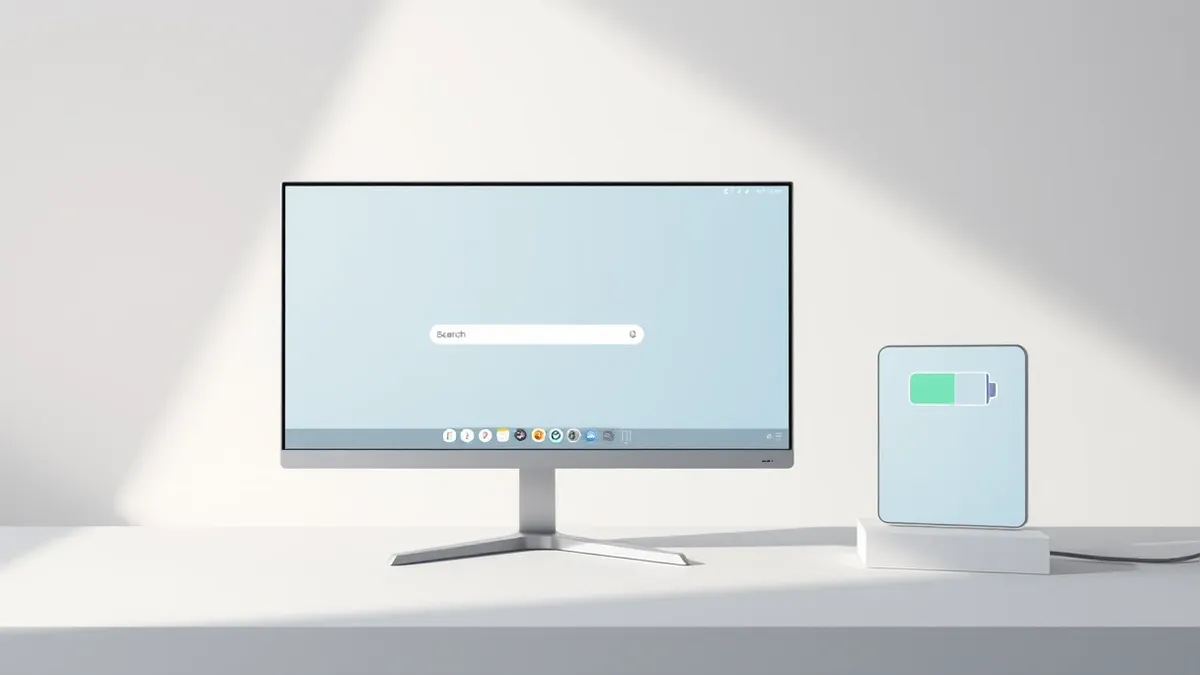
The most prominent change is the gradual rollout of a new Windows Search experience, starting with build 26340.9616 for version 26H2. This update replaces the previous interface with a WinUI 3-based design intended to operate faster while consuming less memory. The new system also enhances natural language processing to better handle typos and synonyms, helping the search function understand user intent more accurately.
Interface and Utility Improvements
The redesigned Search box now supports inline actions, allowing users to perform common tasks without opening separate settings menus. Users can toggle between light and dark modes, enable Bluetooth, adjust screen brightness, and arrange windows directly from the search interface. This functionality aims to streamline daily interactions by keeping controls accessible within the primary search entry point.
In addition to search improvements, build 26340.9616 introduces a new Battery Status widget. Available via the Widgets dashboard, this tool tracks the battery levels of the host computer as well as connected peripherals such as mice, keyboards, and headphones. This feature eliminates the need for third-party applications to monitor power levels for multiple devices simultaneously.
Availability and Build Details
The new Search experience is currently available as a preview in versions 26H2 and 26H1 through the Experimental channel. Microsoft has also released other builds during the first two weeks of October, including versions 28120.3181, 26340.9596, 28120.3151, 29683, and 29680 in the Experimental channel. The Beta channel received builds 26220.9606, 28020.3172, 26220.9587, and 28020.3142.
These October previews also include a new option to sanitize hard drives when using the Cloud Rebuild feature, alongside improvements to File Explorer and Share functions. As Threat Times reported on October 16, 2026, Microsoft’s broader October updates also enforced stricter authentication rules by blocking NTLMv1 single sign-on requests, highlighting a continued focus on both usability and security.
What should you do?
Organizations managing Windows Insider Program participants should monitor these preview builds for compatibility issues before wider deployment. The new Search interface and Battery widget are currently limited to preview channels, so production environments remain unaffected. IT teams should verify that legacy hardware can support the WinUI 3 interface changes without performance degradation.
What to do and how to stay safe: Windows 11
- Monitor Insider preview builds in isolated test environments to assess the impact of the new WinUI 3 Search interface on system resources.
- Verify that existing third-party battery monitoring tools do not conflict with the new native Battery Status widget before deploying updates.
- Review Cloud Rebuild policies to ensure the new hard drive sanitization option aligns with organizational data retention and security requirements.
- Ensure that devices relying on NTLMv1 for authentication are updated, as Microsoft’s October patches block these legacy credentials, according to earlier Threat Times reporting.
Step-by-step guide: Mobile Device Security: How to Protect Data Beyond Passwords
General security guidance from the Threat Times newsroom. It is not confirmed advice from the organisations named in this story.
Frequently asked questions
When is the new Windows Search experience available to general users?
The new Search experience is currently available only as a preview in versions 26H2 and 26H1 through the Windows Insider Program Experimental channel.
Can the new Battery widget monitor external devices?
Yes, the Battery Status widget tracks power levels for the laptop as well as connected peripherals such as mice, keyboards, and headphones.
Which Windows 11 builds include these October 2026 improvements?
Build 26340.9616 for version 26H2 includes the new Search experience and Battery widget, while other builds were released across Experimental and Beta channels.