Microsoft confirms six-year driver and firmware support for Surface Laptop Ultra
Updated lifecycle documentation shows the new Surface Laptop Ultra will receive driver and firmware updates through October 2032, aligning with recent Surface models.
Key points
- Microsoft updated its Surface lifecycle documentation to include the newly shipped Surface Laptop Ultra.
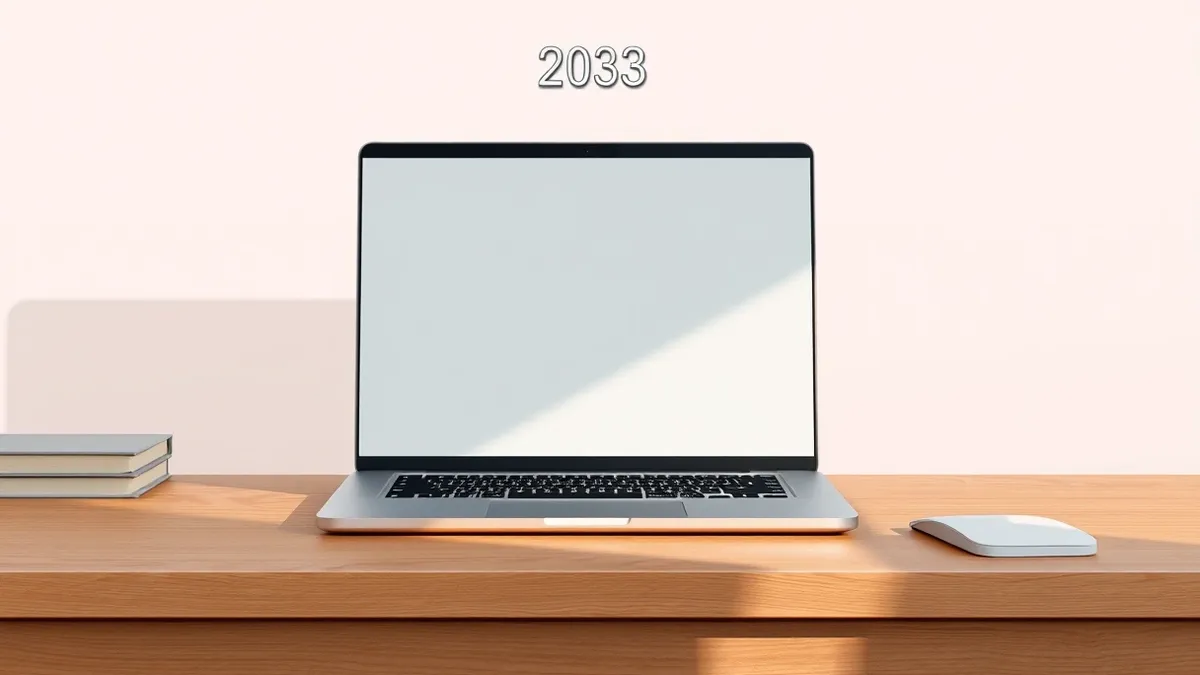
- The device will receive driver and firmware updates until October 16, 2032.
- Users must run a version of Windows 11 from the prior 30 months to maintain update eligibility.
Microsoft has updated its official Surface lifecycle documentation to confirm the support schedule for the newly released Surface Laptop Ultra. According to Windows Central, the company specified that the device will receive driver and firmware updates for six years, ending on October 16, 2032. This clarification arrives shortly after the laptop began shipping to customers.
The support window aligns with Microsoft’s current policy for devices released on or after January 1, 2021. While older Surface devices shipped before that date received only four years of updates, the newer category enjoys the extended six-year timeline. Windows Central noted that the Surface Pro 12-inch and Surface Laptop 13-inch also follow this pattern, with their support ending on October 13, 2032.
Lifecycle and Update Requirements
Microsoft’s documentation distinguishes between hardware support and operating system updates. Even after a device reaches the end of its driver and firmware lifecycle, it will continue to receive Windows 11 feature and security updates. However, to keep receiving the specific driver and firmware patches, owners must ensure their PC is running a version of Windows 11 that was released within the prior 30 months.
Firmware updates address low-level software embedded in hardware components, while drivers enable Windows to communicate with those parts. These updates are essential for fixing hardware bugs, resolving battery drain issues, and patching security flaws. Windows Central stated that six years is a standard duration for such support, allowing most significant bugs to be resolved by the end of the lifecycle.
Hardware and Performance Context
The Surface Laptop Ultra is built around the NVIDIA RTX Spark platform, featuring an N1X CPU and an RTX GPU. The device supports up to 128GB of unified memory, targeting power users who require high performance. It includes a mini-LED display and multiple ports, housed in a chassis designed for professional use.
This hardware configuration requires consistent driver and firmware maintenance to function optimally. The six-year support window ensures that these components remain compatible with evolving software standards. Microsoft’s specific dates for support expiration help IT professionals plan hardware refresh cycles and budget for device replacements well in advance.
What should you do?
IT administrators and individual users should verify their current Windows 11 version to ensure it falls within the 30-month eligibility window for driver updates. Organizations managing Surface fleets should document the October 2032 end-of-support date for the Surface Laptop Ultra in their asset management systems. Users should monitor Microsoft’s lifecycle pages for any future changes to the support policy.
What to do and how to stay safe: Microsoft
- Check your current Windows 11 version to ensure it is no older than 30 months from the current date.
- Record the October 16, 2032 support end date in your hardware inventory or asset management tools.
- Review Microsoft’s Surface lifecycle documentation regularly for updates to support policies.
- Ensure your device receives automatic Windows updates to maintain compatibility with driver patches.
Step-by-step guide: Mobile Device Security: How to Protect Data Beyond Passwords
General security guidance from the Threat Times newsroom. It is not confirmed advice from the organisations named in this story.
Frequently asked questions
How long will the Surface Laptop Ultra receive driver and firmware updates?
The device will receive driver and firmware updates until October 16, 2032, according to Microsoft’s updated lifecycle documentation.
Do I need to keep Windows 11 updated to receive driver support?
Yes, you must run a version of Windows 11 from the prior 30 months to continue receiving driver and firmware updates.
Will the Surface Laptop Ultra get Windows updates after driver support ends?
Yes, the device will continue to receive Windows 11 updates even after the driver and firmware lifecycle ends in 2032.