IP Addresses Expose Location, ISP, and VPN Status Before Web Pages Load
Hackread reports that internet protocol addresses reveal user location, service provider, and connection type to trackers before any website content appears.
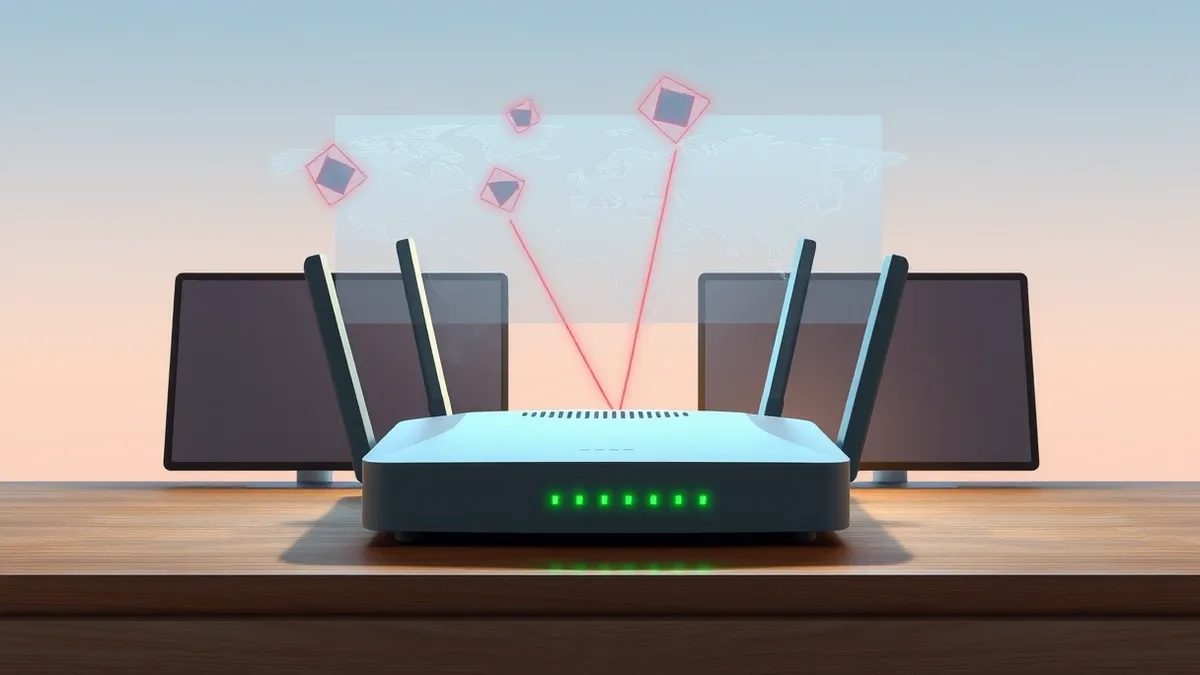
Key points
- IP data reveals physical location and internet service provider details to third parties.
- Connection type and virtual private network usage are exposed during initial page loading.
- Ad networks and trackers access this information before the web page fully renders.
Internet protocol addresses disclose sensitive user connection details to websites and tracking networks before any page content loads, according to a report by Hackread. This exposure occurs during the initial connection phase, allowing third parties to gather data on the visitor before the user interacts with the site.
The report highlights that an IP address reveals the user’s physical location, their internet service provider, and their specific connection type. Additionally, whether the user is utilizing a virtual private network is also exposed to these entities. This data is accessible to ad networks and trackers immediately upon connection, prior to the rendering of the web page.
How IP Data Is Exposed
Hackread explains that this information leakage happens before a page even loads, meaning the exposure is automatic and immediate. The IP address acts as a digital fingerprint that broadcasts connection metadata to any server the user attempts to reach. This includes not just the destination website, but also the various ad networks and tracking services that load in the background.
The specific details revealed include the user’s geographic location based on the IP assignment. The identity of the internet service provider is also transmitted, along with the type of connection being used. Furthermore, the system indicates if a virtual private network is active, which can be used to infer privacy measures or bypass attempts.
Who Is Affected by This Exposure
According to the Hackread summary, this exposure affects anyone who visits a website, as the IP address is required for standard internet communication. The data is collected by websites, ad networks, and trackers, which are common components of modern web browsing. This means that casual browsing, professional research, and routine online activities all trigger this data disclosure.
The report does not specify particular software versions or operating systems that are immune to this behavior. Instead, it frames the issue as a fundamental aspect of how web connections are established. Any user whose IP address is visible to these networks is subject to having their location and ISP data recorded by trackers.
What should you do?
The Hackread report identifies the mechanism of exposure but does not provide specific technical fixes or patches for this behavior. Since the IP address is necessary for internet connectivity, the exposure is inherent to the protocol. Users should be aware that their connection metadata is shared with trackers and ad networks during every page load, regardless of the website’s primary content.
What to do and how to stay safe: IP address
- Review browser privacy settings to limit data sharing with third-party trackers and ad networks.
- Use network-level privacy tools that can obscure or rotate IP addresses during routine browsing.
- Monitor connection logs to identify which domains are receiving your IP data before page loads.
- Assume that your location and ISP are visible to any website you visit and adjust online behavior accordingly.
Step-by-step guide: Mobile Device Security: How to Protect Data Beyond Passwords
General security guidance from the Threat Times newsroom. It is not confirmed advice from the organisations named in this story.
Frequently asked questions
What specific information does my IP address reveal to websites?
According to Hackread, your IP address reveals your location, ISP, connection type, and VPN use.
When does this data exposure occur during a web visit?
The data is revealed to websites, ad networks, and trackers before a page even loads.
Who receives this information from my IP address?
Websites, ad networks, and trackers receive this information during the initial connection phase.