Googlebook testing reveals persistent Android connectivity and pairing failures
Early reviews of new Android laptops show that while setup is quick, maintaining phone links for file sharing remains unreliable and often requires manual intervention.
Key points
- Initial setup for Googlebooks takes only minutes but relies heavily on Android ecosystem integration.
- Sustained connectivity between the laptop and paired phones is frequently broken by network changes.
- File sharing and app casting features are described as awkward or completely non-functional in early tests.
Testing of new Android-powered laptops reveals significant stability issues with cross-device features, according to a report by The Verge. While the initial setup process is quick, maintaining a reliable connection between the Googlebook and a paired smartphone remains difficult and often fails after the first few minutes of use.
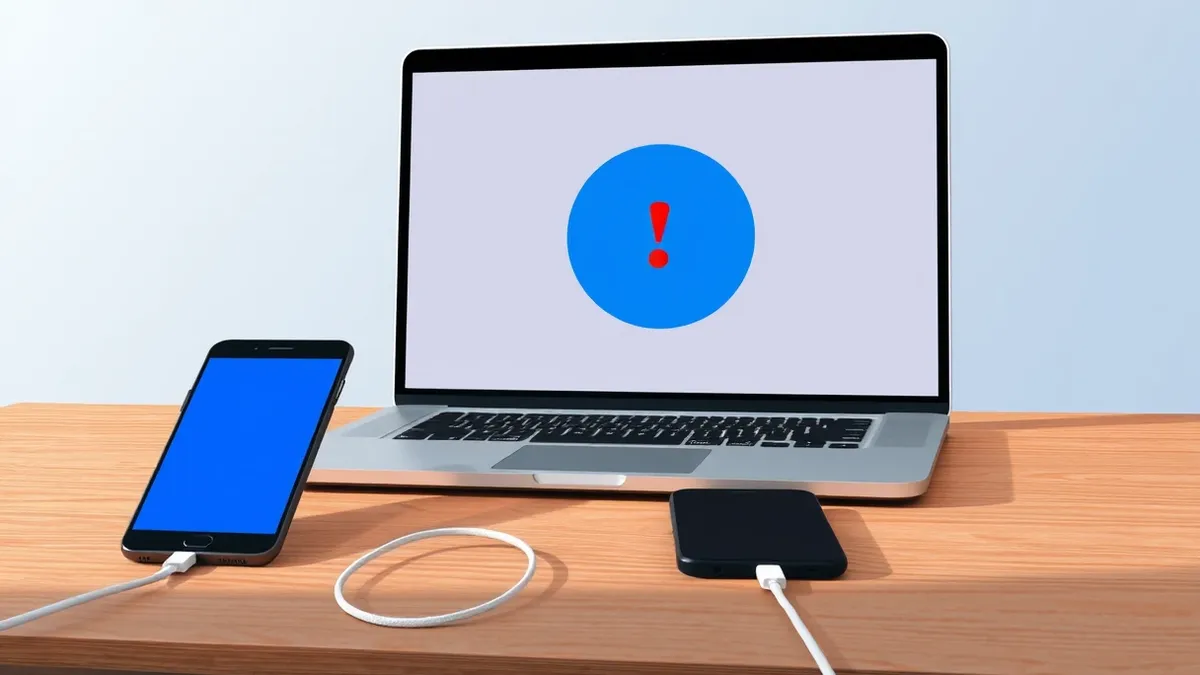
The most critical finding is that phone connectivity is flaky and file-sharing appears broken. Even when users successfully pair their devices, moving to a new Wi-Fi network can sever the link. Restoring communication often requires restarting the Googlebook and toggling cross-device settings on both the laptop and the phone multiple times.
Connectivity and Pairing Challenges
The Verge notes that the setup process itself is straightforward, taking just a few minutes to register biometric logins and sync apps. However, the experience deteriorates once the operating system is in active use. The reporter found that keeping an Android 17 phone connected to the laptop for features like file sharing and app casting was unlikely to succeed without constant manual intervention.
Fully pairing either the Asus or HP Googlebook models tested required repeated restarts and adjustments. The devices must remain on the same Wi-Fi network with Bluetooth enabled to communicate. This requirement means the connection will not work when the user is offline or on a different network, limiting the utility of the cross-device features in mobile scenarios.
Hardware-Specific Behaviors
Different hardware models exhibited varying degrees of inconsistency during the testing period. The Asus Googlebook eventually formed a reliable connection with an Oppo phone but refused to recognize any other devices. In contrast, the HP model fluctuated between connecting to the Oppo and a Vivo X Fold 6, occasionally linking to both simultaneously.
These inconsistencies suggest that the Android operating system on these laptops struggles to manage multiple device connections smoothly. The Verge states that if Googlebooks succeed, Android will get the credit, but if they fail, the blame will lie with the OS. So far, the testing indicates that success feels further away than failure due to these technical limitations.
What should you do?
Users considering these devices should be aware that cross-device features are not yet stable. The report highlights that app casting is awkward and file-sharing seems flat-out broken. Prospective buyers should weigh the convenience of native Android apps against the current limitations of the laptop's connectivity features, especially if they rely on seamless integration with their smartphones.
What to do and how to stay safe: Googlebooks
- Verify that both your laptop and phone are on the same Wi-Fi network before attempting to use cross-device features.
- Ensure Bluetooth is enabled on both devices, as the connection relies on it for discovery and maintenance.
- Be prepared to restart the Googlebook if the connection drops after switching networks or environments.
- Monitor official channels for software updates that may address the reported pairing and file-sharing instability.
General security guidance from the Threat Times newsroom. It is not confirmed advice from the organisations named in this story.
Frequently asked questions
How long does it take to set up a Googlebook?
According to The Verge, the setup process is quick, taking just a few minutes to complete biometric login and app syncing.
Do Googlebooks work without an internet connection?
No, the devices need to be on the same Wi-Fi network to communicate, so the connection will not work when offline.
Which Googlebook models were tested?
The report details testing of Asus and HP models, noting variations in how they handle app installation and device pairing.