Googlebook OS Review Highlights Potential for Android on Desktop
A review of Googlebook OS suggests Google has created a more optimized desktop experience for Android users than previous tablet attempts.
Key points
- Googlebook OS combines ChromeOS aesthetics with Android functionality for desktop use.
- The system offers better optimization for large screens than current Android tablets.
- Hardware keyboard shortcuts on HP devices map to Android navigation buttons.
A recent review published by 9to5Google indicates that Googlebook OS provides a promising foundation for a desktop operating system tailored to the Android smartphone generation. The outlet reported that after using the system for over a week, the experience feels significantly more optimized than previous large-screen Android iterations.
The review notes that while the interface resembles ChromeOS visually, the underlying experience is distinctly Android. According to 9to5Google, this implementation is infinitely better than other desktop Android experiences, including connecting a Pixel phone to an external display. The system addresses previous failures to bring touch-era benefits to PCs, which have historically struggled with locked-down limitations or web-centric designs.
Interface and Navigation Details
The Googlebook OS interface retains familiar Android status icons in the top-right corner, opening Quick Settings that mirror the Pixel smartphone experience. A bell icon provides access to notifications and their history, while a dedicated shortcut activates Magic Pointer for cursor control. The system also features a media control pill that allows users to pause or play tracks with a single hover or tap, a feature the review highlights as more efficient than traditional desktop OSes.
In the top-left corner, users find the time, day, and date, with a tap opening a calendar similar to ChromeOS. The review emphasizes that proficient Android smartphone users would likely adjust quickly to this UI, with keyboard shortcuts being the primary learning curve. This immediate familiarity could appeal to both average and advanced users seeking a native desktop experience without the web-extension feel of ChromeOS.
Hardware Integration and Context
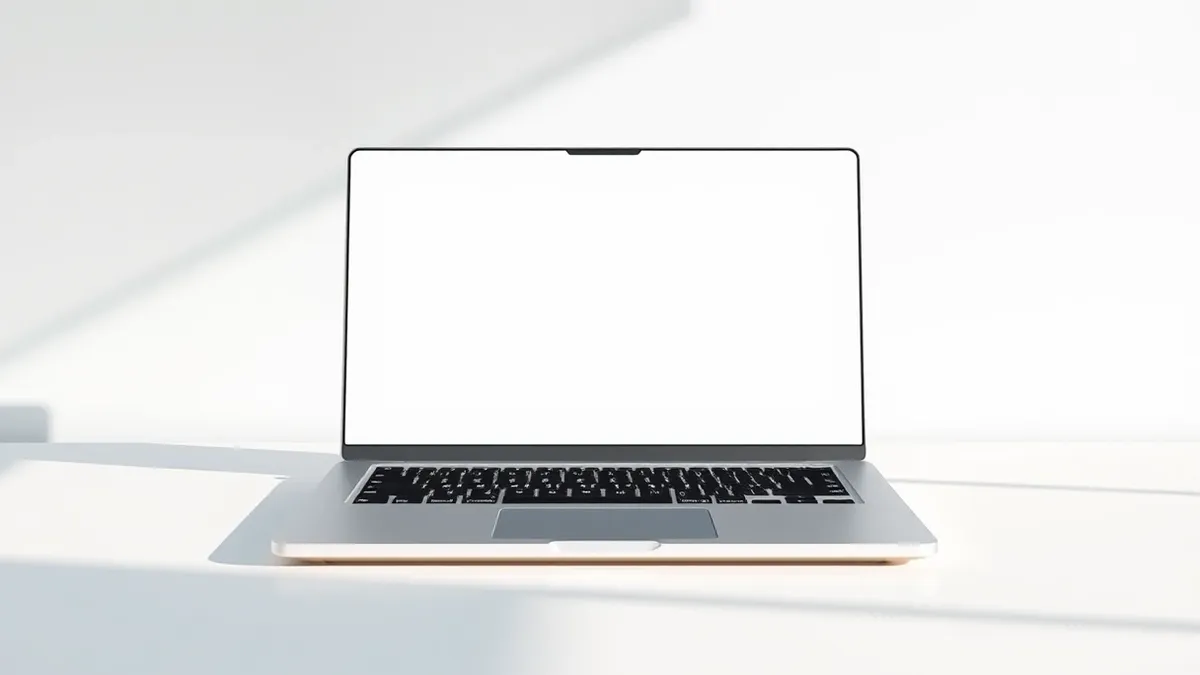
The review was conducted on an HP Googlebook 14 device, which features specific hardware integrations for Android navigation. The F1 key functions as the Android back button, providing a useful shortcut for navigating apps. The F2 key serves as the Home button to return to the desktop, while F3 accesses the Recents menu. These hardware mappings help bridge the gap between mobile touch interactions and traditional desktop keyboard usage.
Historically, attempts to adapt touch-era lessons to PCs have failed, from Windows 8 to macOS fullscreen apps. The iPad came closest due to its iOS foundation but was limited by core restrictions. According to 9to5Google, Googlebook OS represents a strategy reset that, despite a rough first take, shows the beginnings of a viable desktop OS for the Android generation.
What should you do?
Security professionals should monitor how this new OS handles permission models and data isolation compared to standard Android. Organizations evaluating this hardware should verify if enterprise management tools support the Googlebook OS environment. Users should check if their existing Android apps function correctly in the desktop mode without requiring touch-specific workarounds.
What to do and how to stay safe: Googlebook OS
- Verify that enterprise mobile device management solutions support the specific Googlebook OS version before deployment.
- Test critical Android applications in desktop mode to ensure they handle mouse and keyboard inputs correctly.
- Review the system's security updates and patch cadence to ensure it meets organizational compliance standards.
- Assess whether the hardware keyboard shortcuts meet accessibility and productivity requirements for staff.
General security guidance from the Threat Times newsroom. It is not confirmed advice from the organisations named in this story.
Frequently asked questions
How does Googlebook OS differ from ChromeOS?
According to 9to5Google, Googlebook OS looks like ChromeOS but feels like Android, offering a more native experience that lacks the web-extension limitations of ChromeOS.
Is Googlebook OS better than using Android on a tablet?
The review states that Googlebook OS is more optimized for large screens than any previous Android iteration, including foldables and tablets.
What hardware was used for this review?
The review was conducted on an HP Googlebook 14 device, which features F1, F2, and F3 keys mapped to Android navigation functions.