Google Play Store adds personal library for AI-generated Android apps
Google announced a new feature allowing users to install vibe-coded apps directly from the Play Store without connecting to a computer.
Key points
- Google Play Store now hosts personal AI-generated apps in a private library separate from the public catalog.
- The update eliminates the need for ADB connections or manual APK transfers for installing these custom applications.
- New Game Finder and Ask Play features use AI to recommend titles based on user behavior and preferences.
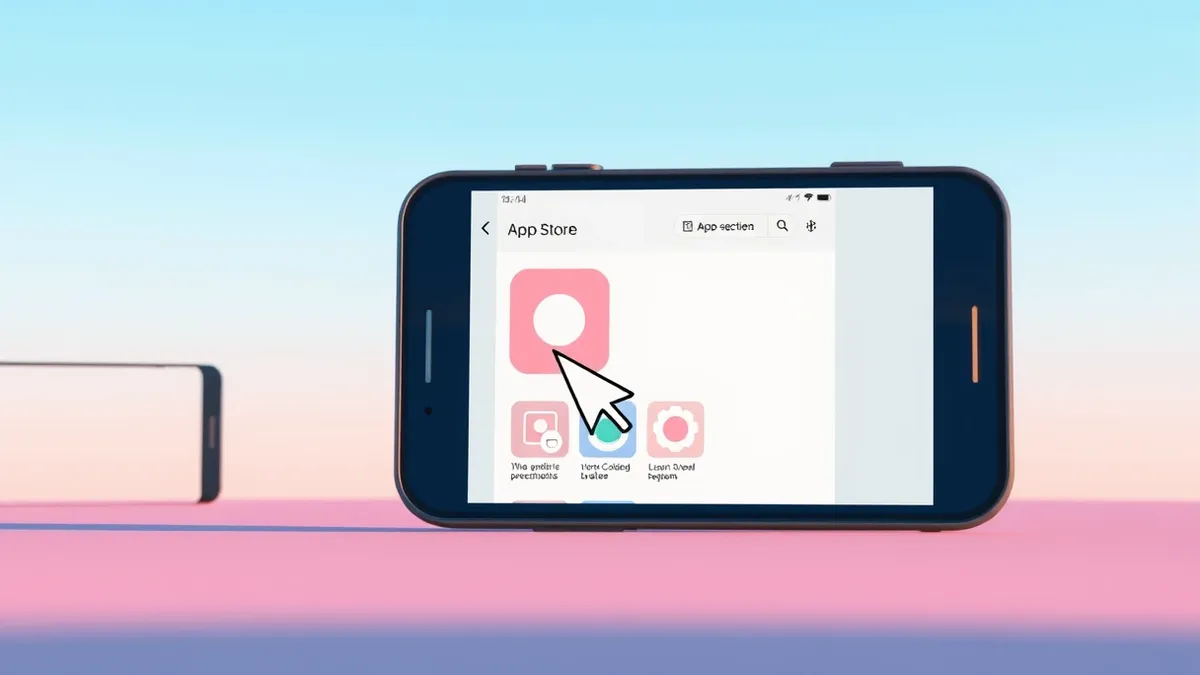
Google announced on Tuesday a new feature in the US that allows users to launch personal apps directly through the Play Store. This update removes the previous requirement to connect an Android phone to a computer for installation. The change affects apps created using Google’s AI Studio vibe-coding tools.
According to The Verge, users can now install these custom applications without connecting their phone to a computer. Google first launched the ability to vibe-code personal Android apps in May. The new system provides a more streamlined experience for deploying experimental software onto personal devices.
Private hosting and distribution
Google Play will keep these generated apps secure, private, and separate from the public store catalog, according to 9to5Google. A new section called “Your personal library” allows access to these apps across multiple devices. This facilitates an easy restore and install experience for the user.
The company plans to soon add the ability to share these apps with a select group of people. These generated apps go through a security review, according to 9to5Google. This feature is intended for small-scale sharing rather than public distribution.
Path to professional development
Sam Bright, Google’s vice president and general manager of Google Play, stated that the feature serves as an on-ramp for fledgling developers. He wrote that users can graduate to a professional developer account if they wish to share their app with the world. Professional accounts are subject to the same Trust & Safety reviews and high-quality standards.
This progression allows creators to move from private experimentation to public release. The private library remains distinct from the main app store listings. The company notes it will continue to keep them secure, private, and separate from the public store catalog.
Enhanced discovery features
Google Play is also introducing Game Finder, which analyzes how users play and their shared preferences, according to Ars Technica. This feature builds a profile called Gamer DNA to match users with similar players. Users can specify games, genres, and mechanics to fine-tune recommendations.
Game Finder is rolling out initially in the US, with more markets coming soon. The feature allows users to see how players with similar DNA engage with specific titles. It also provides user review summaries and insights into trending games.
AI-powered search capabilities
The Ask Play feature is expanding to offer more AI-powered discovery options in the app store. Originally launched in 2025 as a chatbot interface, Ask Play now helps users search for apps and games. It generates recommendations that can include detailed comparison charts highlighting key differences.
According to Ars Technica, Gemini will roll out a similar capability soon. Users can ask the robot questions to find specific titles. The system incorporates user sentiment and detailed comparisons to aid decision-making.
Social and sports updates
The Play Store is boosting social competitions with Sprints, which are high-energy, 48-hour micro-challenges. These involve matching with groups of two to five players for fast-paced contests. The Sidekick in-game overlay is also adding 30-second Playback clips for sharing.
Google Play is expanding Sports Topic Pages to include the Premier League, Champions League, La Liga, Liga MX, and Major League Soccer. These pages show live scores and compatible streaming apps for various leagues.
What should you do?
Users interested in vibe-coding should check the Google Play Store for the new “Your personal library” section. Developers should review the security requirements for sharing apps with select users. Consumers can explore the Game Finder feature to adjust their Gamer DNA profile. All users should monitor the Play Store for updates to Ask Play and sports pages.
What to do and how to stay safe: Google Play Store
- Check the Google Play Store for the new personal library section to manage AI-generated apps.
- Review security settings before sharing private apps with select users through the new feature.
- Explore the Game Finder feature to customize game recommendations based on your play style.
- Monitor the Play Store for updates to Ask Play and expanded sports coverage.
Step-by-step guide: Mobile Device Security: How to Protect Data Beyond Passwords
General security guidance from the Threat Times newsroom. It is not confirmed advice from the organisations named in this story.
Frequently asked questions
Do I need a computer to install vibe-coded apps now?
No, Google announced a feature allowing users to launch personal apps directly through the Play Store without connecting to a computer.
Are these AI-generated apps public?
No, Google notes it will keep them secure, private, and separate from the public store catalog, though sharing with select users is coming soon.
What is Game Finder?
Game Finder is a new feature that uses Gamer DNA to analyze how you play and match you with games and players with similar preferences.