Android Auto includes toggle to disable automatic audio playback on connection
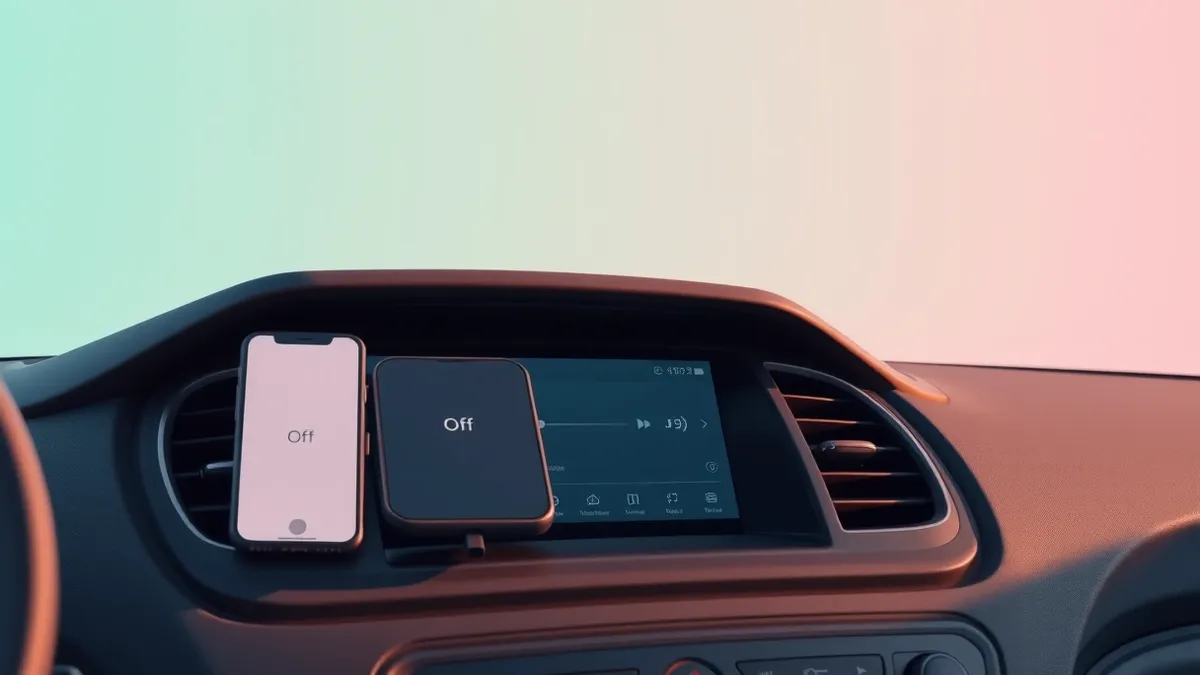
Android Auto offers a native setting to stop music from auto-playing when the system connects, addressing a long-standing driver complaint about unexpected noise.
Key points
- Android Auto includes a "Start music automatically" toggle in its settings menu.
- Disabling this feature prevents the system from resuming the last playlist or podcast upon connection.
- Some users report that Spotify may still autoplay due to Bluetooth interactions outside of Android Auto controls.
Android Auto includes a configuration option that allows users to disable the automatic resumption of audio playback. This feature addresses a persistent user complaint regarding music, podcasts, or audiobooks starting unexpectedly when a smartphone connects to a vehicle's infotainment system. The setting provides a simple toggle to control this behavior without requiring third-party workarounds.
According to Engadget, the setting is located within the Android Auto configuration menu on the smartphone. Users must navigate to Settings, then Connected devices, and select Android Auto. Under the Startup section, a toggle labeled "Start music automatically" can be switched off. Engadget notes that this single step resolves the issue for many drivers and is the primary solution recommended on Spotify's support forums.
Technical context and limitations
The autoplay function was originally designed as a convenience feature to resume content from where the user left off. However, Engadget reports that this often results in audio blasting at the volume level set during the previous session. This can be startling during a morning commute or distracting if the driver prefers quiet moments before driving. Additionally, unexpected playback may expose children to content they should not hear during school runs.
Engadget warns that disabling the Android Auto toggle may not resolve the issue for all users. In some cases, the problem originates at the Bluetooth level rather than within the Android Auto application itself. Android Auto uses Bluetooth to manage phone calls and establish the initial handshake between the device and the car. Removing the phone from the car's Bluetooth memory and reconnecting via USB only may reduce unwanted playback triggers, though results vary by vehicle and connection type.
Affected applications and devices
Spotify users have reported that their application continues to autoplay even after disabling the Android Auto startup toggle. Engadget states that community forum threads discussing this specific issue date back to 2022 and remain active. The outlet suggests that the car system may not be solely responsible for the behavior. Any Bluetooth device paired with the phone, such as headphones or external speakers, can influence autoplay behavior. This indicates that the issue may involve other paired devices rather than just the Android Auto interface.
This development follows previous reporting by Threat Times on October 19, 2026, which noted that an unreleased Android Auto build revealed upcoming Work Account support. That feature aims to separate professional and personal data in vehicles, signaling a broader trend toward granular control and privacy within the Android Auto ecosystem.
What should you do?
Drivers experiencing unwanted audio playback should first check their Android Auto settings for the "Start music automatically" toggle. If the issue persists, users may need to investigate their Bluetooth connections and paired devices. Engadget suggests that removing the car from the phone's Bluetooth memory and using a USB connection can help isolate whether the problem lies with the wireless protocol or the Android Auto application itself.
What to do and how to stay safe: Android Auto
- Open the Android Auto settings on your smartphone and disable the "Start music automatically" toggle under the Startup section.
- If audio still plays, remove your vehicle from your phone's paired Bluetooth devices list and reconnect using a USB cable to test for changes.
- Review all Bluetooth devices paired with your phone, as headphones or speakers may trigger playback independent of the car system.
- Monitor community forums for application-specific updates, as some media apps may have their own autoplay behaviors that override system settings.
Step-by-step guide: Mobile Device Security: How to Protect Data Beyond Passwords
General security guidance from the Threat Times newsroom. It is not confirmed advice from the organisations named in this story.
Frequently asked questions
How do I turn off automatic music playback in Android Auto?
Go to Settings > Connected devices > Android Auto on your phone, find the Startup section, and switch off the "Start music automatically" toggle.
Why does Spotify still play automatically even after I disabled the Android Auto setting?
Engadget reports that Spotify autoplay may be triggered by Bluetooth interactions with other devices, such as headphones, rather than the Android Auto connection itself.
Can I use Android Auto without audio playing when I connect my phone?
Yes, by disabling the "Start music automatically" feature in the Android Auto settings, you can prevent playback from resuming when the phone connects to the car.