Microsoft Resolves Classic Outlook Bug Hiding Copilot Buttons
Microsoft has fixed a persistent issue in classic Outlook that prevented users from seeing Copilot entry points due to profile data errors.
Key points
- Microsoft resolved a bug causing missing Copilot buttons in classic Outlook for Windows users.
- The issue stemmed from the client failing to retrieve account information from user profiles.
- Affected users could use a settings workaround or switch to the new Outlook or web client.
Microsoft has confirmed that it resolved a persistent bug in the classic Outlook desktop client that hid Copilot buttons from many Windows users. According to BleepingComputer, the vendor fixed the issue that prevented users with specific licenses from accessing AI features via the standard interface.
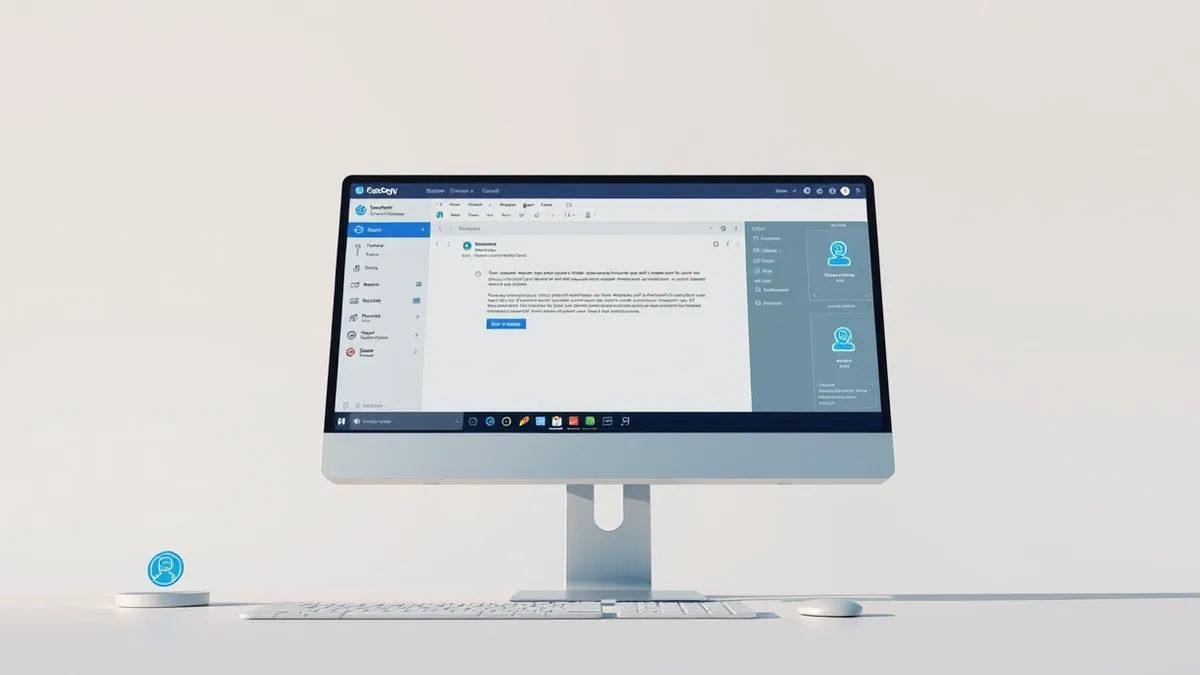
The problem caused the Copilot Chat and Copilot buttons to disappear from the side navigation and the area above the ribbon. Users with Copilot Chat Basic or Microsoft 365 Copilot Premium licenses were unable to locate these controls in their mail clients.
Context and Background
Microsoft first announced in June that it had fixed the bug through a service change. However, the issue resurfaced after recent updates, prompting the vendor to restart its investigation last month. Microsoft now states it has finally resolved the classic Outlook issue.
The vendor blamed the disruption on a bug that prevented Outlook from retrieving some account information from the user's Outlook profile. The support document notes that missing buttons can have multiple causes, including licensing, configuration, update channels, or privacy settings.
Microsoft advised users to follow guidance in Copilot troubleshooters to identify and resolve the specific underlying cause. The company emphasized that the missing button is a symptom rather than a single-point failure in the application code.
Who Is Affected
Affected users experienced several specific interface anomalies in the classic Outlook desktop mail client. The Copilot button was missing from the top-right area above the ribbon, and the icon vanished from the left app bar or More Apps area.
In the Add Apps menu, Copilot might appear as an available app, but selecting Open did nothing. Adding Copilot through ribbon customization could show the command as unavailable or grayed out for impacted users.
Copilot remained available from other entry points, such as Outlook on the web or the Microsoft Copilot standalone app. Microsoft confirmed that the new Outlook email client and Outlook Web Access were not affected by this specific bug.
What should you do?
Microsoft shared a temporary workaround for those still affected by this known issue. Users can enable the Show Apps in Outlook option in classic Outlook settings by selecting the File tab.
To apply this fix, go to Options, then Advanced, and check the Show Apps in Outlook box under Outlook panes. Affected users can also create a new Outlook profile to bypass the corrupted data issue.
Alternatively, users can switch to the new Outlook client or use Outlook Web Access, which do not suffer from this profile retrieval bug. These alternatives provide full access to Copilot features while the classic client issue is resolved.
What to do and how to stay safe: Microsoft
- Verify your Microsoft 365 app configuration and update channel to ensure you are on the latest stable release.
- Check your Outlook profile for corruption by creating a new profile if interface elements remain missing.
- Review privacy settings and licensing status to confirm your account has the required permissions for Copilot access.
- Use Outlook on the web or the standalone Copilot app as a temporary workaround if the desktop client remains unresponsive.
Step-by-step guide: Prompt Injection Warning Signs: How to Spot AI Manipulation
General security guidance from the Threat Times newsroom. It is not confirmed advice from the organisations named in this story.
Frequently asked questions
Why did the Copilot button disappear from my classic Outlook?
A bug prevented Outlook from retrieving required account information from the user's Outlook profile, causing the entry point to vanish.
Does this affect the new Outlook or Outlook on the web?
No, Microsoft confirmed that the new Outlook email client and Outlook Web Access are not affected by this specific bug.
How can I temporarily restore the Copilot button?
You can enable the Show Apps in Outlook option in the Advanced settings or create a new Outlook profile.