Caloroga Media Launches Linnet, Browser-Based AI Podcast Studio
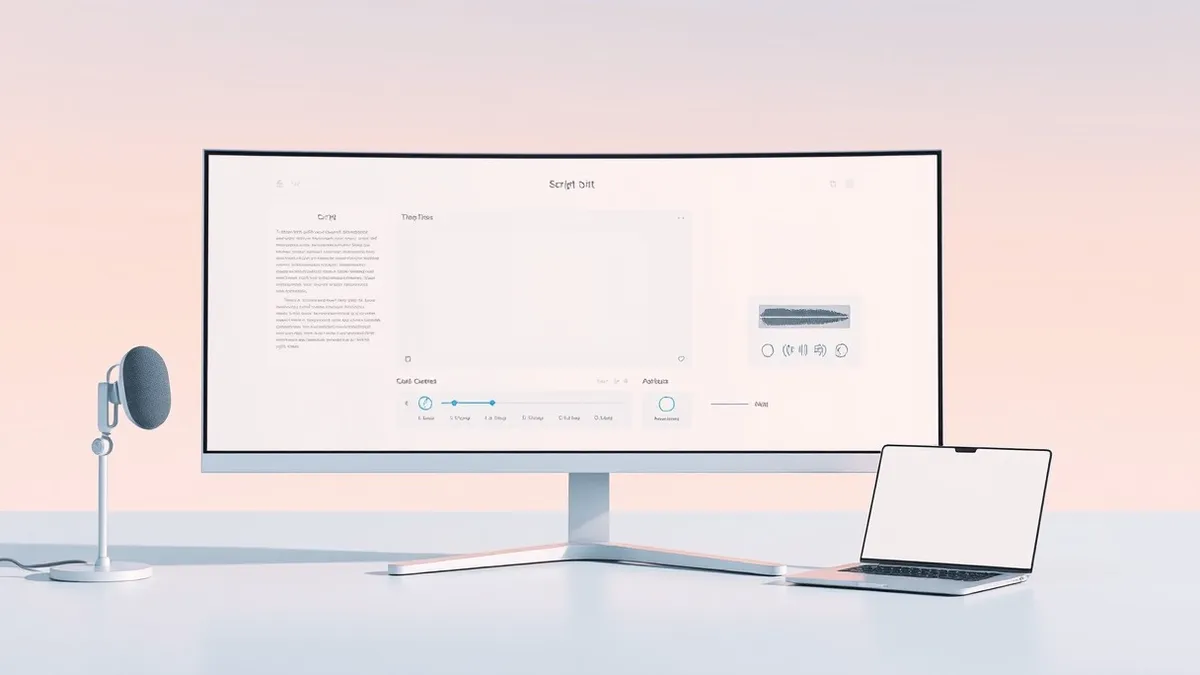
The new web-based production platform combines scripting, recording and editing into one workspace with an integrated AI assistant.
Key points
- Caloroga Media launched Linnet, a browser-based studio with an embedded AI assistant for podcast production.
- The platform consolidates scripting, voice work and editing into a single subscription to replace multiple tools.
- A "God Mode" feature generates full episode drafts from prompts, while creators retain final approval on all changes.
Podcast producer Caloroga Media has launched Linnet, a production studio that operates entirely within a web browser. According to a report by SiliconANGLE, the platform integrates an artificial intelligence assistant directly into the workflow, aiming to streamline the creation process for audio and video content creators.
The company developed Linnet based on the internal workflow used for its own short-form podcasts. The platform is designed to replace the stack of separate accounts that podcasters typically maintain for scripting, voice recording and editing. On Linnet, these tasks occur in one unified workspace under a single subscription, reducing the need for multiple software licenses.
Platform Features and AI Integration
The AI assistant, named Linnet, is referred to by the company as “she.” Before applying any changes to a project, the assistant displays exactly what it plans to do and waits for the creator to approve the action. This design ensures that the human creator retains control over the final output, rather than having the AI make autonomous decisions.
Mark Francis, co-founder of Caloroga, stated that the craft was missing from earlier AI production tools. He described a previous experience where generating episodes with AI required rebuilding every element by hand in a conventional workstation to achieve broadcast quality. Linnet was built to address this gap by providing a tool worthy of professional work.
The studio handles recording and mixing on 24 tracks and includes a full plug-in suite. Video podcasts have their own multitrack editor within the platform. Scripts can be written directly in the application or transcribed from a creator’s existing recordings, offering flexibility for different production styles.
Automation and Privacy Controls
A feature called God Mode allows users to assemble a complete first draft of an episode from a single prompt. This draft includes video and cover art, which the creator can then rework inside the studio before publishing. Caloroga describes this initial output as a “starting line,” emphasizing that it is meant to be refined rather than published as-is.
Publishing to platforms such as Apple Podcasts, Spotify and YouTube goes through whichever podcast host the user already employs. The company is pitching this level of control against a market it describes as flooded with AI-generated content designed to be ignored, aiming to produce higher-quality results.
Co-founder John McDermott said AI should not replace the person doing the work. With the assistant handling technical tools, he noted that creative decisions remain with the creator, freeing up hours to spend on other business aspects. Creators who prefer their existing AI services can connect those accounts through a Bring Your Own Key option, which applies no usage caps.
What should you do?
Security professionals should evaluate the data handling practices of new browser-based creative tools. Verify that the vendor’s privacy policy explicitly states that user content is not used for training AI models. Review the permissions required by the web application to ensure it does not access more data than necessary for its function. Monitor for any updates regarding the Bring Your Own Key feature to understand how external API keys are managed and stored.
What to do and how to stay safe: Caloroga Media
- Review the vendor's privacy policy to confirm that creator content is excluded from AI model training datasets.
- Evaluate the security implications of using a Bring Your Own Key feature, ensuring external API keys are not stored insecurely.
- Monitor the application for any changes in permission requests or data access patterns after initial setup.
- Verify that the web-based platform uses secure connections for all data transmission, including audio and video files.
Step-by-step guide: Prompt Injection Warning Signs: How to Spot AI Manipulation
General security guidance from the Threat Times newsroom. It is not confirmed advice from the organisations named in this story.
Frequently asked questions
Does Linnet use user content to train its AI models?
No, Caloroga states that creator content is off-limits for training AI models.
Can users integrate their existing AI services with Linnet?
Yes, creators can connect accounts they already pay for through a Bring Your Own Key option.
How does the AI assistant handle changes to projects?
The assistant shows exactly what it plans to do and waits for the creator to approve the change before proceeding.