Windows 11 Media Player Update Adds Modern Design While Preserving Classic Interface Option
A favorite media player receives a visual update for Windows 11, allowing users to choose between a modern design and the classic interface they may prefer.
Key points
- The software receives a visual update designed for Windows 11.
- Users can revert to the classic interface if they prefer it.
- The update offers both modern and traditional design options.
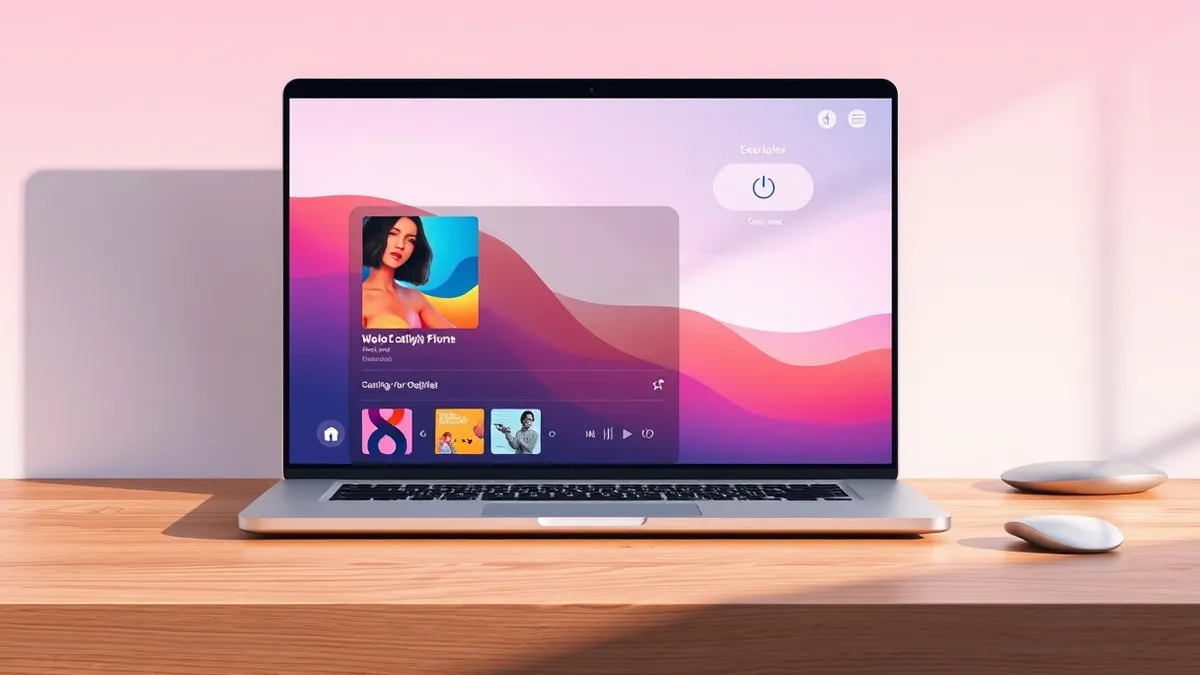
A longtime favorite media player has received a visual update that provides a proper Windows 11 look. According to a report by Neowin, this change aligns the application’s interface with the design standards of Microsoft’s latest operating system, marking a significant aesthetic shift for the software.
The update introduces a modern visual style, but it does not remove the previous interface. Neowin states that users who do not like the modern look can revert back to the classic version. This option ensures that the software accommodates both users who prefer contemporary design and those who are accustomed to the older interface.
Design Options and User Preference
The availability of a classic option addresses the potential resistance to visual changes in long-standing software. By allowing users to revert to the previous interface, the developers ensure that the update does not force a new design on individuals who prefer the familiarity of the classic layout. This approach balances the need for modernization with user choice.
Neowin describes the situation as a "win-win," suggesting that the update benefits both new users seeking a modern interface and existing users who wish to maintain their preferred visual style. The ability to switch between the two designs provides flexibility, allowing users to tailor the application’s appearance to their personal preferences without compromising functionality.
Impact on Existing Users
For users who have relied on the media player for an extended period, the option to revert to the classic interface is crucial. Many users develop specific workflows and habits based on the layout and design of the software they use. By preserving the classic option, the update avoids disrupting these established patterns, thereby maintaining user satisfaction.
The report does not specify whether the update includes functional changes beyond the visual interface. However, the emphasis on the ability to revert to the classic version suggests that the primary focus of this update is aesthetic. Users can expect the core functionality of the media player to remain consistent, regardless of the chosen interface.
What should you do?
Users who have updated the software should check their settings to ensure the interface matches their preference. Those who prefer the modern look can explore the new design, while users who find the change disruptive should locate the option to revert to the classic interface. It is advisable to verify that the switch between modes does not affect any custom configurations.
What to do and how to stay safe: Windows 11
- Check the application settings to confirm the active interface theme matches your preference.
- Review custom configurations to ensure they remain intact after switching between modern and classic views.
- Monitor the application for any performance changes that may correlate with the visual update.
- Consult the software’s help documentation if the option to revert to the classic interface is not immediately visible.
General security guidance from the Threat Times newsroom. It is not confirmed advice from the organisations named in this story.
Frequently asked questions
Can I keep the old interface after updating the media player?
Yes, according to Neowin, users can revert back to the classic version if they do not like the modern look.
Does this update change the functionality of the media player?
The source material focuses on the visual update and the option to revert to the classic interface, without detailing functional changes.
Is this update required for all users?
The report describes the update as providing a choice between modern and classic interfaces, implying users can select their preferred view.