Tom's Hardware Review Finds Googlebook OS Lacks PC Polish Despite Strong Hardware
Testing reveals that while Dell, HP, and Lenovo devices offer solid builds, the new operating system still feels too much like Android.
Key points
- Tom's Hardware tested Googlebooks from Dell, HP, and Lenovo, finding the hardware sound but the operating system unfinished.
- The new OS attempts to merge Android and laptop experiences but currently lacks the feel of a full PC platform.
- Devices share features like the Glowbar and AI tools, but screen resolutions and materials vary by manufacturer.
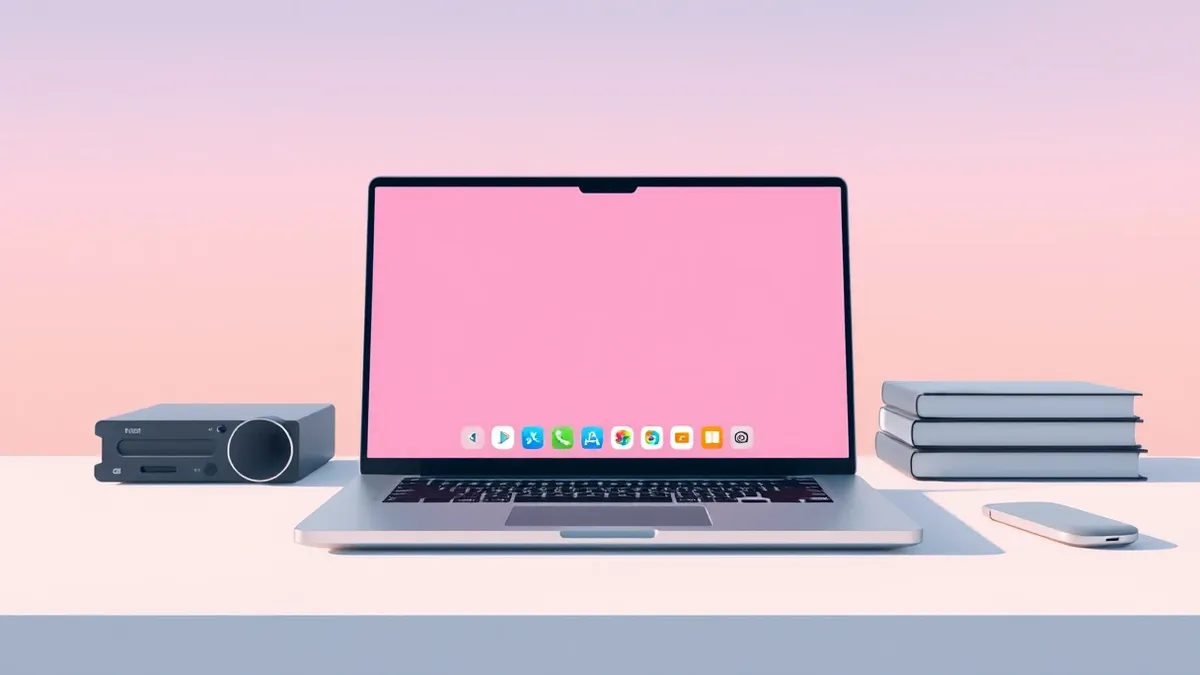
Tom's Hardware published a review of new Googlebook laptops from Dell, HP, and Lenovo, concluding that the hardware is generally sound but the operating system requires significant refinement. The publication states that the software currently feels more like Android on a PC than a mature desktop environment.
The review highlights that Googlebook OS aims to position these laptops as full PCs rather than glorified web browsers. According to Tom's Hardware, the system attempts to merge Android phone functionality with laptop computing in a manner previously seen only with Apple devices. However, the execution still feels limited and centered around the web browser despite the availability of the Google Play Store.
Hardware and Design Variations
The tested devices include the Lenovo Googlebook 15, HP Googlebook 14, and Dell XPS Googlebook. Tom's Hardware notes that the HP model is based on the OmniBook Ultra, while the Dell version mirrors the XPS 13 but includes a haptic touchpad. The Lenovo device features an all-white design with carbon fiber, aluminum, and magnesium, weighing approximately 2.84 pounds despite its 15.3-inch OLED screen.
Screen specifications differ among the manufacturers. HP and Lenovo models include 2880 x 1800 OLED displays, whereas the Dell XPS Googlebook uses a 2560 x 1600 LCD panel. Tom's Hardware describes the HP device as feeling the most premium, while expressing appreciation for Lenovo's airy design. The reviewer also criticized HP for continuing to use keyboards without spaces around the keys.
Software Limitations and Shared Features
All tested Googlebooks share the Glowbar, a feature originating from the Chromebook Pixel and Pixel C tablet. The operating system includes various AI features, some unique to these laptops and others like Rambler that were previously introduced on Android phones. Tom's Hardware reports that while the hardware is solid, the OS needs more time to develop into a full PC operating system.
The publication suggests that Googlebooks are more powerful than previous Chromebooks but have not yet achieved the status of a complete PC platform. The reviewer spent several days using the devices and found that the experience largely resembles Android with desktop features added on. Battery life was also noted as an area for potential improvement across the tested units.
What should you do?
Professionals evaluating these devices for enterprise deployment should test the specific operating system version in their intended workflows before purchasing. IT managers should verify that required applications run correctly within the browser-centric environment described in the review. Users should check if the specific hardware model's screen resolution and port selection meet their technical requirements. Organizations should monitor for future software updates that may address the reported limitations in the desktop experience.
What to do and how to stay safe: Googlebook
- Test the specific OS build in your actual work environment to verify application compatibility and performance.
- Verify that the hardware ports and screen specifications of the chosen model meet your technical needs.
- Monitor vendor channels for software updates that may improve the desktop-like functionality of the OS.
- Evaluate battery life performance under your typical usage patterns before committing to a purchase.
Step-by-step guide: Mobile Device Security: How to Protect Data Beyond Passwords
General security guidance from the Threat Times newsroom. It is not confirmed advice from the organisations named in this story.
Frequently asked questions
Which manufacturers produced the Googlebooks tested in this review?
Tom's Hardware tested devices from Dell, HP, and Lenovo, noting that Acer and Asus are also hardware partners.
How does the Googlebook OS compare to traditional PC operating systems?
The review states the OS feels largely like Android with desktop features added, rather than a full PC operating system.
What screen resolutions are available on the tested Googlebooks?
HP and Lenovo models feature 2880 x 1800 OLED screens, while the Dell model has a 2560 x 1600 LCD panel.