Smart Home Security Explained: The Perimeter Defense Model
Treating connected devices as a single network segment exposes your entire digital life to a single point of failure, requiring segmented defense strategies.

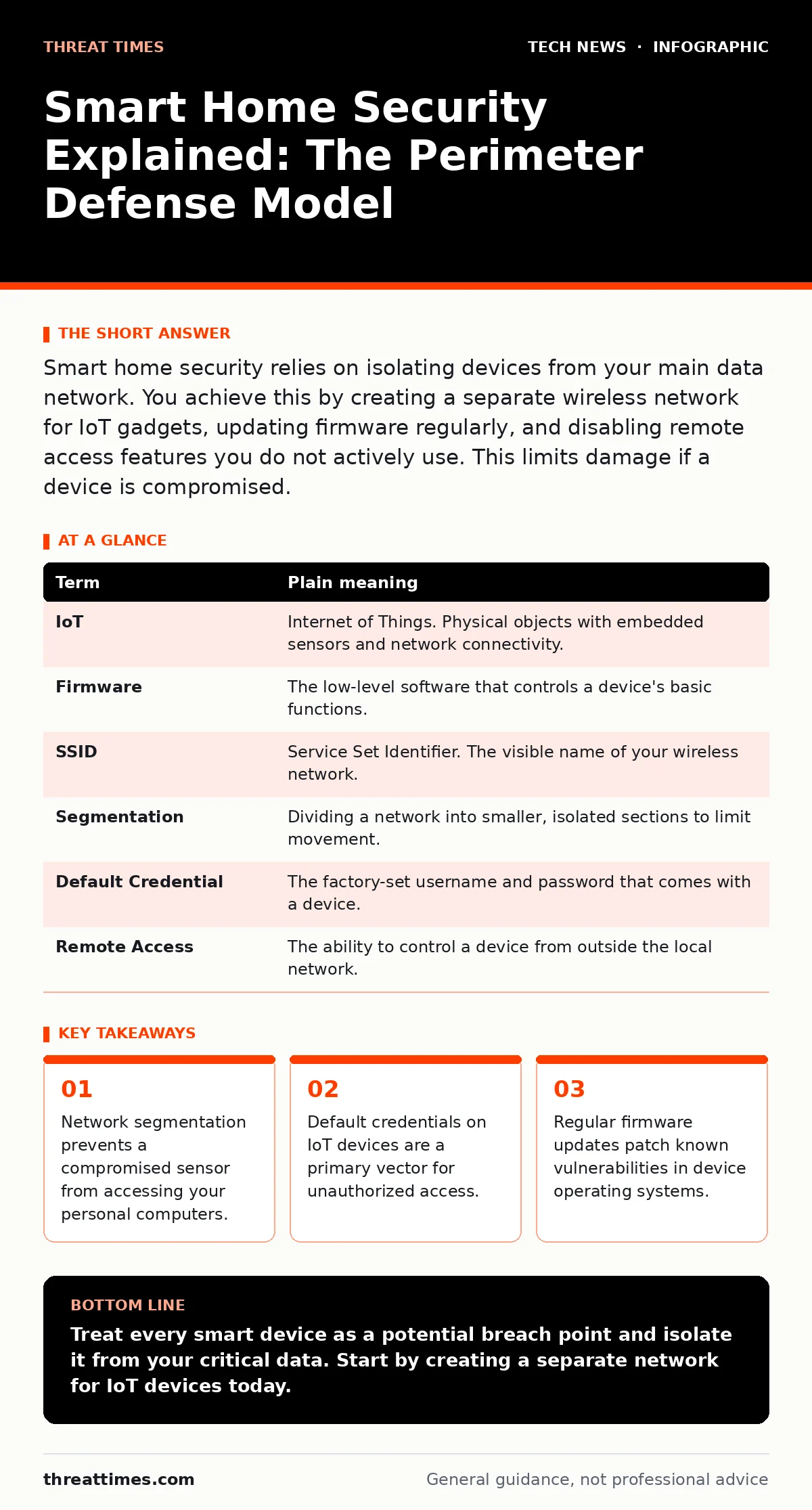
Smart home security relies on isolating devices from your main data network. You achieve this by creating a separate wireless network for IoT gadgets, updating firmware regularly, and disabling remote access features you do not actively use. This limits damage if a device is compromised.
The Fortress and the Gatekeeper
Imagine your home network is a physical estate with a high wall. Your personal computers and phones are the residents living in the main house. Smart home devices, such as cameras and thermostats, are the gatekeepers standing at the entrance. If a gatekeeper is weak or distracted, an intruder can enter the estate. The goal of smart home security is not to make the gatekeepers invincible, but to ensure they cannot open the door to the main house.
Most users treat the gatekeepers as part of the household. This is a mistake. A smart bulb does not need access to your bank records. When you connect every device to the same network, you remove the internal walls between the gate and the house. You must establish boundaries that restrict what each device can see and touch.
Defining the Digital Boundaries
To understand how to secure these boundaries, you must first understand the language of the network. The following terms define the structure of your digital estate.
| Term | Plain meaning |
|---|---|
| IoT | Internet of Things. Physical objects with embedded sensors and network connectivity. |
| Firmware | The low-level software that controls a device's basic functions. |
| SSID | Service Set Identifier. The visible name of your wireless network. |
| Segmentation | Dividing a network into smaller, isolated sections to limit movement. |
| Default Credential | The factory-set username and password that comes with a device. |
| Remote Access | The ability to control a device from outside the local network. |
The Cost of Convenience
Manufacturers often prioritize ease of setup over security. A device that connects automatically to your main Wi-Fi network is convenient, but it grants that device trust equal to your laptop. This trust is rarely earned. Many IoT devices lack the processing power to run modern security protocols. They may use outdated encryption or have hardcoded backdoors for factory testing.
When you ignore Wi-Fi security best practices, you expose these weak points to the internet. An attacker does not need to hack your computer directly. They only need to find one weak gatekeeper. Once inside, they can scan the rest of the network. This lateral movement is the primary risk in smart home environments.
Implementing Network Segmentation
The most effective first step is network segmentation. You create a separate wireless network for your IoT devices. This guest network allows devices to communicate with the internet but blocks them from accessing your main network. If a smart speaker is compromised, the attacker remains trapped in the guest zone. They cannot reach your files or passwords.
Most modern routers support this feature. Look for options labeled "Guest Network" or "IoT Isolation." Configure this network with a different SSID and a strong password. Do not use the same password as your main network. This ensures that even if one password is guessed, the other network remains secure.
Managing Device Credentials
Changing default credentials is non-negotiable. Manufacturers often ship devices with simple passwords like "admin" or "1234". Attackers use automated tools to scan for these known combinations. Changing the password to a unique, complex phrase removes this easy entry point.
You should also disable remote access features unless you strictly need them. Many devices allow control from anywhere in the world via the cloud. This expands the attack surface. If you only need to adjust your thermostat while at home, disable the remote access feature in the settings. This reduces the number of doors an attacker can try to unlock.
The Hidden Cost of Updates
Firmware updates often contain security patches. However, many IoT devices stop receiving updates after a few years. This is a hidden cost of cheap hardware. When a device reaches end-of-life, it becomes a permanent vulnerability. You cannot patch flaws that the manufacturer no longer addresses.
Before purchasing a device, check its update history. Avoid devices that have not received an update in over a year. Once installed, enable automatic updates if available. If manual updates are required, schedule a regular time to check for them. Ignoring updates leaves known holes open for exploitation.
Try This Now
- Log into your router settings and create a separate guest network for all smart home devices.
- Change the default administrator password on your router and every IoT device to a unique, complex password.
- Disable remote access on any device that you only control while physically present in your home.
Beyond the Basic Perimeter
As you expand your smart home, consider more advanced controls. Understanding APIs helps you see how devices communicate with external services. If a device relies on a third-party cloud service, that service becomes part of your security chain. If the cloud provider is breached, your devices may be exposed.
For deeper isolation, you might explore virtualization security concepts by running a separate virtual network for experimental devices. This allows you to test new gadgets without risking your main infrastructure. Even simple measures like disabling unused ports on your router reduce the attack surface.
Key takeaways
- Network segmentation prevents a compromised sensor from accessing your personal computers.
- Default credentials on IoT devices are a primary vector for unauthorized access.
- Regular firmware updates patch known vulnerabilities in device operating systems.
Treat every smart device as a potential breach point and isolate it from your critical data. Start by creating a separate network for IoT devices today.
Frequently asked questions
Is a mesh network safer than a single router?
Mesh networks improve coverage but do not inherently improve security. You must still segment IoT devices on a mesh system to prevent lateral movement.
Do I need to change the SSID of my guest network?
Yes, using a distinct name helps you identify which devices are on the isolated network and prevents accidental connection of personal devices.
What if my router does not support guest networks?
You can use a secondary, inexpensive router or a software-defined firewall to create a separate network segment for IoT devices.
Are smart home devices a risk if they are never connected to the internet?
Yes, if they share a network with your computers. An attacker on the local network can still exploit vulnerabilities in the IoT device to access other connected devices.
How this guide was produced: written by the Threat Times editorial team with AI assistance, checked against the public references listed below, and reviewed when the facts change. See our editorial policy or report an error.