Google Messages Adds Trash Feature to Restore Deleted Threads for 30 Days
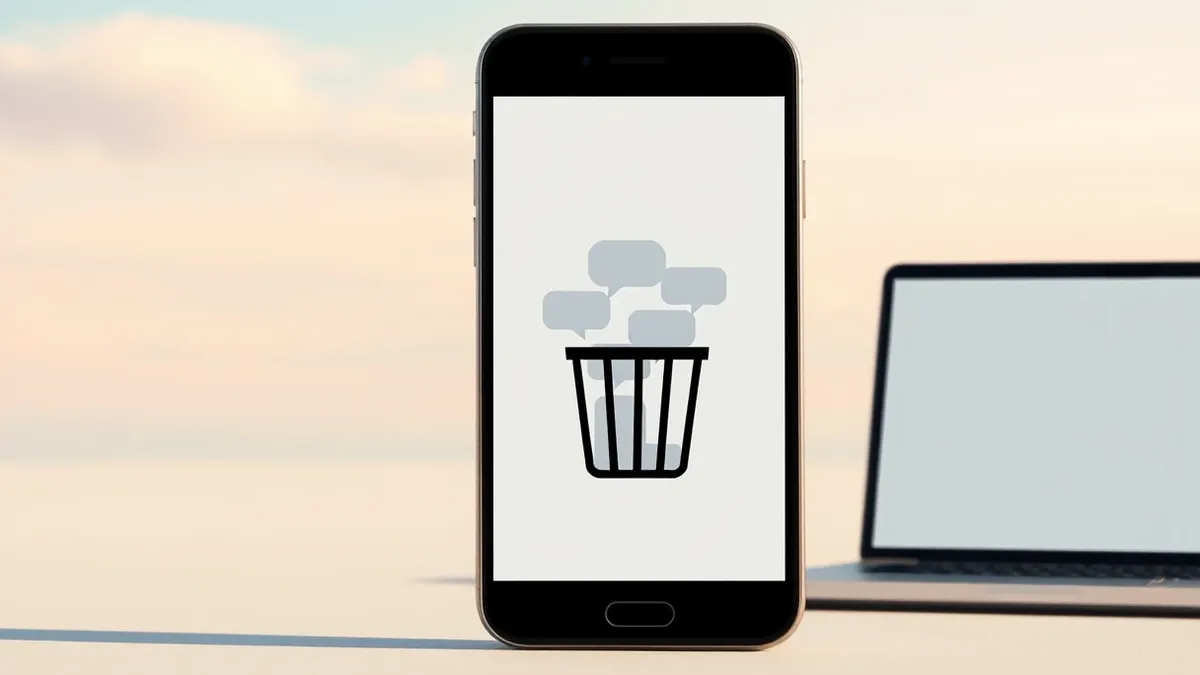
Android users can now recover accidentally deleted conversations within the Google Messages app through a new Trash section that retains threads for 30 days.
Key points
- Google Messages now includes a Trash feature for recovering deleted conversations.
- Deleted threads remain in the Trash for 30 days before permanent deletion.
- Users can restore individual threads or bulk-remove items from the Trash.
Google has added a Trash feature to the Google Messages app, allowing Android users to recover conversations they accidentally deleted. According to Computerworld, this functionality addresses a long-standing frustration for users who previously had no way to restore killed messaging threads. The feature has been available since last year, marking a significant change in how the platform handles data deletion.
The new system stores deleted conversation threads in a dedicated section of the app for a period of 30 days. During this window, users can view the removed chats and choose to restore them to their main inbox. Computerworld reports that the feature makes it possible to reverse accidental deletions, providing a safety net that was previously absent from the standard Android messaging experience.
Accessing the Trash Feature
Users can locate the new Trash option by tapping their profile picture in the upper-right corner of the Google Messages app interface. According to the Computerworld report, the Trash menu item appears directly beneath the Archived option in the resulting drop-down menu. Selecting this option takes the user to a special section where every axed thread is listed.
Inside the Trash section, the interface provides specific controls for managing the stored data. Users can tap any single thread to view it and then select a circular clock icon at the top of the screen to restore that specific conversation. Alternatively, they can tap a trash icon to permanently delete the thread from their phone, an action that is irreversible.
Bulk Management and Strategy Shifts
The feature also supports bulk operations, allowing users to restore or delete all threads in the Trash area simultaneously. Computerworld notes that this addition is part of a broader shift in Google’s strategy, which has focused on the Google Messages app as the primary platform for Android messaging for several years. This dedication has resulted in a more polished user experience in 2026.
The outlet describes the current state of Android messaging as a decent experience, citing the app’s solid core and numerous efficiency enhancers. The Trash feature is listed among 16 advanced advantages that are often overlooked but improve productivity. This follows a previous collection of time-saving tricks published by the same source, highlighting the depth of features available within the standard app.
What should you do?
Users who frequently delete messages by mistake should check their Google Messages app settings immediately to familiarize themselves with the new Trash location. Those who rely on Android for business communications should verify that they understand the 30-day retention window to ensure they can recover critical threads if needed. It is also advisable to review the Archived section to understand the difference between archiving and deleting conversations.
What to do and how to stay safe: Google Messages
- Locate your profile picture in the Google Messages app to access the main menu.
- Select the Trash option to view any conversations deleted within the last 30 days.
- Use the clock icon to restore specific threads or the trash icon for permanent deletion.
- Consider using the bulk action tools to manage multiple deleted threads at once.
General security guidance from the Threat Times newsroom. It is not confirmed advice from the organisations named in this story.
Frequently asked questions
How long does Google Messages keep deleted conversations?
The app retains deleted threads in the Trash for 30 days before they are permanently deleted.
Where can I find the Trash feature in Google Messages?
Tap your profile picture in the upper-right corner, then select Trash from the menu below Archived.
Can I restore multiple deleted conversations at once?
Yes, the feature allows users to restore or delete all threads in the Trash area together.