Apple to add Sound Glow and surround sound to existing HomePod 2 via free update
Apple announced three new features for the current HomePod 2, including visual audio effects and expanded Mac compatibility, arriving later this month.
Key points
- Sound Glow feature will sync HomePod 2 lights with album artwork and music.
- HomePod 2 can become the default speaker for compatible Mac computers.
- Four HomePods can create a surround sound system with the new Apple TV 4K.
Apple announced that the existing HomePod 2 will receive three new features through a free software update. The company revealed these additions alongside the launch of the HomeView, HomePod mini 2, and a new Apple TV 4K. No new full-size HomePod hardware is launching at this time.
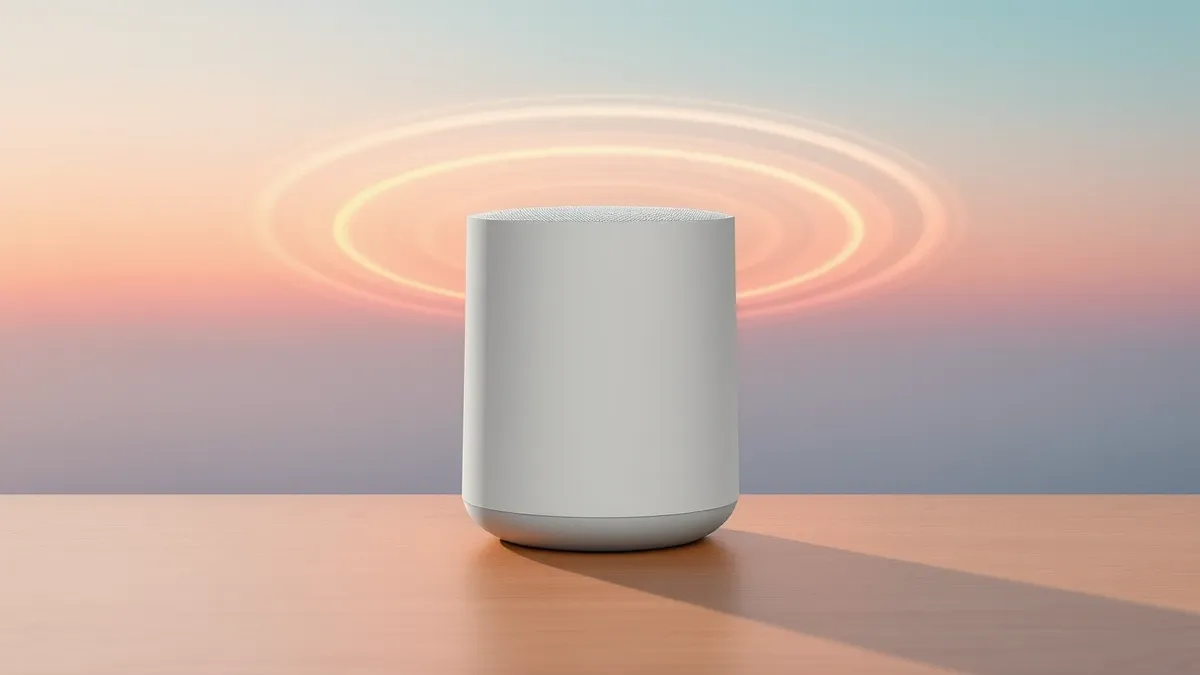
The update brings Sound Glow, which turns the speaker’s top into a visual canvas. According to 9to5Mac, the lights pulse in tune with the music and match album artwork colors. Users can also select soundscapes like rain to trigger specific animations for a soothing atmosphere.
New Connectivity and Audio Features
Apple is expanding how the HomePod 2 interacts with Mac computers. Previously, users could use AirPlay to stream audio from a Mac to the HomePod. The new update allows users to set the HomePod as the default Mac speaker. This change aims to provide a more seamless and reliable connection between the devices.
This default speaker feature requires specific hardware compatibility. According to the source material, it works with HomePod (2nd generation) and Mac desktops or laptops that support Wi-Fi 6E or later. This allows users to upgrade their Mac speaker setup with a single HomePod or a stereo pair more easily than before.
Surround Sound Setup Requirements
A new surround sound feature enables a more immersive home theater experience using Apple products. This feature is exclusive to the new Apple TV 4K (4th generation). Users can configure four HomePods to act as front and rear speakers for spatial audio playback.
The setup requires matching pairs of speakers. According to 9to5Mac, users need four HomePod mini 2 or HomePod (2nd generation) units. These must be paired with an Apple TV 4K (4th generation) running the latest operating system software. This creates an all-Apple home theater ecosystem for supported users.
What should you do?
Apple has not yet confirmed the exact launch date for these HomePod features. However, 9to5Mac reports they are expected to debut with iOS 27.2 and HomePod 27.2 later this month. Users should monitor their device settings for the software update notification when it becomes available.
What to do and how to stay safe: Apple
- Check your HomePod 2 and Mac for Wi-Fi 6E compatibility to use the default speaker feature.
- Ensure your Apple TV 4K is the 4th generation model to access the new surround sound setup.
- Wait for the iOS 27.2 and HomePod 27.2 updates later this month to enable these features.
- Verify that you have an Apple Intelligence-compatible iPhone to use the Sound Glow feature.
Step-by-step guide: Mobile Device Security: How to Protect Data Beyond Passwords
General security guidance from the Threat Times newsroom. It is not confirmed advice from the organisations named in this story.
Frequently asked questions
Can I use Sound Glow on my current HomePod 2?
Yes, Apple announced that Sound Glow is coming to the existing HomePod 2 via a free software update later this month.
Do I need a new Apple TV for surround sound?
Yes, the new surround sound feature for HomePods is exclusive to the new Apple TV 4K (4th generation).
Which Macs can use HomePod as a default speaker?
Only Mac desktops and laptops with Wi-Fi 6E or later support setting HomePod as the default speaker.